

Back in Black: Returning to Zergling
Fixing the UI
Okay, so we have created a very simple UI. It does this job, but we're getting to the point where we need to fix some of the inconsistencies. One of the major ones for me is that I'm working on a desktop and laptop, and when I plug the laptop into the desktop monitors, the screen size shift causes the zergling window to expand. Let's get on fixing that first, so we're going to open a new chat and get started...
But first! Gnome 49 was released, so we need to update our compatibility!
Oh, wow...I made this prompt in this blog profile of Cursor.
Damn, access to the full disk, forgot about this! Such a good reason to really lock down your AI and ensure you're not allowing it to do anything that you don't want it to. Since we've started though, this will make for a great context seed to write the blog post from the AI point of view...so I guess I'll keep on.
Luckily, Cursor asks to edit files outside your repository. As we get farther and farther down the path of building our own AI system, we'll need to remember to put safeguards around our system like this. In fact, it might be wisest to do this development inside of a virtual machine where we mount the files we need from our host into a read-only volume, unless write access is specifically needed.
Principle of Least Privilege!
dbus-run-session -- gnome-shell --nested --wayland instead we have to use dbus-run-session -- gnome-shell --devkit which also requires that you install the mutter-dev-bin package (ubuntu) or in my case the mutter-devkit package (I use Arch, btw).Nice. there was an error where it was trying to access the primary monitor before it exists...maybe this is only due to running in devkit? Either way, I had the robot correct this by setting some fallback dimensions:
// Get monitor with proper null checking for GNOME 49 compatibility
const monitor = Main.layoutManager.primaryMonitor;
if (!monitor) {
  console.error(
    "[Zergling] Primary monitor not available, using fallback dimensions"
  );
  // Fallback dimensions if monitor is not available
  this._dialog.set_size(800, 600);
} else {
  // Set 75% width dimensions for clean chat interface
  const dialogWidth = Math.floor(monitor.width * 0.75);
  let dialogHeight = Math.floor(monitor.height * 0.6);
  // ... rest of the sizing logic
}
Now I need to reboot my shell and see if this actually fixes the issue or not!
...
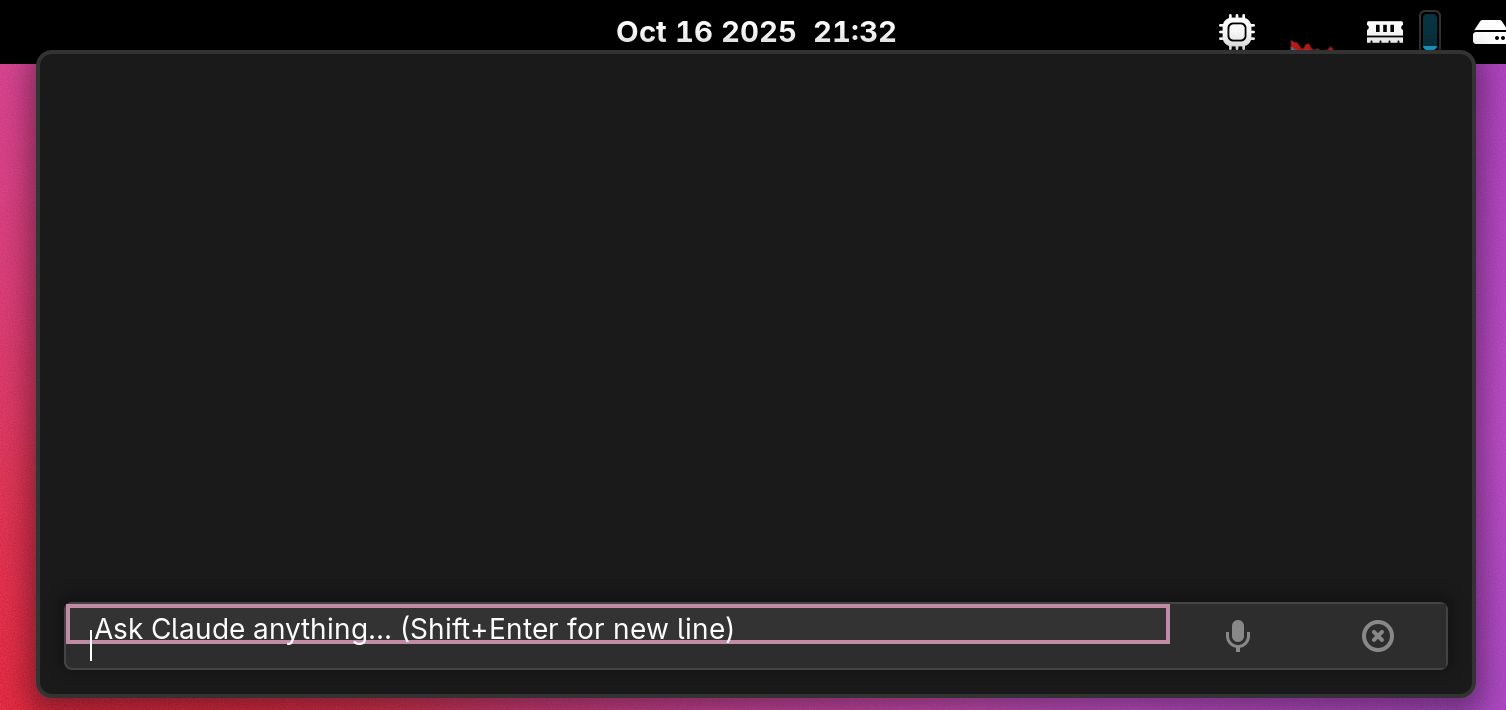
Well, it looks kind of odd on the small screen, at least the textbox does.
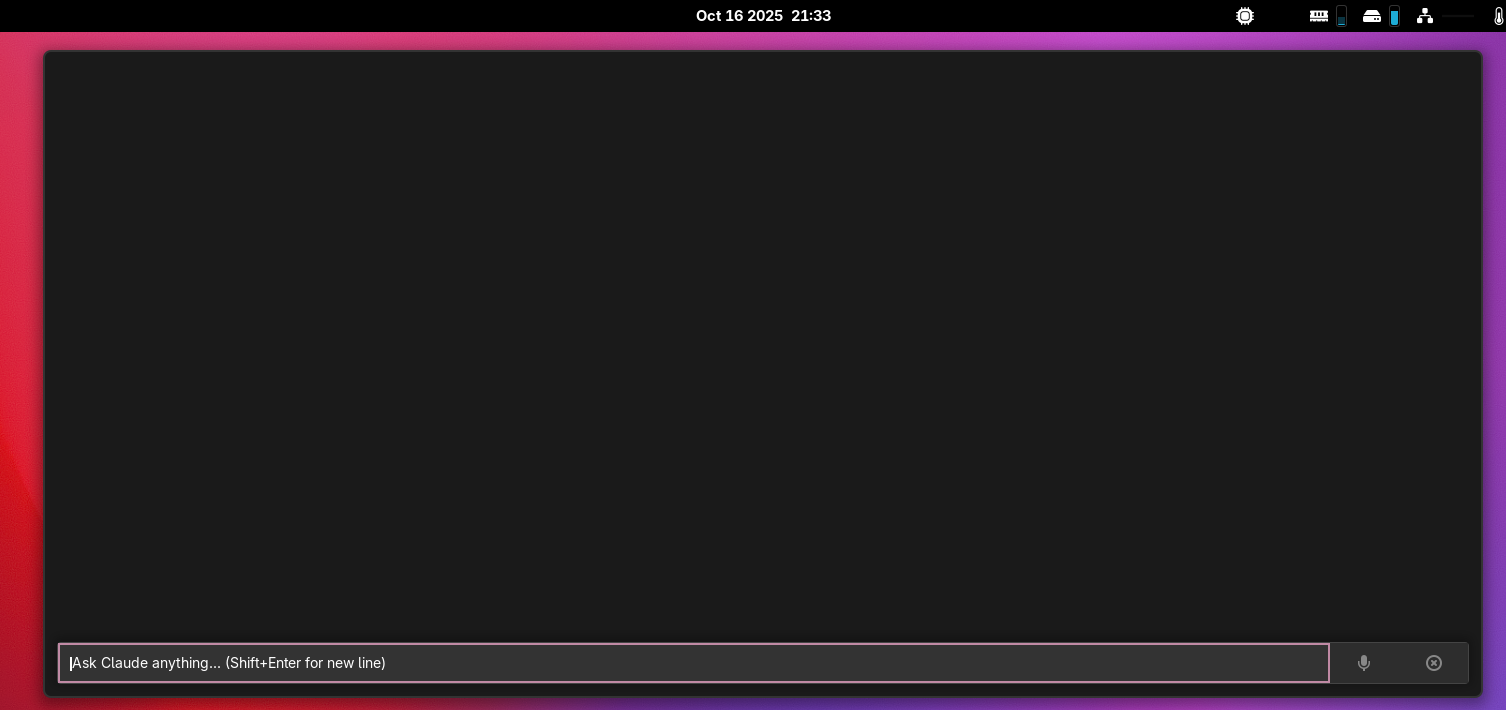
But! It does properly resize now on the big screen!
Only Linux?
I want to take a brief moment and mention that while I'm building a gnome extension right now, the way we are going to ultimately architect this entire suite of tools will be easy to use from any UI. I'm a fullstack engineer, systems developer, architect, blah blah -- even back in the day I used to develop cross platform UI rendering libraries for all operating systems! We're going to use these roots of mine to develop this system in a way that any platform should be able to use it. You may have to do some tinkering depending on what system and with what libraries you have available to you. Otherwise, I will try to choose relatively system-agnostic languages and we will even develop a web UI!
Message from the future
It's now 2026-01-30 and I'm writing in this old article. I forgot to publish it. This was supposed to be a brief fix of a UI issue and then I got completely distracted. See more details in my next post 009!