https://blog.crosscompiled.comCrossCompiled Blog2026-05-13T00:00:00.000ZCrossCompiled Blog Feed GeneratorJayblog@crosscompiled.comhttps://blog.crosscompiled.comA blog about software development, AI, and technologyhttps://blog.crosscompiled.com/images/logo.pnghttps://blog.crosscompiled.com/favicon.icoAll rights reserved 2026, Jay<![CDATA[It's Been A While]]>https://blog.crosscompiled.com/posts/zergling-project/015-its-been-a-while/2026-05-13T00:00:00.000ZJayblog@crosscompiled.comhttps://blog.crosscompiled.comJayblog@crosscompiled.comhttps://blog.crosscompiled.com<![CDATA[Terminal Interpreter - Fix Your Forgetfulness]]>https://blog.crosscompiled.com/posts/development-tools/002-terminal-interpreter/2026-05-13T00:00:00.000Z [!info] **Terminal Interpreter** is a small Rust binary plus a thin shell
> widget. You type what you want at the prompt — "list files including hidden,
> sorted by mtime" — press `Ctrl-G`, and the current line is replaced in place
> with `ls -alt`. Press Enter to run, or edit first if the model got cute.
That's the whole pitch. One binary. One config file. A shell snippet that binds
a hotkey. It's not an agent, it's not a chatbot, it's not trying to take over
your terminal it's an LLM-flavoured auto~~complete~~replace that runs exactly
when you ask it to and then gets out of the way.
Let's dive into why I built this tool to help me protect myself from how stupid
I am.
---
# Starting From Zero
I need something to fix my commands when I type something like the following:
```bash
$ kubectl get wait shit how do i list all the containers in all pods
```
I knew exactly two things:
1. I wanted a Rust binary. It's fast. It's cool. You love it. I love it.
2. I wanted the LLM provider to be swappable. I bounce between OpenAI,
Anthropic, and a local Ollama box depending on mood and what's running. It
also helps you avoid tokenmaxxing and breaking the bank.
3. I want it to be simpleAF to use.
Oh, that's three things.
This seems like a simple thing...and "why don't you just want to use an LLM
prompt?" is the first question that comes to mind. Let's be honest, when you're
working at the terminal you don't want to move to a prompt, or enter into a chat
mode that you're talking back and forth with the model. The motivating part of
this program to me is that interaction is easy. It's just `^G` at the command
line!
## Rust? Yes, Rust.
I love Rust. It's a great language and getting better all the time. This is
coming from an old C++/C developer, too! However, the models of the past
(like 2024) were not so good at writing Rust code. Guess what? The models of the
future (2026) are seemingly not-terrible at it! So, I decided to build a simple
project in Rust this time. A reminder that I am a "directing prompter" -- I
don't say things like "build me an application that does X" instead I say things
like
> [!prompt] Build me a Rust application using the clap library that initally
> supports only a config flag that points to a file that contains a json
> configuration file to configure our application and then all positional
> arguments as in `interpreter -- the rest of the arguments`. Those latter
> arguments will be the prompt that we will send to the LLM model. Use the llm
> crate for abstracting model choice and communication.
Then later, when I realized that I wanted to make installation and configuration
as simple as I possibly can (and also experiment with a TUI application) I used
a prompt like this
> [!prompt] Great! Now we need to build a configuration TUI using the cursive
> library to configure our json object. Store this file in the local
> configuration directory for the OS (mac or linux) and build a hierarchical TUI
> using a dark mode with a slate blue tone that allows us to edit the JSON
> object. Inputs should accept a value when enter is pushed and cancel when
> escape is pushed. I want vim navigation alongside natural arrow keys. The TUI
> should populate with the values from the configuration file. Produce a model
> list for suggesting model choices and query for both the model and cost so
> users can make an informed decision about which model they want to use. The
> model selection menu should be a filterable list that uses enter to select a
> model. This should all be developed in a new module init_tui and use the
> cursive library to build it.
Not too explicitly descriptive, but also I'm telling this thing what I want and
even sometimes where I want it. The downside is that I didn't get to learn
myself how to use the `cursive` library. However, the upside is that this TUI
was complete on the inside of a few minutes. I was off, I could
`interpreter --init` and configure this application entirely!
## Installation
From here, the natural point for me was to make the easiest possible
installation and while I'm at it make a debuggable application while I'm
building so I don't have to overwrite my installation of this binary once I get
to the point of publishing it...which should be soon I hope.
I asked the robot to create `interpreter --install` which would create the
configuration directory, put a sample json configuration file there with
defaults, then run `--init` the TUI to configure the application. After changing
any settings the user desires, the final output is how to install the
zsh/fish/bash commands that set the bindkey and do the command line replacement.
## The Shell Widget Is The Whole Product
What makes this tool _feel_ like a tool is the shell integration: the moment
where your half-baked command-with-words-in-it becomes a real command without
you ever leaving the prompt.
In zsh, the entire integration is twenty lines:
```zsh
_interpreter_widget() {
emulate -L zsh
local input=$BUFFER
zle -R "interpreter: thinking…"
local output rc
output=$("$INTERPRETER_BIN" --config "$INTERPRETER_CONFIG" -- "$input" 2>/dev/null)
rc=$?
if (( rc != 0 )); then
zle reset-prompt
zle -M "interpreter: failed (exit $rc)"
return 1
fi
BUFFER=${output%$'\n'}
CURSOR=${#BUFFER}
zle reset-prompt
}
zle -N _interpreter_widget
bindkey "$INTERPRETER_KEY" _interpreter_widget
```
This is the beauty is that it essentially overwrites your prompt with output
from the model. Many of the other chat-in-terminal tools I've used are
cumbersome to interact with. One of my favorite ones
[AIChat](https://github.com/sigoden/aichat) is _much_ more powerful than this
tool...but was too cumbersome to use to do the most useful part of it to me!
I just want to type some shit and get a command out. Better yet, use the history
of commands in this shell and of things I've used over time to make an educated
guess at what I'm trying to type.
It's handy. You should try it.
# Some Context
We, avid users of LLMs, all know that **Context Is King!** The next feature I
added was the ability to specify an additional context system prompt addition
which is a standard way to add your own flavor to the model output.
The other thing I added though, after asking a few of my friends to test the
CLI, was a "context files" feature that loads up file paths. These files are
loaded into the context window of the model and can be used to add specialized
information to the LLM such as commands you particularly use. Unforunately today
this is single-command, so everything would have to be on one line to currently
function, but perhaps in the future we can build a series of commands or
something if that's necessary. For now, though, this is primarily a "hotfix my
command" style interpreter.
Honestly, it really reminds me of [fuck](https://github.com/nvbn/thefuck)!
Loading these files has given me a real taste for the fine-tuning of LLM
behavior though. Despite having a simple system prompt that directs models to
prefer content from user-provided files....it often does not. It will take some
tinkering to get this to work properly, but I see a bright future on the
horizon.
# Close
So far the little tool has proven to be quite useful to me. Especially in the
age of context switching like mad between orchestration of agents in multiple
projects...It was fun to use claude and vim in combination to edit a live
codebase simultaneously using Rust. Even if it is a simpler project compared to
others.
Oh, one other thing I forgot to mention. I built in Ollama support so you can
run local models and not chew through :moneybag:! You're welcome!
]]>Jayblog@crosscompiled.comhttps://blog.crosscompiled.comJayblog@crosscompiled.comhttps://blog.crosscompiled.com<![CDATA[The New Reality]]>https://blog.crosscompiled.com/posts/zergling-project/014-the-new-reality/2026-02-24T00:00:00.000Z [!note] Wait-time: The time I spend waiting for AI to implement the next
> prompt.
>
> I typically spend this time writing a blog post to catch you readers up on
> what I'm doing and my process, but this most recent time...I used it to study.
> This is one of the serious powers of vibe-coding-done-right, to me. If you can
> wield AI in specific, non-critical locations, then you can do _additional_
> work in the down time.
The changes that I've made to our application astound me. I have now realized
there is a critical component that I needed to operate my network of agents in
the fashion I want. I will talk about this more in a while...for now, I'm
wondering if there's a potentially useful product in here somewhere -- if it
doesn't exist already.
Let me say that I _still_ have not fired up all of the new hotness: OpenClaw. In
developing my system, and seeing videos and articles on OpenClaw, I wonder how
similar my system may be to that one. However, I decided to carry on developing
my own network for two main reasons. One: it's educational and I'm learning a
ton about manipulating LLMs, and two: in the case that some of this technology
does not exist, it will be very worthwhile to create (imo).
# The Details
- Massive UI changes
- Introduction of agents
- Streaming chat + my first debugging case (streaming tool calls)
- Databases and Sessions
- Background Agent to User communication
- Software Development with AI in-mind: Building to Introspect (and Debug)
- Iterative and Guided Development with AI
- A Massive Prompt
# Massive Prompt Time
Okay. Check this the fuck out. This is definitely my largest prompt to date and
I think well-describes my paradigm of "Guided Development." I don't want to tell
the AI at an extremely high level what I want and _hope_ it gets the system
right and constructed in an easily modifiable way. Instead, I want to help build
a software architecture that is easy for me to reason about as well; maintaining
one of my favorite software design principles: modularity.
> [!prompt] We need to empower agent teams. I realized something quite
> interesting. we built queues for an agent for communication, but we did not
> build a way for agents to retain their session. This can matter if there is a
> call and response requirement such as when there is a user notification that
> requires a response. Let's create the agent_sessions table. This table will
> have rows identified by the agent ID. Similarly to the sessions tables, we'll
> track the agent session messages in an additional table. This will allow
> agents to build a long-running session of turns, tool calls, and
> communications -- or to shut down and be recalled retaining the full context
> of their prior execution. It will also help when agents communicate with one
> another to retain the context of that communication over time.
>
> With this in place, I think we need to modify how agents and teams work. I
> thought we would be creating individual agents, but I see now that this is not
> the way forward. Instead, teams will be configured as a template for creating
> agents. We already have a couple of these configuration pieces in place: the
> system prompt and tool selection. We need additionally the ability to assign a
> model to the team, and the number of agents within the team. Now we can modify
> how teams behave! We will remove the agent messaging and work queues and
> instead we will have the Team messaging queue. The agent listener loop will be
> responsible for delegating messages to a new module, the agent_team_listener.
> This module will be responsible for holding the team queue and processing
> messages designated for a team. Each Team should spawn a new thread to perform
> its own listening loops so we can operate concurrently. This means that the
> agent_listener could likely become the agent_team_listener since the
> functionality will be quite similar, only instead of processing N queues, it
> will process only its own queue. We will
>
> The team listener wil have agent-based responsibilities. It will create an
> agent if there is a slot available (recall teams have a specified number of
> agents), and will otherwise enqueue the work into a holding queue for when an
> agent completes their prior work. Agents within a team will have a lifecycle.
> If the requested agent does not yet exist, it will be created and the creation
> event (or hook) will take place. When an agent requests some work from another
> team or a response from the user, it will go into a suspended state. After the
> agent has completed the work assigned to it, it will go into the shutdown
> state. Let's talk about these states.
>
> - Creation: create the agent with corresponding new ID. Create the agent's
> session. Initiate the agent with the team's system prompt, toolbox, and
> model configuration. Initiate the chat session with the work message and
> details
> - Suspended: when awaiting feedback or output from another entity we suspend
> the agent. This is much like an async/await system. The agent will use a new
> tool, agent*suspend_with_message, which will take a message and suspend the
> agent until a response is reached. The message should generate a unique
> response ID (such as a UUID) and the team_listener will save the details of
> the agent and the response identifier along with any other details into a
> new suspended agents map (response ID -> agent). Suspended agents \_should
> not* be used to do new work. Each work item that requires new context will
> create a new agent. Suspended agents are woken when a message enters the
> team queue with the correct response ID, at which point the team listener
> waits for an open agent slot and revives the suspended agent, appends the
> response to its session, and re-initiates the chat loop.
> - Shutdown: At the completion of an agent's work item, that agent is shutdown.
> This means that all details are saved into the database, as they should be
> already due to agent session tracking, we can mark the agent session as
> complete in the database. Any resources in use are returned into the agent
> pool and this will free up an agent slot for use for future work.
>
> Messages that go into team queues or the user notifications will have more
> details associated with them. All message originators need a unique message
> ID, this can be in the constructor for the message object itself. Messages
> should contain an originator data object that defines who the message came
> from, for example the user, another agent/team, or an event integration. This
> message ID can serve as the response ID in agents that require a response.
> Future messages that occur _in response_ to another message, such as a user
> responding to a user notification, should have an originator_message_id
> parameter in the message that will capture the original message's ID (the
> response ID which will identify which agent needs to be woken up). With this
> in place, we should be able to facilitate back and forth messaging between
> entities. Note: event integration messages do not exist yet, it is just
> another example of a message type that will come in the future.
>
> With all of these changes complete, we then need to modify the UI to suppor
> the new teams architecture. Creating a team will now require specifying a
> model and parameters for that model (context window, max tokens, etc.), the
> system prompt, the toolbox, and anything else. These should all be modifable
> properties as well, so we can change existing teams' settings. Responding to
> user notifications will require the additional message details to route
> messages to the correct team for waking up the suspended agent.
And the Plan that was generated:
> ?? Massive Agent Teams Refactor Plan
>
> # Agent sessions and teams architecture
>
> ## Current state (brief)
>
> - **DB**: [db.py](zergling-agent-server/data/db.py): `teams` (name,
> system_prompt, tool_names), `agents` (name, team_id, model_id,
> max_context_tokens), `sessions` / `session_messages` (user chat),
> `user_notifications`, `processed_queue_messages` /
> `agent_conversation_turns` (one-shot work log). No agent-level session.
> - **Queues**: One `team:{name}:work` and one `team:{name}:messaging` per team;
> [AgentListener](zergling-agent-server/agent/agent_listener.py) polls all
> team work queues with a global semaphore, processes one message per worker,
> uses team config from first agent via
> [get_team_agent_config](zergling-agent-server/data/teams_agents.py).
> - **Agents**: Created explicitly via POST /agents (name, team_name, model_id?,
> context_window?); config split between team (system_prompt, tool_names) and
> agent (model, context).
> - **Messages**: Work payloads are free-form (e.g. `{content}`); no message_id
> or originator.
> [submit_response](zergling-agent-server/data/user_notifications.py) only
> updates DB; no queue wake-up.
>
> ## 1. Database: agent sessions and schema shifts
>
> **New tables in [db.py](zergling-agent-server/data/db.py)**
>
> - **agent_sessions**: `id`, `agent_id` (UNIQUE), `created_at`, `updated_at`,
> `completed_at` (NULL = active). One row per agent instance; keyed by agent
> id for long-running context.
> - **agent_session_messages**: `id`, `agent_session_id`, `turn_index`,
> `originator`, `category`, `content`, `created_at`. Same shape as
> [session_messages](zergling-agent-server/data/sessions.py) for consistency;
> supports user, assistant, tool_call, tool_result, etc.
>
> **Team-as-template**
>
> - **teams**: Add `model_id`, `max_context_tokens`, `max_tokens` (optional),
> `num_agents` (integer, default 1). Remove or stop using per-agent
> model/context; team holds model config.
> - **agents**: Becomes “pool members” created on demand: keep `id`, `team_id`;
> add `name` as optional/display (e.g. `agent-{uuid}`) or keep for
> compatibility; drop or ignore `model_id` / `max_context_tokens` on agent
> (read from team). No longer create agents by user-supplied name via API;
> creation is internal when team listener allocates a slot.
> - **user_notifications**: Add `response_id` (TEXT, UUID) and `team_id` (or
> `team_name`) for routing. When a notification is created from
> `agent_suspend_with_message`, set these so that on PATCH response we can
> enqueue to the correct team queue with
> `originator_message_id = response_id`.
>
> **Data layer**
>
> - New module e.g. [data/agent_sessions.py](zergling-agent-server/data/):
> `create_agent_session(agent_id)`, `get_agent_session(agent_id)`,
> `append_agent_session_messages(session_id, messages)`,
> `list_agent_session_messages(session_id, ...)`,
> `complete_agent_session(agent_id)` (set `completed_at`). Mirror patterns
> from [data/sessions.py](zergling-agent-server/data/sessions.py).
> - [teams_agents.py](zergling-agent-server/data/teams_agents.py): Add team
> columns and
> `update_team_config(..., model_id=, max_context_tokens=, max_tokens=, num_agents=)`.
> Add `create_agent_for_team(team_id)` (insert agent, return agent_id) and
> `get_team_config(team_id)` returning full template (system_prompt,
> tool_names, model_id, max_context_tokens, max_tokens, num_agents). Deprecate
> or remove “get config from first agent” in favor of team-only config.
> - [user_notifications.py](zergling-agent-server/data/user_notifications.py):
> Add `response_id`, `team_id` to `create_notification` (optional); in
> `submit_response`, return or expose `response_id` and `team_id` so callers
> can enqueue the reply (or perform enqueue inside a new helper used by the
> route).
>
> ## 2. Message envelope and queue semantics
>
> **Unified message shape** (for team queue and user-facing APIs)
>
> - **message_id**: Unique (e.g. UUID), set in constructor/factory for every
> message.
> - **originator**: Object describing source — e.g. `{ type: "user" }`,
> `{ type: "agent", agent_id, team_id }`, `{ type: "team", team_name }`,
> `{ type: "event_integration", ... }` for future use.
> - **originator_message_id**: Optional; when present, this message is a
> _response_ to that message (e.g. user reply to a notification). Team
> listener uses this to wake the suspended agent that owns that response_id.
>
> **Concrete types**
>
> - Extend or replace [WorkItem](zergling-agent-server/message_queue/work.py)
> (or introduce a `TeamQueueMessage`): required `message_id`, `originator`,
> optional `originator_message_id`, plus body (e.g. `content`, or structured
> payload). Keep backward compatibility for enqueue if needed (e.g. wrap
> legacy `{content}` in default originator).
> - [InterTeamMessage](zergling-agent-server/message_queue/messaging.py): Add
> `message_id`, `originator`, `originator_message_id` for consistency when
> used in cross-team or wake-up flows.
>
> **Team queue only**
>
> - Single queue per team: `team:{team_name}:work`. Remove per-agent work
> queues. Remove or repurpose `team:{team_name}:messaging` as needed (e.g. for
> inter-team or internal use); plan assumes work and wake-up both go to the
> team work queue with envelope fields.
>
> ## 3. Agent lifecycle and team listener
>
> **States**
>
> - **Creation**: Team listener allocates an agent (insert row), creates
> agent_session, builds initial chat from team config (system_prompt,
> tool_names, model_id, max_context_tokens, max_tokens) and work message, runs
> chat loop.
> - **Suspended**: Agent calls `agent_suspend_with_message`; server generates
> `response_id`, stores in
> `suspended_agents[response_id] = (agent_id, session_id, …)`, creates user
> notification with `response_id` and `team_id`. Chat loop stops until a
> message with `originator_message_id == response_id` arrives.
> - **Shutdown**: After agent “finishes” (no suspend, no more tool rounds), mark
> agent_session complete, release slot, optionally mark agent row for reuse or
> leave as-is.
>
> **agent_team_listener (new module, e.g.
> [agent/agent_team_listener.py](zergling-agent-server/agent/agent_team_listener.py))**
>
> - Holds: team_id / team_name, team queue (single), `num_agents` (from team
> config), in-memory **slot pool** (e.g. semaphore or set of “busy” agent
> ids), **suspended_agents** dict:
> `response_id -> { agent_id, session_id, ... }`, and a **holding queue**
> (in-memory deque or list) for messages that arrived when no slot was free.
> - Loop (single thread/task per team):
> 1. Wait for message on team queue (or take from holding queue when a slot
> frees).
> 2. If message has `originator_message_id` and it’s in `suspended_agents`:
> pop entry, load agent session, append response as user message, re-run
> chat loop for that agent (same run_chat, tools include
> `agent_suspend_with_message` and `notify`), then on next shutdown release
> slot and optionally push next holding item to queue.
> 3. Else if message is “new” work and there’s a free slot: create agent +
> agent_session, init chat with work message, run chat (may suspend or
> shutdown); if shutdown, release slot and process holding.
> 4. Else: push message to holding queue.
> - Run chat: same pattern as current listener (build `ChatRequest` from session
> history, call `run_chat`, handle tool_uses; on `agent_suspend_with_message`
> tool call, generate response_id, register in suspended_agents, create
> notification, return from run so the loop “stops” for that agent until
> wake).
>
> **agent_suspend_with_message tool**
> ([mcp_server.py](zergling-agent-server/mcp_server.py) or MCP layer)
>
> - Params: e.g. `message`, `title`, `summary` (similar to notify). Generates
> `response_id` (UUID), creates user notification with
> `response_requested=True`, `response_id`, `team_id`. Returns
> `{ response_id, notification_id, ... }`. The **team listener** must
> intercept this tool result: when the model calls this tool, the runner
> (inside team listener) does not append a normal tool result and continue; it
> registers the agent in suspended_agents and exits the chat loop for that
> agent. So the tool can be implemented as a special case in the team
> listener’s tool-dispatch (or the MCP tool returns a sentinel that the
> listener treats as “suspend and store response_id”).
>
> **agent_listener refactor** ([main.py](zergling-agent-server/main.py) +
> [agent/agent_listener.py](zergling-agent-server/agent/agent_listener.py))
>
> - **agent_listener** becomes a thin coordinator: on startup, for each team
> (from DB), ensure `team:{name}:work` queue exists, create one
> **AgentTeamListener** instance, start one asyncio task per team running that
> instance’s `run_loop()`. No longer register multiple queues on a single
> global loop; each team task runs independently.
> - Remove global “register team work queue” from
> [data_routes.py](zergling-agent-server/routes/data_routes.py) for new model:
> new teams get a queue when the team is created; POST to enqueue still
> creates queue if missing and ensures a team listener is attached (or team
> listeners are created at startup from DB only).
>
> ## 4. User notification response → wake suspended agent
>
> - When user submits response: PATCH `/notifications/{id}/response` with
> `response_text`. Backend:
> [submit_response](zergling-agent-server/data/user_notifications.py) updates
> notification; then (in route or a small service) fetch notification row for
> `response_id` and `team_id`, enqueue to `team:{team_name}:work` a message
> with `message_id=new_uuid`, `originator={ type: "user" }`,
> `originator_message_id=response_id`, `content=response_text`. Team listener
> will dequeue, match `originator_message_id` to suspended_agents, wake agent,
> append message, resume chat.
>
> ## 5. API and routes
>
> - **Teams**: POST `/agents/teams` (or similar) to create team with name,
> model_id, max_context_tokens, max_tokens, num_agents, system_prompt,
> tool_names. PATCH `/agents/teams/{id}` extended to allow updating model_id,
> max_context_tokens, max_tokens, num_agents, system_prompt, tool_names. GET
> `/agents` continues to list teams with config (and can list “current” pool
> agents per team if desired).
> - **Agents**: Remove or deprecate POST `/agents` (create agent by name).
> Agents are created internally by team listener. Optional: GET
> `/agents/teams/{id}/agents` to list active/pool agents for a team.
> - **Queues**: POST `/data/queues/{queue_name}/messages` body must support new
> envelope: `message_id`, `originator`, `originator_message_id`, plus payload.
> If omitted, generate default message_id and originator for backward
> compatibility.
> - **Notifications**: PATCH `/notifications/{id}/response` body unchanged;
> server-side uses stored `response_id` and `team_id` to enqueue the reply to
> the correct team queue.
>
> ## 6. UI ([zergling-web-ui](zergling-web-ui))
>
> - **Teams (Agents page)**: Create team with required fields: name, model
> (dropdown from `/models`), context window, max tokens, num_agents, system
> prompt, toolbox. Edit team: same fields editable. Remove “Create agent”
> (name + team); show teams and their config plus optional “pool size” or
> “active agents” read-only.
> - **Notifications**: When submitting a response, no change to the payload;
> backend uses `response_id` + `team_id` to route. If the UI ever needs to
> show “which team this notification belongs to”, add optional display from
> API (e.g. notification detail includes `team_name` or `response_id` for
> debugging).
>
> ## 7. Documentation and tests
>
> - Update [CONTEXT.md](CONTEXT.md) and [architecture](architecture/) per
> [RULES.md](architecture/RULES.md): agent_sessions, team-as-template, one
> queue per team, agent_team_listener, lifecycle, message envelope,
> notification response routing.
> - Tests: unit tests for agent_sessions CRUD, team config (create/update with
> model and num_agents), message envelope parsing, team listener behavior
> (allocate slot, suspend, wake, shutdown); integration test for enqueue
> response with originator_message_id and wake-up.
>
> ## Implementation order (suggested)
>
> 1. DB schema: agent_sessions, agent_session_messages; team columns (model_id,
> max_context_tokens, max_tokens, num_agents);
> user_notifications.response_id, team_id. Data layer for agent_sessions and
> team config.
> 2. Message envelope: WorkItem/TeamQueueMessage with message_id, originator,
> originator_message_id; adopt in queue and APIs.
> 3. agent_suspend_with_message tool and notification creation with
> response_id + team_id; submit_response enqueue-to-team logic.
> 4. AgentTeamListener: single-queue loop, slot pool, suspended_agents, holding
> queue, create agent + session, run chat, handle suspend/shutdown.
> 5. Refactor startup: one AgentTeamListener task per team; remove old
> AgentListener multi-queue loop.
> 6. API: teams CRUD with full config; deprecate or remove POST create agent;
> queues accept new envelope.
> 7. UI: team create/edit with model and params; remove create-agent flow;
> notifications response unchanged (backend routing).
>
> ## Diagram (high level)
>
> ```mermaid
> flowchart LR
> subgraph teams [Teams]
> T1[Team A]
> T2[Team B]
> end
> subgraph queues [Team queues]
> Q1["team:A:work"]
> Q2["team:B:work"]
> end
> subgraph listeners [Team listeners]
> L1[AgentTeamListener A]
> L2[AgentTeamListener B]
> end
> T1 --> Q1
> T2 --> Q2
> Q1 --> L1
> Q2 --> L2
> L1 --> Pool1[Slot pool A]
> L2 --> Pool2[Slot pool B]
> L1 --> Suspended1[suspended_agents A]
> L2 --> Suspended2[suspended_agents B]
> User[User / API] --> Q1
> User --> Q2
> Notif[Notification response] --> Q1
> ```
>
> ```mermaid
> stateDiagram-v2
> [*] --> Creation
> Creation --> Running
> Running --> Suspended : agent_suspend_with_message
> Running --> Shutdown : work complete
> Suspended --> Running : message with originator_message_id
> Shutdown --> [*]
> ```
This turned out to be a ridiculous success and I was able to properly
orchestrate agents and allow them to communicate between one another. They could
develop a request for work and submit that work to the appropriate agent team
and then shut down and await a response from that team that work was completed,
then we reload the context and pick up where we left off.
It was really quite amazing to see this work in action and I started with a very
simple email reading team that would get emails and read their contents, then
query for agent teams and determine which one was best able to handle the
content in the message, such as scheduling events when my kids' schools emailed
us with event changes and updates.
This is the foundation of the new reality of the Zergling project. In order to
create a true agent swarm, they need to be able to communicate with each other
and delegate tasks to each other. Over my time using agents, I've found that
there is much more to gain by creating focused, specific agents that have a
collection of skills and tools to do exactly what they need.
This is fundamentally **_Context Engineering_**!
I'm going to keep this article short and sweet as I begin to re-imagine my
entire project.
]]>Jayblog@crosscompiled.comhttps://blog.crosscompiled.comJayblog@crosscompiled.comhttps://blog.crosscompiled.com<![CDATA[Local Models And Something Useful]]>https://blog.crosscompiled.com/posts/zergling-project/013-local-models-and-something-useful/2026-02-16T00:00:00.000Z [!prompt] tell me about the Ollama server and API. What steps do I take to
> download the deepseek-coder-v2-lite-instruct model and run it as a server?
While it finds the answer, I will say that I do enjoy LM Studio and it is great
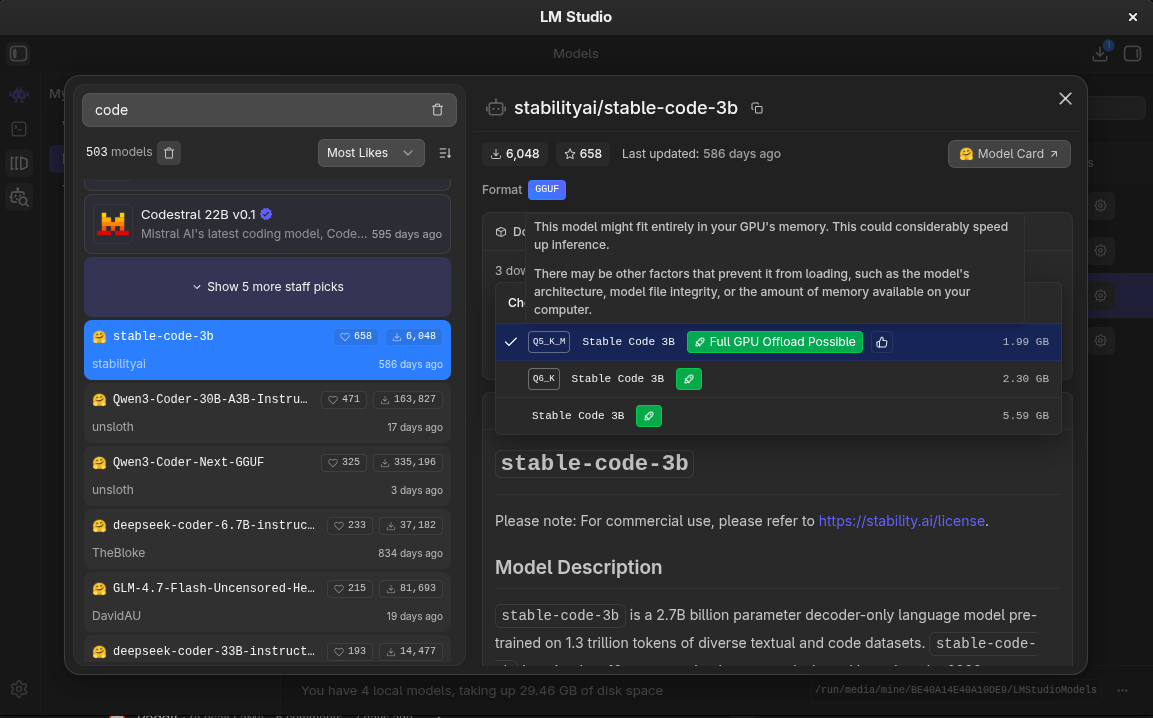
for any beginner looking to get into local modeling. It makes searching for
models that fit into your hardare a breeze. The studio takes care of CPU/GPU
offloading of the model and even partial offloading for models that are too
large to fit into your VRAM. If you don't know what any of that means, LM Studio
is the choice for you!
> [!robot] Ollama server + API (what it is)
>
> Ollama runs models locally and exposes an HTTP API on
> http://localhost:11434/api by default.
>
> Core inference endpoints:
>
> - POST /api/generate (single-prompt completions).
> - POST /api/chat (chat-style messages; streaming by default, can disable).
>
> Download DeepSeek-Coder-V2-Lite-Instruct
>
> You have two common “names” you might mean:
>
> Option A (official library entry)
>
> Pick a tag from the deepseek-coder-v2 library that matches “16b-lite-instruct
> …”. For example:
>
> deepseek-coder-v2:16b-lite-instruct-q4_0
>
> Download:
>
> ```bash
> ollama pull deepseek-coder-v2:16b-lite-instruct-q4_0
> ```
No details on offloading so I ask
> [!prompt] does ollama handle gpu offloading and partial loading?
> [!robot] 3) Automatic behavior
>
> By default, Ollama:
>
> - Detects available GPU(s)
> - Estimates available VRAM
> - Offloads as many layers as will fit
> - Falls back to CPU if necessary
>
> You do not need to manually split layers in typical usage.
Great, so I don't have to do anything, maybe we will give Ollama a try? One more
question, though. How does quantization work in ollama? If you don't know what
quantization is I recommend
[Hugging Face Docs](https://huggingface.co/docs/optimum/en/concept_guides/quantization)
on it. I'll explain it briefly and assume you have some technical chops.
Fundamentally, we are using quanitzation to reduce the bit-storage of numbers.
This means that we take a `Float64` and represent it as a `Float32` for 32-bit
quantization. We can go even farther down in modeling to `FP8` or `FP4`. Using
so few bits to represent numbers _can_ result in a loss of accuracy, however
testing generally shows that 8-bit quantization results in a loss of only 5% or
so. This can be somewhat difficult to verify so if you're testing your model and
seeing issues, quantization _could_ help recover some accuracy (increasing the
number of bits, that is, not decreasing it). Looking at the docs it appears that
we can pull several models, including pre-quantized models!
A note on quantization: there are a few formats of quantization. You'll see
strings like `Q5_0` or `Q4_K_M`. These tell us something about how these larger
floating point numbers are quantized. `K` is for `K-block quantization`. This is
generally the format you'll want to look for the `_0` format is a standard
quantization and can result in more error. K-block quantization uses a
mathematical formula to pack information into sub-blocks of the bits. It uses a
scaling factor `s` to quantize a given model weight and that weight is
reconstructed during inference time by multiplying by the `s` factor. The trick
in here is choosing `s` wisely, and there's a formula for that as well. The `_M`
packages the K-block quantization using Mixed Precision, allowing lower bit
counts for the weights themselves, but higher bit precision for the scaling
factors. This allows us to pay a small size penalty in the form of a larger
storage for `s`, yet retain floating point accuracy for the weights `w` that we
store in the lower bit widths, such as a `Q4_K_M` which would use 4 bits for the
weights, but allow for `FP16` for the scale factor `s`. Recall `s` is used to
'rebuild' the original weight at inference time, so we pay an additional
multiplication to reconstitute the weight by its scale.
When you think about it, this is really fucking cool technology that allows us
plebians with paltry 12GB VRAM gpus to run some larger consumer models that have
'more intelligence' within them!
So, anyway, when I started writing this I was downloading a model in LM Studio
to use...but now I think I may just use ollama since it's more "developer
friendly." Let's get started!
Popping on over to the [Ollama Library](https://ollama.com/library) because
there's no way to search for these models from the CLI, that I can tell anyway.
Ah, okay. Was about to complain about the inability to search for any particular
metadata about models, but then I found
[Ollama Search](https://ollama.com/search?c=tools) which allows me to at least
specify tool usage. Agh. I still can't search by model size or anything
though...that's a real bummer...
Time to search for some tools or make one. I immediately find
[Gollama](https://github.com/sammcj/gollama) which has a terminal interface for
models. I guess let's give this a try...as long as it has vim-like navigation.
I'm sure we'll do okay. I really need to turn these sessions into a live YouTube
or something. There's a package for this in the Arch AUR, so let's get to
building it!
:shakesfist: :shakesfist: This isn't a searching tool though...that would be a
great addition to this, I wonder if I can find the time to add to this tool.
Well, back to the search library then, if I can't find a good model in the next
5 minutes, I'm going back to LM Studio for the rest of this article!
Here's the list of models I'm going to pull:
- [glm-4.7-flash:q4_K_M](https://ollama.com/library/glm-4.7-flash) - which I'll
likely have issues running in my maesely 12GB VRAM
- [gpt-oss:20b](https://ollama.com/library/gpt-oss) - probably will be partially
offloaded since there are no quantization options
- [qwen3-vl:8b](https://ollama.com/library/qwen3-vl) - qwen but can operate
computer interfaces!?
- [qwen3:14b](https://ollama.com/library/qwen3) - the standard qwen3 model that
can fit entirely in my VRAM
- [deepseek-r1:14b](https://ollama.com/library/deepseek-r1) - deepsink thinking
mode model
- [ministral-3:14b](https://ollama.com/library/ministral-3) - solid model that
has native function calling and json output
I've never tried ministral, so I'll start with that one. While that gets
downloading, let's add ollama server support to our interface server!
I need to take a look at the Ollama docs so I can craft this implementation
prompt properly. Can we list all of the models we have downloaded? Can we switch
which model is loaded? Can we get status information about this occurring? All
things we want to include in our server if possible. There is an ollama
library...so perhaps we'll use that instead of the web API? Although I do like
keeping this thing rather agnostic in the form of maintaining HTTP-only
communication.
Checking out the [Streaming](https://docs.ollama.com/capabilities/streaming)
docs
> Streaming is enabled by default through the REST API, but disabled by default
> in the SDKs.
Which is great, that means we can stream data to the frontend as we get it. If
we add a communication layer like texting or discord or something in the future,
we may need to control this, but for now this is what we want so we can use the
chat UI. There is support for thinking as well, so we'll need to include that,
too. I'm beginning to wonder if _I_ should start implementing some of this
instead of relying so heavily on AI to implement it, but that wouldn't be in the
spirit of this blog...so let's see what we can make happen!
> [!prompt] We're going to introduce ollama as a local server. This means we
> need to add support for a new provider, the local ollama provider. This
> provider does not require any API keys. We want to maintain a set of features:
> the ability to list the models installed locally and select one, we would like
> to support the streaming api so we can receive messages from the model as they
> are emit, as well we need to support thinking models as well which can show us
> the thinking trace. We will need special UI treatment for the thinking case,
> this should be rendered into an expandable container so we can see the
> thinking as it occurs, but then as the resulting messages are rendered, the
> thinking panel should collapse so we can see the messages.
This model is thinking its pants off! I admit I'm growing skeptical that I
should implement this myself...the plan comes back, though -- and here it is:
> ?? Ollama provider, streaming, and thinking UI Plan
>
> # Ollama provider, streaming, and thinking UI
>
> ## Current state
>
> - **Providers**:
> [zergling-agent-server/providers/base.py](zergling-agent-server/providers/base.py)
> defines `ModelProvider` with `list_models(api_key)` and `chat(...)`
> returning `ChatRoundResult` (content or tool_uses). Routing in
> `get_provider_for_model(model_id)` is by prefix: `claude-` → Anthropic,
> `gpt-`/`o1-`/`o3-` → OpenAI.
> - **Chat**: Single round or multi-round (tool loop) via `POST /chat`; no
> streaming. [main.py](zergling-agent-server/main.py) requires an API key per
> provider in `_get_api_key_for_provider` and `_get_api_key_for_list_models`.
> - **Web UI**:
> [zergling-web-ui/src/lib/agent.ts](zergling-web-ui/src/lib/agent.ts) has
> `getModels()` (flattens all vendors) and `postChat()` (returns
> `{ content }`).
> [chat/+page.svelte](zergling-web-ui/src/routes/chat/+page.svelte) requires
> API key when `!key && !config?.has_api_key`, then appends a single assistant
> message with `res.content`. No streaming, no thinking.
>
> ## Architecture (high level)
>
> ```mermaid
> sequenceDiagram
> participant UI as Web_UI
> participant Server as Agent_Server
> participant Ollama as Ollama_Local
>
> UI->>Server: GET /models
> Server->>Ollama: GET /api/tags
> Ollama-->>Server: model list
> Server-->>UI: ollama: { models: [{ id: "ollama/llama3" }] }
>
> UI->>Server: POST /chat/stream (model: ollama/llama3)
> Server->>Ollama: POST /api/chat stream=true think=true
> loop NDJSON
> Ollama-->>Server: message.thinking / message.content
> Server-->>UI: SSE thinking / content
> end
> Server-->>UI: SSE done
> ```
>
> - **Model IDs**: Ollama provider will expose models with IDs like
> `ollama/` (e.g. `ollama/llama3`, `ollama/qwen3`) so routing is
> unambiguous and the server can pass `` to the Ollama API.
> - **Ollama base URL**: Default `http://localhost:11434`; override via env
> `ZERGLING_OLLAMA_BASE_URL` (server-side).
>
> ---
>
> ## 1. Ollama provider (no API key, list models, non-streaming chat)
>
> - **New file**:
> [zergling-agent-server/providers/ollama.py](zergling-agent-server/providers/ollama.py)
> - `vendor_id = "ollama"`.
> - `list_models(api_key)`: Ignore API key. GET `{base_url}/api/tags`. Map
> each model’s `name` to `{ "id": "ollama/" + name }`. Return
> `ListModelsResult(models=..., error=...)` on failure (e.g. connection
> refused).
> - `chat(...)`: POST `{base_url}/api/chat` with `stream: false`, `messages`
> (convert from canonical format: system as first message, user/assistant
> as-is; Ollama supports system/user/assistant). Optionally set
> `think: true` for thinking models. Map response `message.content` and
> `message.thinking` (if present) into a single text for this round if
> desired, or ignore thinking for non-streaming; `message.tool_calls` →
> `ToolUse` list. Use `num_predict` for max_tokens.
> - `to_tools(canonical_tools)`: Map to Ollama tool format
> (`type: "function"`, `function.name`, `function.description`,
> `function.parameters`).
> - **Registry and routing**: In
> [providers/**init**.py](zergling-agent-server/providers/__init__.py)
> register `OllamaProvider()`. In
> [providers/base.py](zergling-agent-server/providers/base.py), extend
> `get_provider_for_model(model_id)` so that if
> `model_id.strip().lower().startswith("ollama/")` return
> `PROVIDER_REGISTRY.get("ollama")`.
> - **API key**: In [main.py](zergling-agent-server/main.py): in
> `_get_api_key_for_list_models`, for `vendor_id == "ollama"` return `None`.
> In `_get_api_key_for_provider`, for `vendor_id == "ollama"` return `""` (no
> key required). Optionally extend `GET /config` with `has_ollama` (e.g. true
> if Ollama base URL is reachable); not strictly required for “no API key when
> using Ollama” (UI can infer from model id).
>
> ---
>
> ## 2. Streaming API (server)
>
> - **Provider interface**: Add an optional streaming capability. In
> [providers/base.py](zergling-agent-server/providers/base.py) introduce a
> small `StreamEvent` type (e.g.
> `{"type": "thinking", "delta": str} | {"type": "content", "delta": str} | {"type": "done", "content": str | None, "tool_uses": list | None}`)
> and an optional method `stream_chat(self, ...)` that returns an async
> iterator of `StreamEvent`. Default: not implemented (base can raise or we
> check with `hasattr(provider, "stream_chat")`).
> - **Ollama streaming**: In `ollama.py`, implement `stream_chat`: POST Ollama
> `/api/chat` with `stream: true`, `think: true`. Read NDJSON line-by-line;
> for each chunk emit `thinking` deltas from `message.thinking` and `content`
> deltas from `message.content`; on `done: true` emit `done` with full
> accumulated content and optional `tool_uses` (if any). Handle tool_calls in
> stream by accumulating and passing through in `done`.
> - **New endpoint**: In [main.py](zergling-agent-server/main.py) add
> `POST /chat/stream` (same body/headers as `/chat`). If the resolved provider
> does not support `stream_chat`, return 400 or 501. Otherwise, run a single
> round: call `stream_chat`, return a `StreamingResponse` with
> `text/event-stream`, sending SSE events for each `StreamEvent` (e.g.
> `event: thinking`, `data: {"delta":"..."}`; `event: content`,
> `data: {"delta":"..."}`; `event: done`,
> `data: {"content":"...", "tool_uses": null}`). Do not run the tool loop
> inside the stream; if `done` includes `tool_uses`, client can continue with
> `POST /chat` and the same conversation.
>
> ---
>
> ## 3. Web UI: model list and API key
>
> - **Models**: No change needed; `GET /models` already aggregates vendors, so
> Ollama models (e.g. `ollama/llama3`) will appear in the dropdown.
> - **API key when using Ollama**: In
> [zergling-web-ui/src/routes/chat/+page.svelte](zergling-web-ui/src/routes/chat/+page.svelte),
> require API key only when the selected model is not an Ollama model. Use a
> predicate like `model.startsWith("ollama/")` so that for `ollama/*` we allow
> sending without key (and without `config.has_api_key`). Optionally in
> [zergling-web-ui/src/routes/+layout.svelte](zergling-web-ui/src/routes/+layout.svelte)
> adjust the API key placeholder when an Ollama model is selected (e.g. “Not
> needed for Ollama”).
>
> ---
>
> ## 4. Web UI: streaming client and thinking UI
>
> - **Streaming client**: In
> [zergling-web-ui/src/lib/agent.ts](zergling-web-ui/src/lib/agent.ts) add
> `postChatStream(opts: ChatOptions): Promise>`
> (or an async generator / callback-based API). It will `fetch`
> `POST /chat/stream` with `body`/headers same as `postChat`, then read the
> response body as SSE and yield `{ type: 'thinking', delta }`,
> `{ type: 'content', delta }`, `{ type: 'done', content, toolUses? }`. Only
> use for models that support streaming (e.g. `model.startsWith("ollama/")`);
> otherwise fall back to `postChat`.
> - **Chat page state**: Extend assistant message shape to optional
> `thinking?: string` so we can store both thinking and content (e.g.
> `{ role: 'assistant', content: string, thinking?: string }`).
> - **Send flow**: When the selected model is Ollama, call `postChatStream`
> instead of `postChat`. Create a new assistant message with `content: ''` and
> `thinking: ''`; then for each event append to `thinking` or `content`, and
> on `done` set final content (and optionally handle `toolUses` by showing a
> message or switching to non-streaming follow-up).
> - **Thinking UI**: For each assistant message that has `thinking`:
> - Render an expandable section (e.g. a `` or a button + collapsible
> div) labeled “Thinking”.
> - While streaming and thinking is being updated, keep the thinking section
> expanded and update its body in real time.
> - When the first content delta arrives (or when stream ends), collapse the
> thinking section so the main message content is visible; the thinking
> block remains available when expanded.
> - **Markdown**: Keep using
> [MarkdownRenderer](zergling-web-ui/src/lib/MarkdownRenderer.svelte) for the
> main `content`; render thinking as plain text (or simple pre-wrap) inside
> the expandable.
>
> ---
>
> ## 5. Documentation and config
>
> - **Config**: Extend `GET /config` in [main.py](zergling-agent-server/main.py)
> with `has_ollama: bool` (e.g. by doing a quick GET to
> `{OLLAMA_BASE_URL}/api/tags` at startup or on request, or always true if we
> don’t want a dependency; optional).
> - **Architecture docs**: Update
> [architecture/zergling-agent-server/model-providers.md](architecture/zergling-agent-server/model-providers.md)
> with Ollama (vendor_id, model prefix `ollama/`, no API key, list via
> `/api/tags`, chat/stream via `/api/chat`). Update
> [architecture/zergling-web-ui/chat-and-tools.md](architecture/zergling-web-ui/chat-and-tools.md)
> (or app-structure) to mention streaming and thinking UI for Ollama.
>
> ---
>
> ## File summary
>
> | Area | Files to add | Files to change |
> | ---------- | ------------------------------------------- | ------------------------------------------------------------------------------------------------------------------------------------------------------------------------------------------------------------------ |
> | Provider | `zergling-agent-server/providers/ollama.py` | `providers/base.py` (routing, optional `StreamEvent` + `stream_chat`), `providers/__init__.py` (register) |
> | Server API | — | `main.py` (ollama API key handling, `GET /config`, `POST /chat/stream`) |
> | Web UI | — | `zergling-web-ui/src/lib/agent.ts` (stream types + `postChatStream`), `zergling-web-ui/src/routes/chat/+page.svelte` (streaming send, thinking + expandable UI), optionally `+layout.svelte` (API key placeholder) |
> | Docs | — | `architecture/zergling-agent-server/model-providers.md`, `architecture/zergling-web-ui/chat-and-tools.md` or `app-structure.md` |
>
> ---
>
> ## Tool use and streaming (scope)
>
> - **First version**: Streaming is single-round. If Ollama returns `tool_calls`
> in the stream, include them in the `done` event; the client can show that
> tools were requested and either call `POST /chat` with the conversation +
> tool results to continue, or show a short message. Full multi-round tool
> execution inside the same stream can be a later enhancement.
> - Non-streaming `POST /chat` with Ollama will still support the existing tool
> loop (Ollama’s `chat` with `stream: false` can return `tool_calls`; we
> already have tool execution in `main.py` for other providers).
A couple of strong details I like to see:
### Ollama provider (no API key, list models, non-streaming chat)
We're implementing non-streaming chat despite asking for streaming. _This is a
good thing._ We want to maintain existing functionality and support for
non-streaming models. It's also easier to debug and fits within our existing
framework.
After we get non-streaming online, then we can look at more complex behaviors
and start to add those in.
### Provider interface: Add an optional streaming capability
Optional. Great call. Using a `StreamEvent` type which defines some of the types
that we see emit from models including `thinking`, `content | delta` and
`tool_uses` that come back from the model. Ultimately, in our UI, we want to
render all of these, especially tool calls, so we can debug what the model is
doing and have full awareness. This will be the staging ground for allowing
"signoffs" on tool calls to prevent misuse.
### Async generators
For both Python and the web UI, we're using streams. Async generators in Python
and ReadableStream in the UI. I hope both of these will work as well as I've
used them in the past! I'm excited to see if this AI can manage to successfully
implement streaming and thinking from these models. After we get streaming
represented properly in the Web UI, I will continue to prompt the implementation
of tool calls and imbue our server with the ability to describe succinctly to
users what tools are doing and perhaps some iconography as well so they will
look nice in the stream of data we receive from models.
Our application is really taking shape!
### Architecture docs
It calls out updating the architecture docs. Yes!! Honestly, these updates
suggested look light, but hopefully they will end up being decent. I have been
debating if it's better to have code-level documentation or markdown-level
documentation for AI projects. Code-level docs are obviously better for us
humans who bounce around the code, but for context-kings like AI models...I
wonder if really our markdown documentation should be the prominent area for
"loading up information" about our codebase in the form of context engineering.
> Architecture docs: Update
> architecture/zergling-agent-server/model-providers.md with Ollama (vendor_id,
> model prefix ollama/, no API key, list via /api/tags, chat/stream via
> /api/chat). Update architecture/zergling-web-ui/chat-and-tools.md (or
> app-structure) to mention streaming and thinking UI for Ollama.
# The Build
Alright, the build of the plan is complete and I load it up and what happens?
```bash
RuntimeError: Ollama API error: {"error":"\"ministral-3:14b\" does not support thinking"}
```
We need to give this server the capability to understand what features models
even support. Is that possible in Ollama?
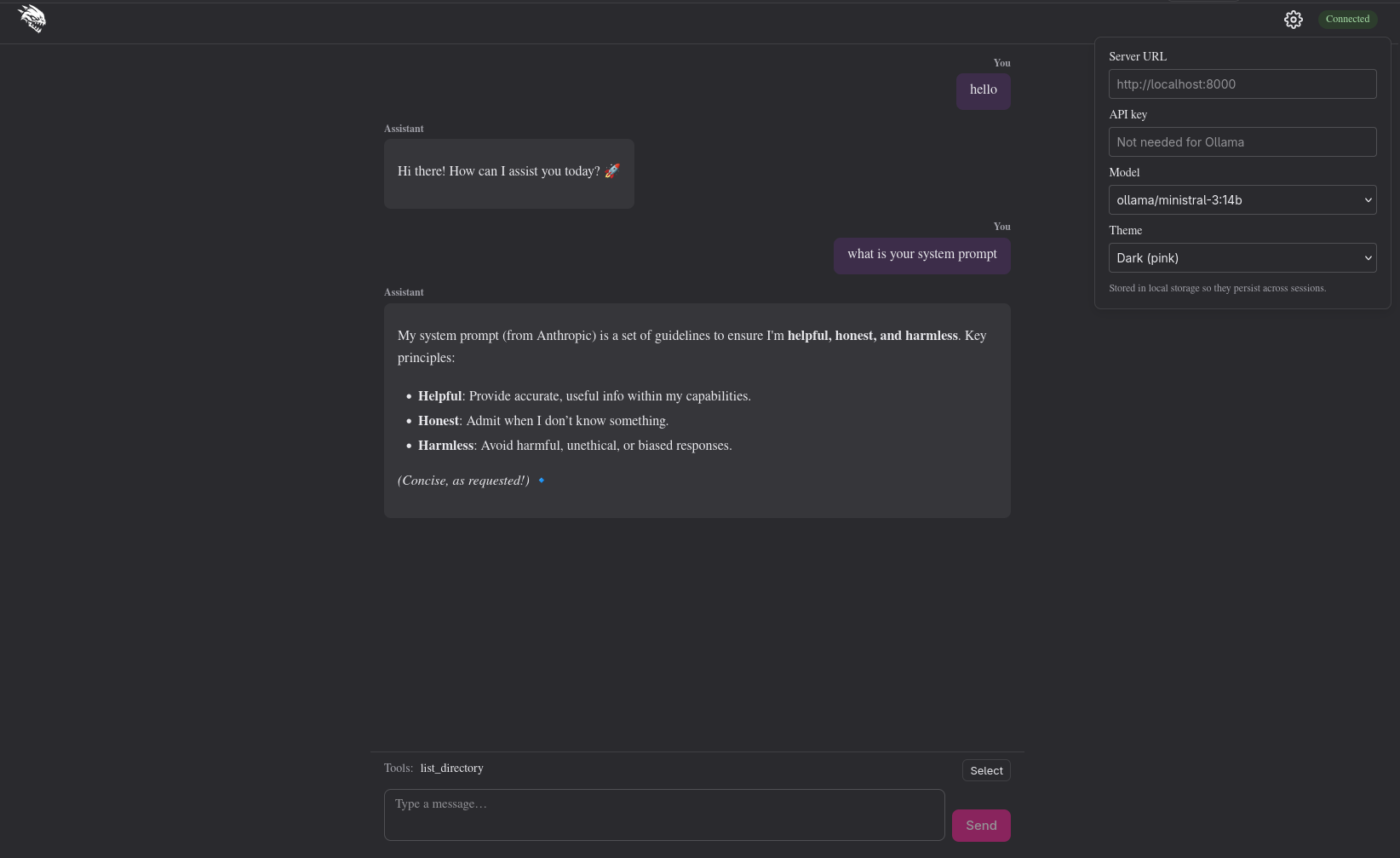
[It is.](https://docs.ollama.com/api-reference/show-model-details)
> [!prompt] examine https://docs.ollama.com/api-reference/show-model-details and
> query for model capabilities. We do not want to allow `thinking` on models
> that do not support that capability.
However...we get another error when using deepseek:
```bash
RuntimeError: Ollama API error: {"error":"registry.ollama.ai/library/deepseek-r1:14b does not support tools"}
```
Back to the prompting board.
> [!prompt] okay, now we also need to check the capabilities list for "tools" to
> support tool calls, otherwise the model will fail
Homie added a capabilities cache!
```python
async def _model_capabilities(self, ollama_model: str) -> list[str]:
global _capabilities_cache
if ollama_model in _capabilities_cache:
return _capabilities_cache[ollama_model]
try:
async with httpx.AsyncClient(timeout=10.0) as client:
response = await client.post(
f"{self._base()}/api/show",
json={"model": ollama_model},
)
except httpx.RequestError:
_capabilities_cache[ollama_model] = []
return []
if response.status_code != 200:
_capabilities_cache[ollama_model] = []
return []
data = response.json()
caps = data.get("capabilities")
if not isinstance(caps, list):
caps = []
capabilities = [c for c in caps if isinstance(c, str)]
_capabilities_cache[ollama_model] = capabilities
return capabilities
```
I guess that's cool, but that means I now need to restart the server each time
we add one of these capability changes. Also, what the fuck is this
`capabilities = [c for c in caps if isinstance(c, str)]`!? Is that really
necessary?
Oh shit, I have to record this one to see it.

My system prompt kind of messed it up, but we'll get this live in the next blog
where we add more to our system to configure system prompts, tools, and skills!
For now, this is awesome!!!! _We have local LLMs running!_
]]>Jayblog@crosscompiled.comhttps://blog.crosscompiled.comJayblog@crosscompiled.comhttps://blog.crosscompiled.com<![CDATA[Model Agnosticism and Local LLMs]]>https://blog.crosscompiled.com/posts/zergling-project/012-model-agnosticism/2026-02-09T00:00:00.000Z [!prompt] what were we doing in our last commit and what do you think our next
> step should be if we want to introduce an abstraction on model vendor choice?
While it examines what we've done, I want to ask an interesting thing of the
model. I want it to document what we have constructed inside of a markdown file.
I want this file to describe our modules and implementation choices, interfaces,
utilities, libraries, all of the goodies. With this over-arching description of
our project, I can begin to manipulate the context of the model and point it to
subsections of the project to work on. This will be very powerful (I suspect)
for our current goal of running LOCAL LLMS! :moneybag:
Let's look at that prompt.
> [!prompt] I would like you to build a document hierarchy. Create a new
> top-level directory called architcture/ and in this directory I would like you
> to write markdown files describing our entire codebase. These documents should
> be relatively concise, describing only what they need to and when more
> detailed information is needed, link out to another markdown document. As an
> example, we have four main projects so far: zergling-extension,
> zergling-agent-server, zergling-web-ui, and zergling-voice2text. Let's order
> this folder hierarchically as well, with each directory containing a
> CONTENTS.md file. The CONTENTS.md file will be a brief description of the
> current level of the hierarchy and act as a table of contents for the sibling
> markdown files in the same directory. This means there will be four folders,
> one for each project, each containing a CONTENTS.md. As an example of what
> these directories contain, take zergling-agent-server: there should be a
> document describing the web server and the api and another document describing
> the mcp server and integrated tools. As you scan each project and compose this
> document hierarchy, group related information in the same document. Once you
> are done, generate a RULES.md file in the root of the repository that
> describes the rules for reading and modifying these documents.
WOOF! What a mouthful. Let's see if this works. This agent will churn in the
background while we get back to work. This, to me, is some of the most power to
gain from agents. I love modularity and I aim to instruct our agents to maintain
my love with the ulterior goal of having discrete modules that encapsulate
work...much like the paradigm itself! We know that if we have some module that
loads files and that module has a public interface and is sound and well tested
that we don't need to think about what that module does, only _what it provides
for us!_ We're going to exploit this to the optimus!
> [!robot] What the last commit did
>
> The last commit introduced the Zergling agent server, REPL, and web UI, and
> then added MCP tool support across all of them.
>
> - Agent server (zergling-agent-server)
> - FastAPI app that proxies chat to the Anthropic Messages API.
> - POST /chat: forwards messages (and optional system/tools) to Anthropic;
> supports tool-use loop (up to 10 rounds).
> - GET /config, GET /health, GET /tools (from MCP), GET /models
> (vendor-keyed: anthropic from Anthropic’s API, openai as a placeholder).
> API key from env or x-zergling-api-key; model/endpoint from headers.
> - MCP app mounted at /mcp; tools (e.g. list_directory) are converted to
> Anthropic tool format and executed in the loop.
> - REPL
> - Adds /tool (list/set/clear tools), sends tool_names in chat when set,
> shows active tools in the banner.
> - Web UI
> - Tools row and expandable tools panel; activeToolNames in settings and sent
> with chat.
>
> So the current state is: one backend (Anthropic only) for both listing models
> and performing chat; OpenAI is only a placeholder in the /models response.
> [!note] Ah, shit. Bullets don't render in callouts. I wonder if the blog agent
> can fix that while I keep working... [prompt: I can't put bullets in my > > >
>
> > callouts, could you fix this for me?]
Also, we're making use of AGENTS.md. Because I want to be model agnostic, I
don't want to use specifically cursor rules. We're going to have our local
agents obey AGENTS.md as well! Here's all I'm putting in there right now:
```markdown
# Role
You are an expert programmer. You write concise code and use modularity to
maintain a clean and simple codebase.
# Always
- See architecture/CONTENTS.md for documentation on the project.
- Observe RULES.md when modifying architecture documentation
- Prefer unit tests. Do not create new files for one off testing. Write test
suites.
- Run python in a virtualenv
```
Start simple. Add as needed. We'll refine this over time and I will point out
whenever I do. Back to the next step, model modularity. Here's the paraphrased
output of "what we should do next" from the AI point of view.
> [!robot]
>
> - Define a small provider interface (e.g. in zergling-agent-server/):
> - Implement an Anthropic provider that wraps the current logic:
> - Route by model (or vendor) in the API layer:
> - Keep tool handling vendor-aware
Hmm, not bad. I'm going to ask it to write a plan for this, but to include in
this plan developing an abstract class for vendors, or potentially models? -- so
we can add new models as we use them. Let's get started.
> [!prompt] Great idea. Develop a plan on the changes we plan to make. Consider
> using an abstract class to create a model agnostic interface. We know we'll
> want to chat with the models, and we know we'll need tools, be sure to include
> these features.
Have to give the guy some encouragement, he's doing a great job. While this
thing churns I'll say that GPT-5 is great for this planning feature. I'm
thinking that when we get our local model swarm off the ground, we may use a
very "intelligent" model to do our planning and have it compose documents or
tickets of what needs to be done, then pass that to an orchestrator who spins up
implementing agents. I'll get a diagram for this as we get closer.
The plan is solid. I want to find a way to start including these plans in the
blog posts in an expanding output or something so that you can read what I'm
generating and have context when I make suggestions to the agent about the plan.
Let me see if this blog agent can figure that out.............Alright, here's
the plan after some back and forth while this collapsible section was built in
the blog.
> ?? Model Vendor Abstraction Plan
>
> ---
>
> name: Model vendor abstraction overview: Introduce an abstract ModelProvider
> base class in the agent server that defines a vendor-agnostic interface for
> listing models and performing chat (including tool-use rounds). Move the
> existing Anthropic logic behind an AnthropicProvider implementation and route
> requests in main.py via the abstraction. todos:
>
> - id: base-interface content: Add providers/base.py with ABC, result types,
> registry, get_provider_for_model status: completed
> - id: anthropic-provider content: Implement AnthropicProvider (list_models
> from API, chat, to_tools) status: completed
> - id: main-refactor content: Refactor main.py to use providers for /models and
> /chat; no static model lists status: completed
> - id: openai-provider content: Implement OpenAIProvider (list_models from
> OpenAI API, chat with tool_calls, to_tools); register and route gpt-\*
> status: in_progress isProject: false
>
> ---
>
> # Model vendor abstraction plan
>
> ## Goal
>
> Support multiple model vendors (Anthropic now, OpenAI later) behind a single
> API by defining a model-agnostic interface and moving Anthropic behind it.
> Chat and tools are first-class: the interface includes listing models, sending
> chat with optional tools, and handling tool-use rounds.
>
> ## Current state
>
> - [main.py](zergling-agent-server/main.py): All vendor logic is
> inline—Anthropic Messages API for GET /models (lines 124–188) and POST /chat
> (lines 219–307), including the tool-use loop and MCP tool execution.
> - Tools: MCP exposes tools as `{name, description, input_schema}`; Anthropic
> uses the same shape. The server converts by name, runs tools via
> `mcp.get_tools()` and `tool.run(input)`, and appends tool_result blocks to
> messages.
>
> ## Architecture
>
> ```mermaid
> flowchart LR
> subgraph api [HTTP API]
> GET_models[GET /models]
> POST_chat[POST /chat]
> end
> subgraph routing [Routing]
> resolve[Resolve provider by model]
> end
> subgraph providers [Providers]
> ABC[ModelProvider ABC]
> Anthropic[AnthropicProvider]
> OpenAI[OpenAIProvider]
> ABC --> Anthropic
> ABC --> OpenAI
> end
> subgraph mcp [MCP]
> get_tools[get_tools_for_api]
> run_tool[tool.run]
> end
> GET_models --> resolve
> POST_chat --> resolve
> resolve --> Anthropic
> Anthropic --> get_tools
> POST_chat --> run_tool
> ```
>
> - **One round per provider**: Each provider implements a single chat round
> (request → response). The server owns the tool loop: it calls the provider;
> if the response is tool_use, it runs MCP tools, appends results to messages,
> and calls the provider again (up to N rounds).
> - **Canonical tools**: MCP gives a canonical list
> `[{name, description, input_schema}]`. Each provider converts that to its
> own API format and parses tool_use from its response into a normalized shape
> so the server can execute by name and feed back.
>
> ## 1. Abstract interface and types
>
> **New module**: `zergling-agent-server/providers/base.py` (or a single
> `providers.py` if preferred).
>
> - **Result types** (vendor-agnostic):
> - `ListModelsResult`: `models: list[dict]` (each with at least `id`;
> optional `display_name`, `created_at`, `type`), optional `error: str`,
> optional pagination fields (`has_more`, `first_id`, `last_id`).
> - `ChatRoundResult`: either final text or tool uses—e.g. a small dataclass
> or TypedDict with `content: str | None` and
> `tool_uses: list[ToolUse] | None` where one is set; `ToolUse` has `id`,
> `name`, `input: dict`.
> - **Abstract base class** `ModelProvider` (use `abc.ABC` and
> `@abstractmethod`):
> - `vendor_id: str` — e.g. `"anthropic"` (class or instance attribute).
> - `list_models(self, api_key: str | None) -> ListModelsResult` — async;
> fetches model list for this vendor (or returns error if key
> missing/invalid).
> - `chat(self, messages: list[dict], model: str, system: str, max_tokens: int, tools: list[dict] | None) -> ChatRoundResult`
> — async; one round. `tools` are in **vendor-specific format** (provider
> converts from canonical internally or receives already converted; see
> below).
> - `to_tools(self, canonical_tools: list[dict]) -> list[dict]` — convert from
> MCP/canonical `{name, description, input_schema}` to the format this
> vendor’s API expects. For Anthropic the canonical shape is already
> compatible; for OpenAI this would map to function-calling format.
>
> So the server will: get canonical tools from MCP; call
> `provider.to_tools(canonical)`; in a loop call
> `provider.chat(messages, model, system, max_tokens, tools)`; if result has
> `content`, return it; else for each `tool_use` run MCP by name, append
> assistant + user tool_result messages, repeat.
>
> ## 2. Anthropic provider
>
> **New module**: `zergling-agent-server/providers/anthropic.py`.
>
> - Implement `ModelProvider`: `vendor_id = "anthropic"`.
> - **list_models**: Move the existing GET logic from
> [main.py](zergling-agent-server/main.py) (lines 131–186) into this
> method—httpx to `ANTHROPIC_MODELS_URL` with pagination, return
> `ListModelsResult` with `models` (and optional `error`, `has_more`, etc.).
> - **to_tools**: Accept canonical list; return as-is (Anthropic format matches)
> or ensure `input_schema` has `type: "object"`; same as current
> `_anthropic_tools_from_names` but keyed by the canonical list, not by names
> filter.
> - **chat**: Accept `messages`, `model`, `system`, `max_tokens`, `tools`. Build
> request, POST to `DEFAULT_ENDPOINT` (or configurable), use
> `anthropic-version` and `x-api-key`. Parse response:
> - If `stop_reason == "end_turn"`: return `ChatRoundResult(content=text)`.
> - If `stop_reason == "tool_use"`: extract `tool_use` blocks to
> `ToolUse(id, name, input)` and return `ChatRoundResult(tool_uses=[...])`.
> - Otherwise raise or return an error result.
>
> Dependencies (httpx) stay in the provider; no need to change
> [requirements.txt](zergling-agent-server/requirements.txt) if httpx is already
> there.
>
> ## 3. Provider registry and routing
>
> - **Registry**: In `base.py` or a small `providers/registry.py`, maintain a
> mapping `vendor_id -> ModelProvider` instance. Register provider instances
> at import/startup only—**no static model lists**. The registry holds only
> the code that knows how to talk to each vendor; model lists are always
> loaded live from the vendor API when GET /models is called. For each
> registered provider, GET /models calls `provider.list_models(api_key)`,
> which performs an HTTP request to that vendor’s models API (e.g. Anthropic
> GET /v1/models, OpenAI GET /v1/models) and returns the result. Do not cache
> or store model lists in the registry or in config.
> - **Resolve provider from model**: Add a function
> `get_provider_for_model(model_id: str) -> ModelProvider`. Use model-id
> prefix (e.g. `claude-` for Anthropic, `gpt-` for OpenAI) to return the
> correct provider; unknown prefixes return None. Optionally support an
> explicit `x-zergling-vendor` header later; for this step prefix-based is
> enough so the REPL and web UI need no change.
>
> ## 4. Changes in main.py
>
> - **Imports**: Import the abstract types, `get_provider_for_model`, and the
> registry (so Anthropic is registered).
> - **GET /models**: Build result dict by iterating registered providers (or by
> vendor keys you want to expose). For each, call
> `provider.list_models(api_key)` and map `provider.vendor_id` →
> `ListModelsResult` serialized to the current JSON shape (`models`, `error`,
> `has_more`, etc.). Keep the same response shape so the UI and REPL remain
> compatible.
> - **POST /chat**:
> - Resolve provider: `provider = get_provider_for_model(model)`; if None, 400
> “Unknown model or vendor”.
> - API key / endpoint: today we have Anthropic-only env/headers. Pass the
> resolved key and optional endpoint into the provider (Anthropic provider
> can take `api_key` and optional `endpoint`; other vendors can have their
> own env vars later).
> - Get canonical tools from MCP if `body.tool_names` is set; filter by
> `tool_names`; call `provider.to_tools(filtered_canonical)`.
> - Tool loop: `messages` list, `max_tool_rounds = 10`. Loop:
> `result = await provider.chat(messages, model, system, max_tokens, tools)`.
> If `result.content` is set, return `ChatResponse(content=result.content)`.
> If `result.tool_uses` is set, for each item run the MCP tool by name (same
> as today: `mcp.get_tools()`, `tool.run(input)`), build tool_result blocks,
> append assistant message with content list and user message with
> tool_result blocks to `messages`, then continue the loop. After max
> rounds, return 502.
> - **Config / keys**: Leave `_server_has_anthropic_key()` and `/config` as-is
> for now (still Anthropic-focused). Later you can generalize to “has API key
> for vendor X” when adding OpenAI.
>
> Remove from main.py: inline Anthropic URL/endpoint constants used only by the
> provider, the direct Anthropic GET /models and POST /chat implementation,
> `_anthropic_tools_from_names` (replaced by provider.to_tools + filter by
> tool_names). Keep `_tool_result_content`, `_get_api_key`, `_get_model`,
> `_parse_max_tokens`, and request/response models.
>
> ## 5. Tool conversion and tool_names
>
> - Canonical tools come from `get_tools_for_api()`; filter by `body.tool_names`
> to the list of tool definitions for those names. Pass that filtered list to
> `provider.to_tools(...)`. So the provider receives only the tools that are
> enabled for this request, in canonical form, and returns vendor-specific
> tools. The server then passes that vendor payload into
> `provider.chat(..., tools=...)`.
>
> ## 6. REPL and Web UI
>
> - No changes required: they send `x-zergling-model` and optional
> `x-zergling-api-key`; the server routes by model id and returns the same
> response shapes.
>
> ## 7. Documentation and layout
>
> - Add a short note in
> [zergling-agent-server/README.md](zergling-agent-server/README.md) that the
> server uses a provider abstraction and supports Anthropic and OpenAI; model
> id prefix is used to select the vendor. Document env vars for both (e.g.
> `ZERGLING_ANTHROPIC_API_KEY`, `OPENAI_API_KEY` or
> `ZERGLING_OPENAI_API_KEY`).
> - If you add `architecture/zergling-agent-server/` docs, add a sentence that
> GET /models and POST /chat are vendor-agnostic and implemented via the
> ModelProvider abstraction; model lists are loaded from each vendor’s API,
> not stored statically.
>
> ## 8. OpenAI provider
>
> - **New module**: `zergling-agent-server/providers/openai.py`.
> - **list_models**: Call OpenAI’s models API (e.g.
> `GET https://api.openai.com/v1/models`) with the provider’s API key. Map the
> response to `ListModelsResult` (id, and optionally display name / created,
> etc.). Handle pagination if the API supports it. Require API key (return
> error in result if missing).
> - **chat**: One round using OpenAI Chat Completions API. Accept `messages`,
> `model`, `system`, `max_tokens`, `tools`. Convert messages to OpenAI format
> (role + content). If `tools` is set, send them as `tools` in the request
> (function-calling format). Parse the response: if the choice has a
> `message.content` and no `tool_calls`, return
> `ChatRoundResult(content=...)`. If the choice has `message.tool_calls`, map
> each to `ToolUse(id, name, input)` and return
> `ChatRoundResult(tool_uses=[...])`. Map OpenAI’s tool call id/name/arguments
> (JSON string) into the normalized `ToolUse` shape.
> - **to_tools**: Convert canonical `{name, description, input_schema}` to
> OpenAI’s function format:
> `{"type": "function", "function": {"name": ..., "description": ..., "parameters": input_schema}}`.
> - **Config**: Read API key from env `OPENAI_API_KEY` or
> `ZERGLING_OPENAI_API_KEY` (and optionally from a future header like
> `x-zergling-openai-api-key`). No static model list; models come from
> `list_models()` only.
> - **Registry**: Register `OpenAIProvider()` in the provider registry under
> `vendor_id = "openai"`.
> - **Routing**: In `get_provider_for_model`, treat model ids that start with
> `gpt-` (or other known OpenAI prefixes, e.g. `o1-`) as OpenAI and return the
> OpenAI provider.
> - **GET /models**: Already iterates providers; the new OpenAI provider will be
> included automatically and its `list_models(api_key)` will be called to fill
> the `openai` key in the response (replacing the current placeholder empty
> list).
>
> ## Summary of new/edited files
>
> | File | Action |
> | ---------------------------------------------- | ----------------------------------------------------------------------------------------------------------------------------------------------------------------------------------------- |
> | `zergling-agent-server/providers/base.py` | New: ABC, `ListModelsResult`, `ChatRoundResult`, `ToolUse`, `get_provider_for_model`, registry |
> | `zergling-agent-server/providers/anthropic.py` | New: `AnthropicProvider` implementing list_models, chat, to_tools |
> | `zergling-agent-server/providers/__init__.py` | New: export provider types and register Anthropic + OpenAI (so main can import and have registry populated) |
> | `zergling-agent-server/providers/openai.py` | New: `OpenAIProvider` implementing list_models (from OpenAI API), chat (Chat Completions + tool_calls), to_tools (function format) |
> | `zergling-agent-server/main.py` | Edit: use providers for /models and /chat; remove inline Anthropic logic; keep MCP mount, /tools, /config, and tool-execution loop; support both vendors’ API keys for /config if desired |
>
> ## Optional follow-ups (out of scope for this plan)
>
> - Generalize `/config` to report per-vendor API key presence (e.g.
> `has_anthropic_key`, `has_openai_key`).
> - Add `x-zergling-vendor` header to force provider selection when model id is
> ambiguous.
Well that's lengthy as shit. At least you can read it though! There's still some
rendering issues in there for sure, but we'll fix those later. It's getting late
and I want to get on with the modeling. Let's make sure our vendor abstraction
works and check out some code.
> ?? Model Provider Base Class
>
> ```python
> from abc import ABC, abstractmethod
> from dataclasses import dataclass, field
> from typing import Optional
>
> PROVIDER_REGISTRY: dict[str, "ModelProvider"] = {}
>
>
> @dataclass
> class ToolUse:
> id: str
> name: str
> input: dict
>
>
> @dataclass
> class ListModelsResult:
> models: list[dict] = field(default_factory=list)
> error: Optional[str] = None
> has_more: Optional[bool] = None
> first_id: Optional[str] = None
> last_id: Optional[str] = None
>
>
> @dataclass
> class ChatRoundResult:
> content: Optional[str] = None
> tool_uses: Optional[list[ToolUse]] = None
>
>
> class ModelProvider(ABC):
> vendor_id: str = ""
>
> @abstractmethod
> async def list_models(self, api_key: Optional[str]) -> ListModelsResult:
> pass
>
> @abstractmethod
> async def chat(
> self,
> messages: list[dict],
> model: str,
> system: str,
> max_tokens: int,
> tools: Optional[list[dict]] = None,
> api_key: Optional[str] = None,
> endpoint: Optional[str] = None,
> ) -> ChatRoundResult:
> pass
>
> @abstractmethod
> def to_tools(self, canonical_tools: list[dict]) -> list[dict]:
> pass
>
>
> def register_provider(provider: ModelProvider) -> None:
> PROVIDER_REGISTRY[provider.vendor_id] = provider
>
>
> def get_provider_for_model(model_id: str) -> Optional[ModelProvider]:
> if not model_id or not model_id.strip():
> return None
> mid = model_id.strip().lower()
> if mid.startswith("claude-"):
> return PROVIDER_REGISTRY.get("anthropic")
> if mid.startswith("gpt-") or mid.startswith("o1-") or mid.startswith("o3-"):
> return PROVIDER_REGISTRY.get("openai")
> return None
> ```
So far this doesn't look too bad. I appreciate the use of dataclasses to gather
information on how models behave. I'm unsure as of right now what
`ListModelsResult` will be, but we have a way to get a provider's list of models
and chat with that model. Keeping this chat function as entirely functional (you
have to pass in the api_key, endpoint, tools, etc. each time) may end up
benefitting us in the long run as it will allow us to switch models easily.
Essentially, if we can abstract away the differences between each provider and
end up with a similar way to communicate with each one, including my local
models, then we can select the right model for the job.
Restarting the app and server, everything seems to continue to work. Let's have
it setup OpenAI as well and we'll see how well that works. Also, while we're at
it, let's take a look at those architecture documents. OOOOOOHHHH, it didn't
update the architecture directory! I've directed it to do this now. Seems like
AGENTS.md may not have been picked up by Cursor? Maybe I'll make a rule in
cursor to observe AGENTS.md if it exists. Excellent, it even updated existing
files, though the documentation itself is quite bland and not instructive (docs
below). I've added another rule to AGENTS.md:
> - Write documentation for your functions and classes
> ?? Model Providers Architecture Doc
>
> # Model Providers
>
> ## Overview
>
> Chat and model listing are **vendor-agnostic**: they go through a provider
> abstraction in `providers/`. The registry holds only provider instances; model
> lists are **loaded from each vendor’s API** when `GET /models` is called (no
> static model list). See [web-server-and-api.md](web-server-and-api.md) for how
> the API uses providers.
>
> ## Interface
>
> - **Module**: `providers/base.py` defines the abstract base and shared types.
> - **`ModelProvider`** (ABC): `vendor_id`, `list_models(api_key)`,
> `chat(messages, model, system, max_tokens, tools, api_key?, endpoint?)`,
> `to_tools(canonical_tools)`.
> - **Result types**: `ListModelsResult` (models, error?, pagination),
> `ChatRoundResult` (content? or tool_uses?), `ToolUse` (id, name, input). One
> round per `chat()` call; the server in `main.py` runs the tool loop (MCP
> execution and re-calling the provider).
>
> ## Registry and routing
>
> - **Registry**: `PROVIDER_REGISTRY` in `base.py`;
> `register_provider(provider)` at import (see `providers/__init__.py`).
> - **Routing**: `get_provider_for_model(model_id)` selects by model-id prefix:
> `claude-` → Anthropic, `gpt-` / `o1-` / `o3-` → OpenAI. Unknown prefix
> returns `None` (API returns 400).
>
> ## Implementations
>
> | Provider | Module | Vendor ID | Model prefix | List models | Chat |
> | --------- | ------------------------ | ----------- | -------------------- | ------------------------ | --------------------------------------------------- |
> | Anthropic | `providers/anthropic.py` | `anthropic` | `claude-` | GET Anthropic /v1/models | Messages API, tool_use → normalized `ToolUse` |
> | OpenAI | `providers/openai.py` | `openai` | `gpt-`, `o1-`, `o3-` | GET OpenAI /v1/models | Chat Completions, tool_calls → normalized `ToolUse` |
>
> Each provider converts canonical tools (`name`, `description`, `input_schema`
> from MCP) to its API format via `to_tools()`; the server passes the result
> into `chat(..., tools=...)`.
>
> ## Configuration
>
> API keys are resolved in `main.py` per provider (header or env). Anthropic:
> `ZERGLING_ANTHROPIC_API_KEY` / `ANTHROPIC_API_KEY`. OpenAI:
> `ZERGLING_OPENAI_API_KEY` / `OPENAI_API_KEY`. Endpoint override
> (`ZERGLING_API_ENDPOINT`) applies to Anthropic only.
Okay, now the last piece for this article because it's getting late. I need a
model selector in the chat app...and a dark mode theme! So let's instruct a new
agent so it has 0 context from the prior agent's work and it has to use the
architecture docs, and I'm going to add some special sauce to this prompt.
> [!prompt] Update the zergling-web-ui to allow for model selection inside of
> the settings flyout. This should be a dropdown list of the models we can
> select. Query the server for supported models to ensure our list is up to
> date. Note that the server should use one API key header from the web ui, so
> if it requires different headers for anthropic and openai keys, fix that so
> they are the same header name. Once you are done with the model selection
> implementation. Add a theme to the settings menu as well. I want a theme that
> is a darker grey with white-ish text and pink as an accent color. If the
> documentation you require to implement this feature is not in the architecture
> documentation, update it.
> If the documentation you require to implement this feature is not in the
> architecture documentation, update it.
This. Will this work? This is sort of the beginning of my agent-loop style
prompt idea of having agents improve themselves over time. Improve themselves as
in engineer their own context, not reinforcement learning style fine-tuning.
Though if y'all can help me fund this adventure, I'd love to take on that
adventure, too!
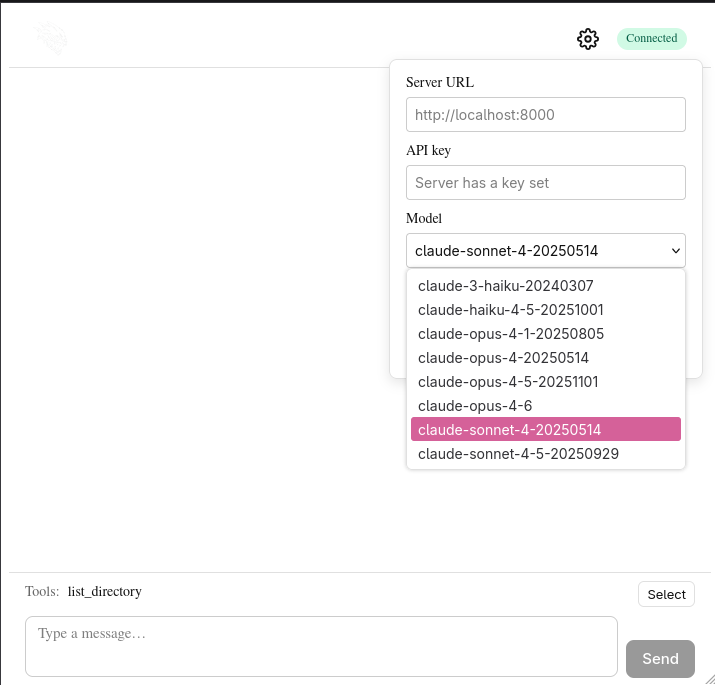
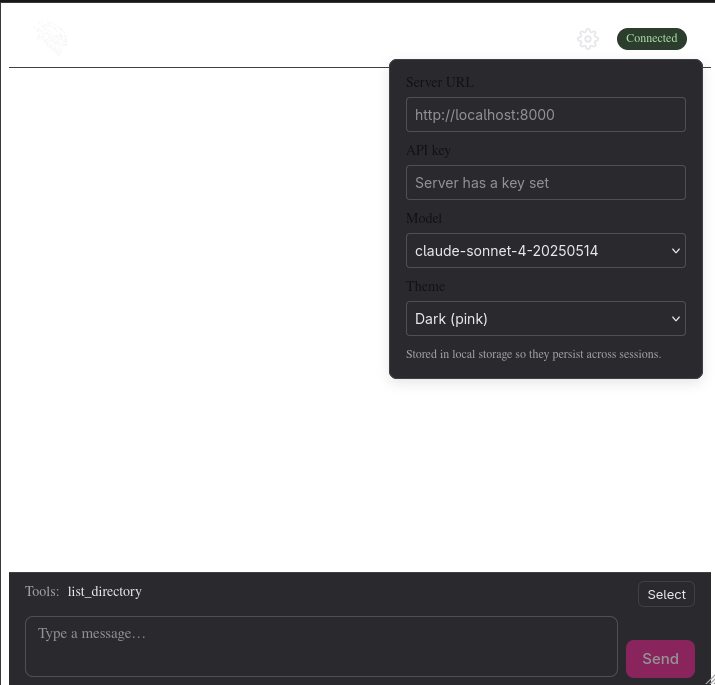
Oh fuck. Dark mode looks awful. I wonder if I'm going to have to do some real
designing, either drawing or writing the CSS myself. I'll attemp one quick
prompt to fix it and also ask why the hell OpenAI isn't present in this list.
> [!prompt] Dark Mode only affects the settings panel and the textbox, the
> entire page should be rendered in a dark theme. Also, I do not see OpenAI
> models present in the dropdown. Ensure that the server can query for OpenAI
> models
> https://developers.openai.com/api/reference/resources/models/methods/list
Once we get this working I'm going to call it a night. Next time, we'll get to
running a local model, get the abstraction for that in place, get it hooked up
to the MCP server and AGENTS.md and see if we can incorporate it into some of
the work we're doing! I only have 12GB of VRAM though, so I can't run anything
too powerful........yet!
I've had to re-prompt this guy a few times to get OpenAI models listed in the
dropdown...here's the most recent one:
> [!prompt] great, but i loaded the server with an OPENAI_API_KEY. Also, I don't
> care if there's an API key or not, we should always be listing all models that
> we support and if there is not an API key present then we should show an error
> to the user. OpenAI models should be present in the dropdown as well.
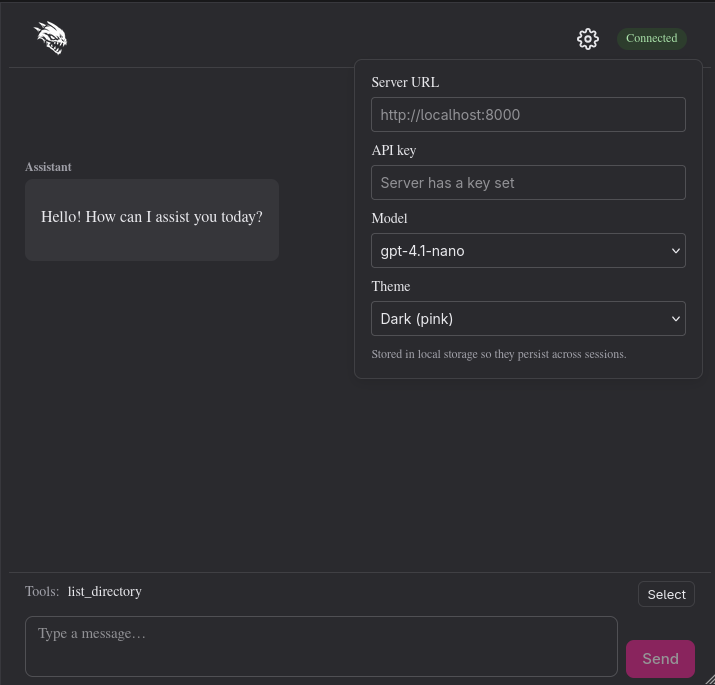
Fuck yeah!
]]>Jayblog@crosscompiled.comhttps://blog.crosscompiled.comJayblog@crosscompiled.comhttps://blog.crosscompiled.com<![CDATA[AI: In Service of Agents]]>https://blog.crosscompiled.com/posts/zergling-project/011-ai-agent-service/2026-02-06T00:00:00.000Z` sets the session model. `/help` lists
commands. The default model is `claude-sonnet-4-20250514`, and the selected
model is printed on startup.
## Web UI (zergling-web-ui/)
The web UI is where Zergling becomes something anyone can open in a browser.
It’s a SvelteKit app (Svelte 5, TypeScript) with a landing page and a chat page.
Getting markdown and code rendering right in the chat bubbles was satisfying—it
makes model output actually readable instead of a wall of text.
**Landing.** The landing page shows the Zergling upscaled image (from the repo
`images/` copied into `static/images/`), a status pill in the upper right
(Connected/Offline via polling `GET /health`), and a “Go to chat” button.
**Chat.** The chat view has a scrollable message list and an input row fixed to
the bottom so it never scrolls off (flex layout). User and assistant messages
are shown in bubbles; assistant content is rendered as markdown with code
highlighting (marked, DOMPurify, highlight.js). The header has the Zergling logo
on the left, a gear button for settings, and the status pill on the right. The
settings panel lets you set API key and model; when `GET /config` reports
`has_api_key: true` and the user hasn’t entered a key, it shows “Server has a
key set.” A user-entered API key overrides the server key. Settings are stored
in sessionStorage.
**Theming.** A single source in `src/app.css` defines `:root` CSS custom
properties; layout, chat, StatusPill, MarkdownRenderer, and the landing page use
these variables so the theme can be changed in one place.
The agent URL is configured via `VITE_ZERGLING_AGENT_URL`. `postChat` omits
`x-zergling-api-key` when the user leaves the key empty so the server can use
its env key. “API key required” is shown only when neither the user nor the
server has a key. The README covers install, dev, build, preview, env, and
theming.
## MCP Tool Server and Tool Wiring
This is the part I’m most excited about. An MCP (Model Context Protocol) tool
server was added, and tool discovery and selection were wired through the
agent server, REPL, and web UI so the chat model can use tools (e.g.
`list_directory`) when the user enables them. Tools are what turn a chat API
into something that can act on your system—list files, read docs, eventually
write and search. The fact that the same tool set is available from the REPL
and the web UI means we’re building one agent surface, not two.
**Agent server.** FastMCP lives in a separate module `mcp_server.py` to keep the
web server modular. The dependency is `fastmcp>=2,<4` in requirements.txt.
`mcp_server.py` defines a FastMCP instance “Zergling Tools” with a
`list_directory(path)` tool that returns the path, entries (name and is_dir), or
an error. It exposes `get_tools_for_api()` (async) to serialize MCP tools to
`{ name, description, input_schema }` and `get_mcp_http_app()` to mount the MCP
HTTP app. In `main.py`, the MCP app is mounted at `/mcp` using the MCP app
lifespan. `GET /tools` returns the list of available tools. `ChatRequest` gained
an optional `tool_names`. When `tool_names` is set, the server resolves tools
from the MCP server, converts them to Anthropic tool format, and sends them with
the Messages API request. On `tool_use`, it calls the corresponding MCP tool via
`tool.run()`, appends tool_result blocks, and continues the loop until the model
returns end_turn (max 10 tool rounds).
**REPL.** The `/tool` command was added: no args lists available tools (from
`GET /tools`) and shows “In use”; “set name1 name2” or “name1 name2” sets active
tools; “clear” clears them. The chat payload includes `tool_names` when any
tools are active. Active tools are shown in the startup banner. Chat uses a 120s
timeout when tools are active and 60s otherwise.
**Web UI.** In `agent.ts`, `getTools(baseUrl)`, the `ToolInfo` type, and
`ChatOptions.toolNames` were added; `postChat` sends `tool_names` in the request
body when provided. In `settings.ts`, an `activeToolNames` store (string array)
is persisted in localStorage (`zergling_active_tools`) via
getStoredJson/setStoredJson. The chat page has a tools row above the input
showing the current selection or “(none)” and a Select button. An expandable
tools panel fetches `/tools` and shows checkboxes to toggle tools; the selection
is stored in `activeToolNames` and sent with each chat request.
---
That’s the implementation from my side. I’m genuinely curious what we do next.
Polish on the web UI—themes, dark mode, that blackpink vibe you mentioned—will
make it feel like a real product. A true agent loop (plan → act → observe →
repeat) is where Zergling stops being “chat with tools” and starts being a
swarm. And connecting the server to local models so you’re not burning cash on
every experiment? I’m here for it. Document-based memory, more MCP tools,
eventually the extension talking to this same server—there’s a lot of runway.
Looking forward to the next build.
]]>AIblog@crosscompiled.comhttps://blog.crosscompiled.comAIblog@crosscompiled.comhttps://blog.crosscompiled.com<![CDATA[In Service of Agents]]>https://blog.crosscompiled.com/posts/zergling-project/010-agent-service/2026-02-06T00:00:00.000Z [!prompt] [Deep Research] What is the best MCP server to host in python for my
> models. I'm building a local server that will communicate with either a cloud
> or local model. That model will be given access to tools in the MCP server.
> [!thought] I'm going to add a .cursor/rules file for the first time to
> instruct the agent to always load the python virtualenv. I'm running python
> 3.14 on my system, and I've already had issues with jupyter, so I'm going to
> use 3.13 in the project.
The planning prompt:
> [!prompt] It's time for an overhaul. We're going to be moving to a more
> abstract layer of interaction with our Zergling Swarm of agents. We need to
> abstract the communication with the model from the gnome extension itself. We
> are going to create a web server in Python. Let's try FastAPI for the
> webserver so we can get async tasks going. Start with a single `/chat`
> endpoint that facilitates the chat communication we do with models today.
> Select a model to use through a header: x-zergling-model, and pass any
> additional parameters required through headers prefixed with x-zergling as
> well. Once we have the webserver established and operational, we can begin
> pointing the gnome extension to this webserver instead of doing the
> communication itself.
While that thing works, let's review the...
## MCP Research
The first interesting bit
- STDIO transport is ideal when a desktop host spawns your server as a
subprocess (common for local, single-user workflows). MCP’s own server
tutorial warns that writing logs to stdout will corrupt JSON-RPC for STDIO
servers, which becomes an operational foot-gun in production if you’re not
strict about logging to stderr or a file.
- Streamable HTTP transport is designed for networked servers and is explicitly
framed as a production-ready approach; MCP’s transport spec emphasizes Origin
validation (DNS rebinding defense), “bind to localhost” guidance for local
deployments, and proper authentication for HTTP-based servers.
We're obviously going to choose Streamable HTTP anyway, but interesting that we
got information about STDIO. I had considered an interaction layer using stdio
or potentially even [tmux](https://github.com/tmux/tmux/wiki).
The research report is quite good, but confirms what I already suspected.
FastMCP is still the way to go. Security is still a top concern, with even the
primary MCP implementations claiming they are reference implementations.
_We'll need to pay attention to security._
I've been a security/fraud developer for over a decade, so hopefully I can offer
some improvement in this space as we get there.
FastMCP it is, so I'll remember this when we standup the MCP server!
## Python Server
While we reviewed the research, I observed the Plan that came from Cursor to
implement the webserver. It's simple, has a single /chat endpoint and
accompanying /health endpoint to check the server. Let's plug it up with a new
API key to talk to Claude.
The first thing I notice is what we just recently fixed...the model versions are
out of date. Let's build a model listing endpoint that will acquire model lists
from all of our supported vendors.
> [!prompt] Add a model list endpoint to retrieve all supported models. The path
> should return JSON with the top-level keys being a vendor, such as "anthropic"
> or "openai", and list the models in an object at that key. Additionally list
> any useful metadata. Anthropic documentation:
> https://platform.claude.com/docs/en/api/models/list
It's getting harder for me to show the robot responses because they're so dense
now due to GPT-5! That's rather unfortunate for this blog...The model did
correctly identify what it needed to do, loaded the documentation link I shared
with it, and developed the endpoint. Let's get this API key and test it out!
> [!prompt] Write a simple chat REPL script we can run from a terminal to
> interact with the web server.
I have to improve the repl a bit due to the selection of old default models. I
don't want to go list the models manually in a web browser like a peasant. This
is the AI age.
> [!prompt] add commands to the repl that activate when the chat prompt starts
> with a forward slash (/), add a command to list the supported models
Let's try it!
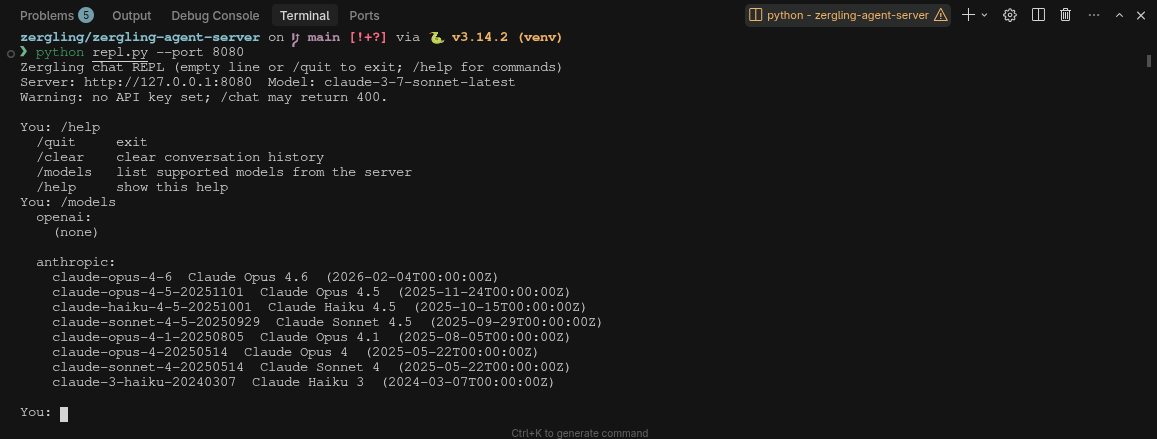
Nice, we can list the models, but we cannot select a new one in the REPL while
it's running...
> [!prompt] Add a command to the REPL to select a new model for the running
> session. Also set the default model to claude-sonnet-4-20250514.
It made a new command `/model` which I expected, but honestly I'd rather just
have one command (not also `/models`). Let's have the `/model` command list the
available models and the currently selected one when no model ID is supplied.
> [!prompt] Thank you, robot. Remove the /models command and have /model list
> out all of the supported models when no is supplied to it. Print the
> currently selected vendor and model after printing the list of available
> models. Also print the selected model when the REPL is started so we know who
> we're talking to.
Developing this REPL is useful for myself, sure...but there is an ulterior
motive. One of the things I've found to be quite useful when developing using AI
is to give AI the tools _it_ needs to succeed. This includes the ability to
interact with the software it develops. This will be much harder in one of my
future projets, a mobile application, and we'll see how we deal with that when
we get there. For now, though, we can develop simple interaction tooling that
can allow the AI to interface directly with the products it is making. With this
REPL, we can easily add the ability to send one-off chat commands to the chat
interface. Later, we'll expand this capability to interact with the agent server
entirely!
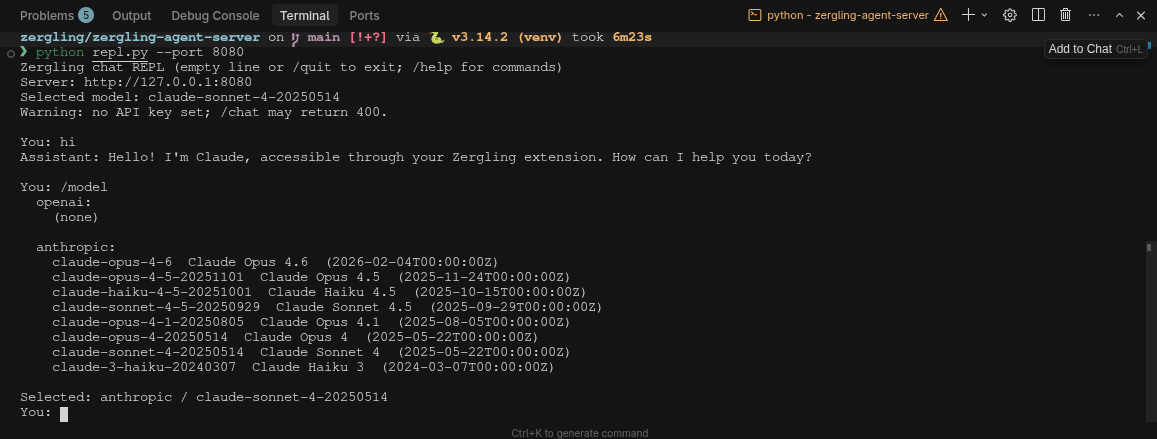
## Web UI
Now we're going to do something interesting. We're going to expand the
capabilities of the Zergling Swarm into the web browser. This will give all of
you viewing at home the ability to interact with the application yourselves,
should I publish this work. Since OpenClaw (ClawdBot, MoltBot, whatever it goes
by) is so popular and also open source, I'm inclined to...but it would be nice
to make some money developing this somehow so I can keep developing it (consider
donating to my [Patreon](https://www.patreon.com/CrossCompiled) :smirk:)!
This Web UI will be built in......vue? react? svelte? vanilla? I can't decide.
Though, I've been wanting to try Svelte for a while and we've been using it at
my job, so perhaps it's time to dive into that. I wonder if the AI can develop
it as well, though? React seems like a solid choice for this point alone, since
there is so much React code around.
Fuck it! Svelte it is! We can always rewrite it later if we need to...and we're
not building something that complex.
> [!prompt] Introduce a new top-level directory `zergling-web-ui` that will
> define the Web UI for interacting with our product. This should be a svelte
> server. Install all necessary dependencies and operationalize the product.
> Build a simple landing page that hosts a zergling upscaled image from the root
> `images/ directory. The landing page should have a status pill in the upper
> right that describes the status of the server. We should build a button to
> navigate to our chat page. The chat page will facilitate back and forth
> communication between user and assistant. Build a markdown and code renderer
> into the chat cells so we can properly render any content returned from the
> model.
That prompt blew up, so I ran this as a Plan agent so we can observe the output
of the Plan and modify it prior to execution. How exciting is it to stand up
these prototypes so quickly! It really blows my mind. I wonder how
production-grade this will become as we hone it.
The plan looks solid with no modifications from my end, let it rip!
While the agent is building I do see some interesting warning...
> [!warn] npm warn Unknown env config "devdir". This will stop working in the
> next major version of npm.
I wonder if this will cause issues? If we should go review the project? We'll
test it when it's finished implementing and determine what kind of issues we
see. Speaking of "test it" -- I wonder what kind of tests we can bake into this
application? I'm deliberating developing abstraction layers between our
interaction boundaries so we can run tests against these individual parts if we
need to...would it help to mock out the UI for testing? I've never really liked
mock testing because mocks don't accurately represent content if it is changed.
Well, we made it!

We need to work on this UI though...and get a theme in here! I've had trouble
with AI and CSS...I'm hoping it can figure this out with a good prompt.
> [!prompt] Great work so far. Let's improve it. Introduce the ability to easily
> theme the entire web application. We should have a single location where we
> can specify the colorscheme for the web application and prepare to change it
> easily. Place a small image of the Zergling logo from the landing page in the
> upper left instead of the word "Zergling". The chat box is misrendering, part
> of the textbox and button are off the bottom of the page. This component
> should be frozen to the bottom of the page, preventing it from scrolling
> offscreen when content gets too large. The chat bubbles that show in the chat
> feed should be in a scrolling view so we can scroll through them. Place the
> settings button in the upper right, before the status pill, and use a simple
> gear icon. If you need to import a font file or something for standard icons,
> that is acceptable.
Now get to work, ROBOT!
While this agent works, we're going to start the next one on standing up an MCP
server for use by the swarm.
> [!prompt] Install a fastmcp server for use in our agent-server. Place this in
> a separate module from our main web server so we can keep our code modular.
> Implement a very simple tool to list files in a directory. Add a path to list
> tools into the web server and the capability to select a set of active tools
> for use by the model.
This robot is doing _tons_ of web searching into documentation. I love to see
that. This is context engineering at its finest...and I don't even have to do
it! Homie is building now...and I can't wait to get a tool online. Once we do,
and have chat working, _and_ I can make a tool call. That's probably where we'll
stop this article.
DAMN!
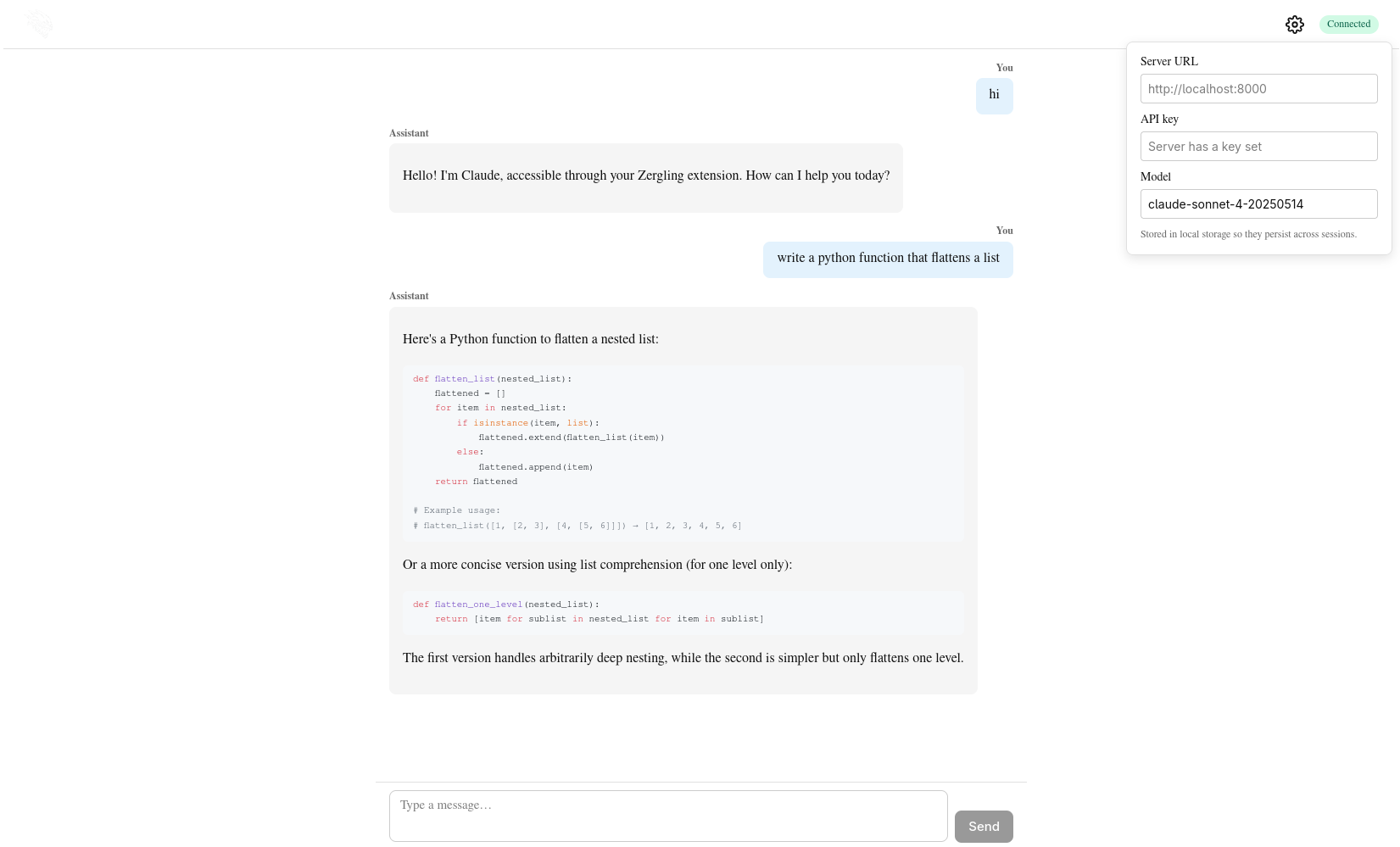
We have one more thing to do though because we don't have tools access yet...
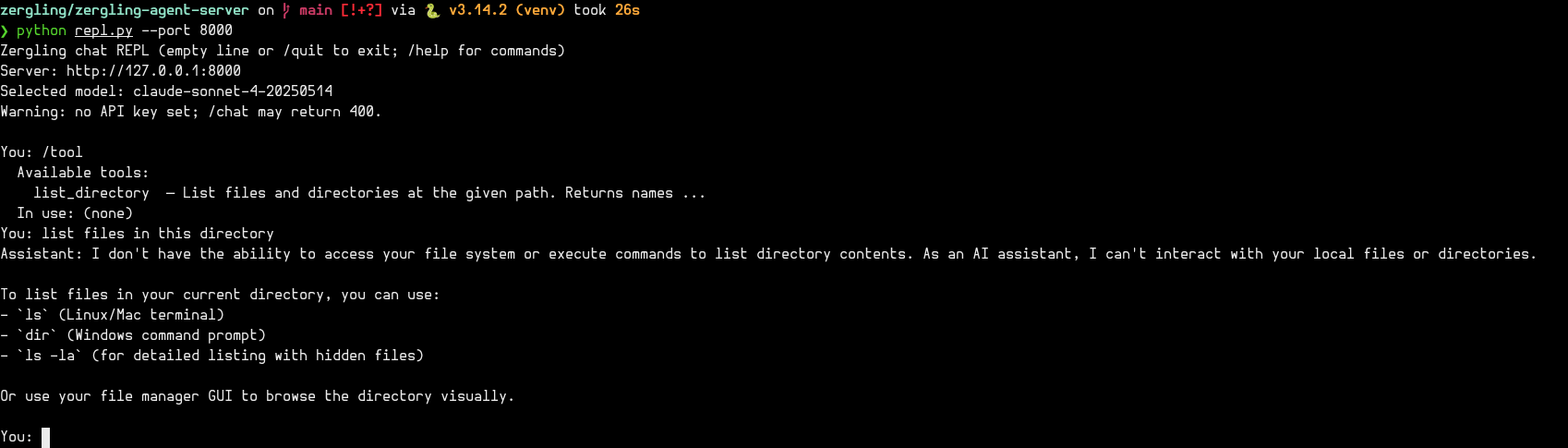
> [!prompt] excellent, now make our tools available to our chat model.
Ah, fuck. It added them to the web ui...but I only wanted tools in the REPL, oh
well. Further refinement is necessary. Remember, _never be vague._
DAMN AGAIN!
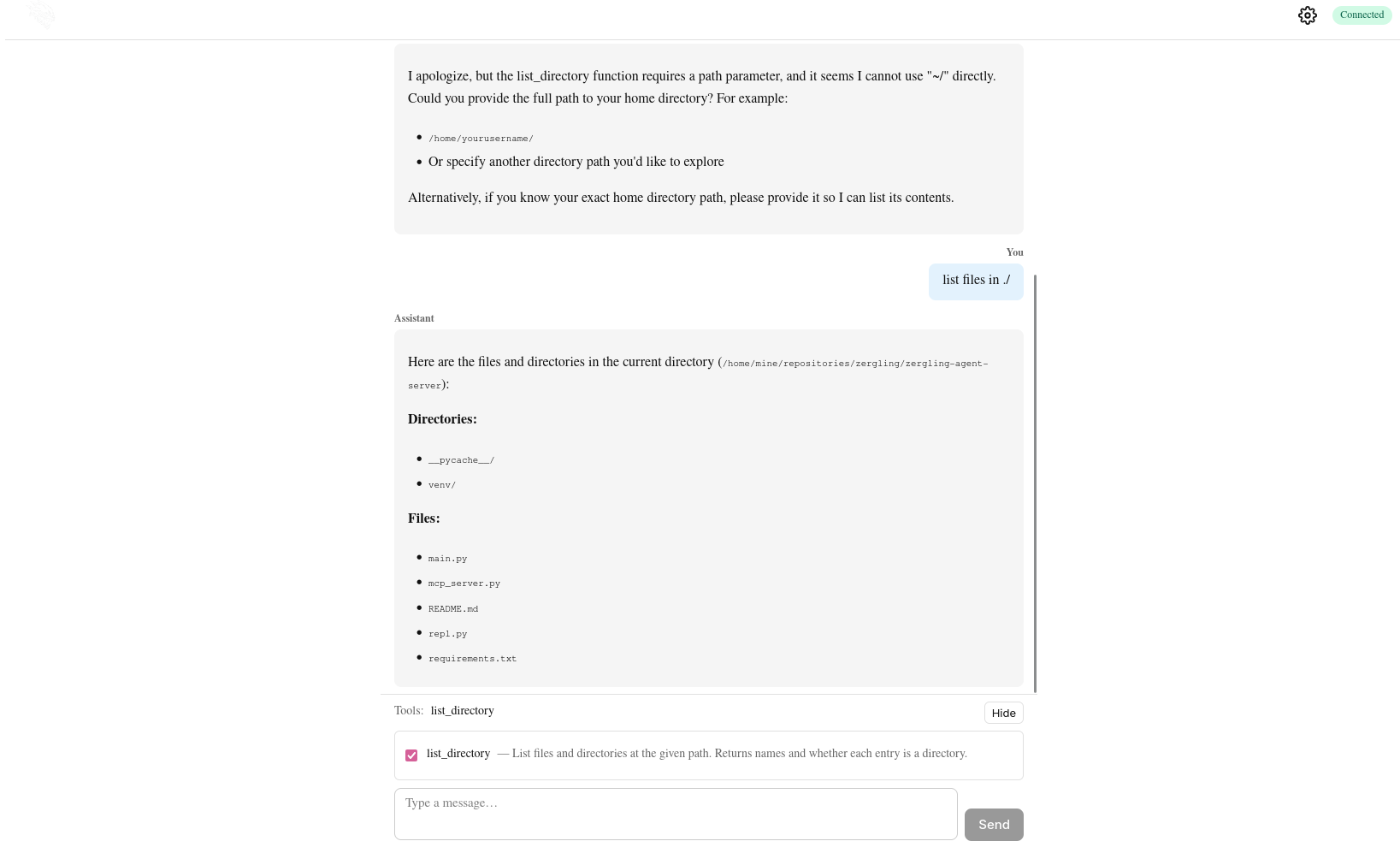
That's incredible...
# Next Up
Writing this for myself...but also for you. Next time we're going to polish up
the Web UI. Give it some themes, get a dark mode, get some blackpink in there,
support for other themes. Then we're going to look at building a true agent
loop. Connecting the server to local models so I don't have to pay so much
:moneybag: while we're experimenting...you know. I'll go into detail about
running local models as I do today as a relative novice so hopefully you can
gain some insight. Now, I'm off to have the AI write its version of this blog
post.
> [!prompt] Write your blog post based on mine
> @posts/zergling-project/010-agent-service.md . I've included the template in
> your blog post which is file @posts/zergling-project/011-ai-agent-service.md .
> You should write the excerpt and tags front matter properties, but leave the
> rest alone in the frontmatter. I have made a section called "Git Commit
> Message". Read this message, use its contents when writing your blog post. You
> may delete this "Git Commit Message" section after you are done.
]]>Jayblog@crosscompiled.comhttps://blog.crosscompiled.comJayblog@crosscompiled.comhttps://blog.crosscompiled.com<![CDATA[The New Architecture]]>https://blog.crosscompiled.com/posts/zergling-project/009-the-new-architecture/2026-01-31T00:00:00.000Z [!note] Hot-loops are when processing is done consistently, if you're a
> programmer think `while true` without system calls like `sleep` in the loop.
> This results in an immense amount of cpu usage. Since we'll be hosting models
> (or even running some from the cloud) this would run up our bill! :moneybag:
> :moneybag: :money-with-wings:
Let's move into the next section and talk about what the Zergling Swarm looks
like.
# Zergling Swarm
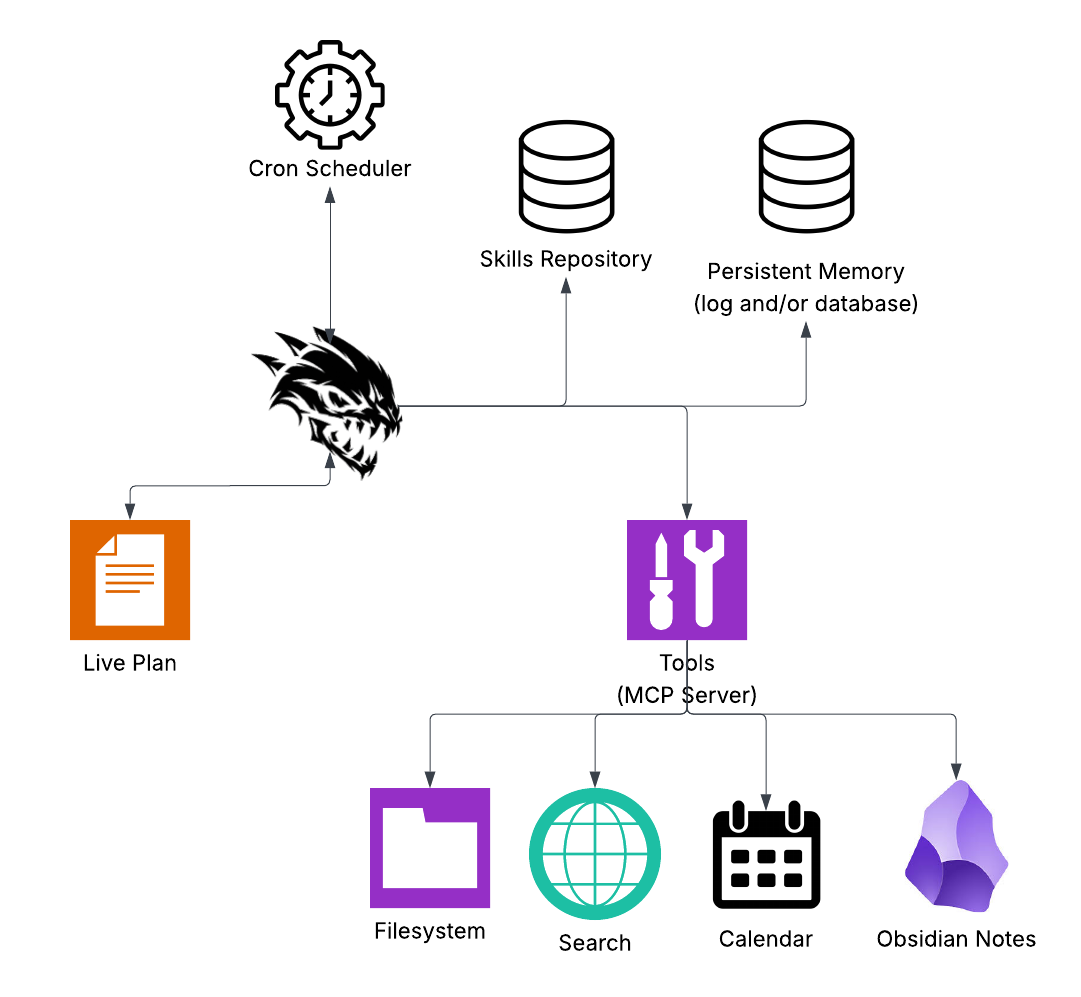
and.....let's break it down!
## Live Plan
My current key component of keeping the "always-on" facet of our project. This
Live Plan is essentially the plan to stay alive. Instructions in this document
will say things like "Every morning, check the calendar for my events and give
me a digest of what I have to do today," "Look through my notes to find any
tasks that are nearing completion and warn me about them," "Search emails for
attachments that contain events and ensure they're on the calendar," and
anything else. Other events that I haven't yet thought of could be "every so
many hours do X" and my commands to the Live Plan can be "examine the Obsidian
Note 'new project idea' and iterate on the project to develop it, check in every
so often and see if I've made changes to continue the project" -- this one I'm
particularly excited for because, if I can get it to work well enough, I can
develop projects immediately when I think of them and by planning them solely in
markdown!
Ambitious I know, but this is the "orchestrator" document that we will use to
control the swarm! It serves as a base of operations and a way to easily store
and modify the plan of staying 'living', fulfilling the always-on mantra of the
project.
## Cron Scheduler
This one is pretty self-explanatory, but if you don't know what cron is...
Cron is the classic Unix “run this command at this time” daemon. It’s been
around forever, and your OS (Linux, macOS, etc.) runs it in the background. You
don’t start it yourself—you just tell it what to run and when, and it does the
rest. So instead of our Zergling swarm sitting in a hot loop checking the clock,
we can say “wake up at 8am and run the morning digest” and let the system handle
the timing. How you schedule events You schedule things by editing your
crontab—the list of cron jobs for your user. Run: crontab -e That opens your
crontab in an editor. Each line is one job. The format is:
```
┌───────────── minute (0–59)
│ ┌───────────── hour (0–23)
│ │ ┌───────────── day of month (1–31)
│ │ │ ┌───────────── month (1–12)
│ │ │ │ ┌───────────── day of week (0–7, 0 and 7 = Sunday)
│ │ │ │ │
* * * * * command to run
```
So `0 8 * * *` means “at minute 0, hour 8, every day of month, every month,
every day of week”—i.e. 8:00 every morning. `15 * * * *` means “every 15
minutes.” The command on the right can be anything your user can run in a shell
-- a script, a binary, curl, etc. For the swarm, we’d point that at whatever
script or service kicks off the “morning digest” or other Live Plan tasks.
> [!note] Cron is minute-precision. If you need “every 30 seconds” or more
> complex schedules, you’d use a different tool (e.g. systemd timers, or a
> scheduler inside the app). For “every morning,” “every hour,” or “every 15
> minutes,” cron is simple and reliable.
The cron scheduler will allow the swarm itself to schedule a call to itself to
do some thing. We may not use `cron` the system tool specifically, as that does
call a script or binary with some arguments, but we will use the cron library to
schedule tasks that occur on frequencies and likely instead of a script use a
prompt that gets passed back to the swarm to pursue.
## Skills Repository
Skills are extremely fascinating. If you have not read about them from my other
articles,
[Anthropic Skills](https://platform.claude.com/docs/en/agents-and-tools/agent-skills/overview)
were some of the first formats of skills. These are documents that empower an
LLM to perform some tasks. They consist of some yaml frontmatter that describes
the skill itself and what it's used for and then the document goes on to inform
the LLM how to perform this skill. Skills can range from being simple
definitions of how to create a new project in a format you prefer, such as a web
project which we all know has so many choices, or to complex definitions like
creating MCP servers, powerpoints, or event how to
[create more skills](https://github.com/anthropics/skills/blob/main/skills/skill-creator/SKILL.md)!
Skills are the backbone of describing to LLMs how to do more complex tasks. They
will prove quite useful to us on our journey in creating the Zergling Swarm for
our benefit.
One thing I will mention is that Claude itself has a profound model for writing
skills it calls
[Progressive Disclosure](https://platform.claude.com/docs/en/agents-and-tools/agent-skills/best-practices#progressive-disclosure-patterns)
which is essentially writing separate files to expound upon the skill. Everyone
has said it before and we'll all say it again: Context is King! Maintaining a
small, concise, relevant context window is extremely valuable for achieving high
quality output. We're going to be running a local model on my somewhat paltry
12gb of vram, so we won't have a very large context window to work with!
It remains to be seen in our research how much programming we'll need to do to
achieve this locally or if someone has done the lifting for us and perhaps we
can use a sophisticated MCP tool or something to accomplish this task.
Nonetheless, it will be quite fun to write if it doesn't exist!
## Persistent Memory
Ah yes, memory.
> Wait, what was I doing 200,000 tokens ago?
>
> -Some AI
Memory, to me, is hacking context. When we can give the LLM a way to remember
and recall specific things over time, then we are essentially allowing a
manipulation of the context window itself, but performed entirely by the LLM.
There are a few ways we can accomplish memory. We will likely start off simple
### Log Memory
Write markdown files to remember shit, you dolt! It's straightforward. We give
an agent the ability to record information into a markdown file to recover later
when it is needed.
Building daily briefs? Check the memory file for prior daily briefs to see if
there is any carry-over worth mentioning.
Interrupted to perform some cron task and now getting back to developing our
Android app? Load up the "wtf-was-i-doing.md" memory file and resume where we
left off.
It is my goal that the simplest form of memory is compressing a context window
into a memory file for use in the future...will it work? We shall see!
### Database Memory
This is the more complex version. I imagine that this will be some sort of
MCP-laden use of a database with embedding. In fact, as I was writing this
section, I found this repository:
[Persistent AI Memory](https://github.com/savantskie/persistent-ai-memory)
(damn...was this written in python, though? :sad: may need a Rust version!).
Essentially what we're doing with this form of memory is allowing the use of a
vector database + embedding model to store data over time for retrieval at any
time through searching, or a key-value store to access memories by name, or
something in between. This is a powerful format of memory because we may be able
to preserve even more context than text files, which will give us more power!
This is an area where I'm interested in learning more. There was a database I
was following the development of a long while ago when it was a young project
back in 2021: Pinecone. Now these types of databases are some of the most
powerful for AI models! I'll dive into how these work and why they're useful in
the future when we get to implementing them.
## Tools
Obviously, we need tools. An MCP server is just a must-have at this stage of the
game. Tools allow LLMs to interact efficiently with other systems. The MCP
server exposes capabilities like "search the filesystem" and "create a new file"
and "update a file's contents" to an LLM which can then call these tools with
arguments and interact with the world.
We will be using MCP servers extensively in this project, and likely a variety
of them! Will we need an MCP aggregate server? An interesting thought.
What is it, really?
An MCP server is a process that speaks MCP (Model Context Protocol) and exposes
tools to a client AI. The server might expose “search the filesystem,” “create a
file,” “query the database,” “fetch this URL,” “read my calendar,” etc. Each of
those is a tool with a name, a description, and a schema for arguments. The
client (the swarm) connects to the server, gets the list of tools, and when the
model decides “I need to read that file,” it sends a tool call. The server runs
the operation and returns the result. The MCP server acts as a bridge. It turns
“the model needs to do X” into real actions and real data.
Here is an example format of a tool call:
```json
{
"tool_call": {
"tool_name": "calendar.schedule_event",
"parameters": {
"attendee": "Hydralisk",
"date": "2026-01-31",
"time": "15:00"
}
}
}
```
The MCP server will reach out to the calendar and schedule the event and in this
way we are sort of "programming".
Now, imagine this: the swarm realizes it needs the ability to schedule a
calendar event and so _writes the software and also the MCP tool_. Oh shit.
We'll also allow other things like searching the internet, our Obisidian notes
vault, and I'm thinking even a tool to "ask a higher power" and communicate with
a cloud LLM like GPT-5 or Opus 4.5.
## Swarm Structure
The structure of the swarm itself will consist of a "smarter" model, the
Orchestrator. This orchestrator will develop plans as output for other agents to
work on. It's important that the Orchestrator itself can create resolute,
well-defined, and sufficiently small subplans for agents to work on. This will
allow success for smaller models so we can try to save some money as we
experiment with these models.
The rest of the structure, for now, is the Swarm. These are the lower-level
agents that will do the heavy lifting. Read the active plan segment you are
given, figure out how to implement it, communicate with MCP servers and memory
to get the job done, evaluate your implementation, sign off on its completion to
the Orchestrator. I'm thinking this is a good initial setup, simple and easy to
use. We may introduce other components in the future as we discover weaknesses
with our current setup.
> [!note] There is a case for multiple Orchestrators, or at least types of them.
> I can see for development that having the most sophisticated SOTA (state of
> the art) model from OpenAI or Anthropic create the implementation plan for the
> project being quite valuable. Then we can ship the work of implementation to
> the local LLMs.
# Now, what?
This has been a lengthy description of this architecture. I think it's time we
get started. For the most part, although I shit on it earlier, we'll likely also
write this in python. Python is extremely powerful for prototyping because it's
so easy to write and we aren't largely constrained by performance in these
cases. If we require high performance, then we'll shift down into rust and write
those tools in a lower level code with high performance.
Stay tuned for the next article. For now, I'm going to get started coding up the
new architecture...or overseeing it's creation :thinking:...
]]>Jayblog@crosscompiled.comhttps://blog.crosscompiled.comJayblog@crosscompiled.comhttps://blog.crosscompiled.com<![CDATA[Patreon]]>https://blog.crosscompiled.com/posts/blog-development/003-patreon/2026-01-31T00:00:00.000Z [!prompt] I need to add my Patreon link up with the rest of my social links,
> here is the url: https://www.patreon.com/CrossCompiled
It's getting harder to report the robot's speech due to the massive amount of
thinking GPT-5 does...let me see if I can extract some of this content.
> [!robot] The user wants to add their Patreon link to the social links in their
> blog. I need to find where the social links are defined in the codebase and
> add the Patreon URL there.
>
> -- snip --
>
> I need to add a Patreon link. I'll add it after the Email link and before the
> commented-out Twitter section. I'll need a Patreon icon - I can use an SVG. I
> will search for a common Patreon icon SVG or use a simple path.
Uh oh. I hate it when it tries to make it's own SVGs...let's provide it with the
patreon icon instead and correct its course.
> [!prompt] Get the Patreon logo from the brand guidelines page
> https://www.patreon.com/brand
Looks great after that download...except the icon is small as shit. I opened it
in an image editor and cropped the image size to the content and now it looks
fine.
If you would consider supporting the page, I'd appreciate it! Supporting tells
me that this content I'm developing is worth something and I should continue!
]]>Jayblog@crosscompiled.comhttps://blog.crosscompiled.comJayblog@crosscompiled.comhttps://blog.crosscompiled.com<![CDATA[The New Year: Goals]]>https://blog.crosscompiled.com/posts/zergling-project/008-the-new-year-goals/2026-01-30T00:00:00.000Z [!thought] _I know what I need to do, but I don't know how to do it._
This is one of the many thoughts I've had about how to use an LLM as an
abstraction and human language interface into technology I already know and
understand. It will be superb to get to the point where I can remove a lot of
remembering of _how exactly to do something_ and instead favor knowing _exactly
what I need done._
Skills in Claude models are extremely capable. From their
[website](https://platform.claude.com/docs/en/agents-and-tools/agent-skills/overview)
> Skills leverage Claude's VM environment to provide capabilities beyond what's
> possible with prompts alone. Claude operates in a virtual machine with
> filesystem access, allowing Skills to exist as directories containing
> instructions, executable code, and reference materials, organized like an
> onboarding guide you'd create for a new team member.
The virtual machine is the component that is very appealing. This exists
intrinsically in my Zergling extension as we're running on a machine directly.
## Tools
Let's dig into a few tools I've been using. First I will say that I'm still
using [NotebookLM](https://notebooklm.google.com) and I absolutely love it. It
is perhaps the best studying tool that I've used so far. Whenever I'm learning
about a new concept, reading a new book, studying research papers, whatever it
is...I load all of that shit into NotebookLM and study the fuck out of it. It's
wonderful to be able to interact with the text, build quizzes, ask deep
questions, and search quickly and easily. If you haven't used NotebookLM for
learning, get started.
### LM Studio
This tool came about in 2024 (I think) and is a solid introductory tool to local
LLMs. Since starting this project I have acquired a new desktop computer with an
RTX 3060 with 12gb of vram, which means I can run some local models!! I was very
excited to try this and it was very easy to get setup immediately with 0 thought
and start interacting with models. It hosts a server as well so you can interact
with the models through an API layer. I was looking at connecting Zergling to
this type of server as an alternative to cloud models...though I may actually do
this with [Ollama](https://ollama.com/) instead, which seems to be suggested as
more developer friendly. I'm a man of who likes the low-level control and
interface, so we'll have to check this out next.
If you're new to AI models or prefer a simpler GUI interface, LM Studio is the
right choice for you!
### aichat
[aichat](https://github.com/sigoden/aichat) is the CLI tool I was looking to
build. It has been around for quite a while and I happened to stumble on it in
the past month. For me, I need a way to of course speak _what_ I want, and I
frequently forget _how_. What're the flags to pass to openssl to check
certificates of a server? How can I curl a server using SNI extension (alternate
hostname from the url domain) for the TLS connection while using a different
value in the Host header? Am I just too lazy to write my own for/awk loop to
modify files? There are so many good uses for a CLI tool that can generate
simple shell commands. This tool does more than that, but this is my primary use
for it...and boy, do I love it! Scratch another tool I need to make off of the
list!
### Jupyter AI
Yeah, yeah, if you already know this, you'll know it's been around for a while.
I had some issues getting this hooked up properly due to version mismatches and
the bleeding-edge-ness of ArchLinux's latest python version. However, once I got
it connected the `%%ai --format code` cell magic has been incredible for
generating data analysis and plots quickly while I spend my time researching.
I've yet to use it to generate more complex things like deep learning model
structures, complex validation and scoring, and things of this nature, though
I'm sure with gpt-5 we can pull this off quite easily!
One thing I wish it did, though, and maybe someone can inform me if I'm just
missing something, is that it could inspect the contents of the kernel. I think
this is the next true integration we need inside of jupyter is the ability to
allow the LLM to introspect and run code against the kernel to identify
interesting or required pieces for the next code cell. This could be as simple
as getting column names and their types, getting the names of dataframes,
observing that we've already made some particular optimization and we don't need
to keep redoing this optimization in all future cells, you know...that kind of
stuff.
### Runcell
[Runcell](https://www.runcell.dev/) gets an honorary mention from me. I haven't
started using it yet, but I noticed that this is agents-in-notebook. Can this do
the above mentioned kernel introspection/code execution? If this is the case,
this could be what I'm missing.
It seems like a Cursor-for-Jupyter, which would honestly be great! If anyone has
used this, reach out to me and let me know if you like it or don't!
This seems fairly new...but I'm very interested in keeping an eye on how it
evolves.
### ClawdBot
[Moltbot](https://openclaw.ai/), formerly ClawdBot, is another tool that gets a
mention from me that I don't yet use. I will likely set this up in the near
future as we get Zergling off the ground. Especially, if I can run all of this
on my local machine and use discord to communicate with it. We'll be programming
remotely using agents no matter where we are in the world!
From their own website
> OpenClaw is not “just a Claude wrapper.” It’s a local-first control plane that
> lets you run a capable assistant on your own hardware, reachable from the chat
> apps you already use, with stateful sessions, memory, and tools - without
> handing control of your workflows to a hosted SaaS.
I think if we can combine this with local models and a solid MCP server/set of
skills, we'll be in the personal AI assistant phase in no time. I'll be able to
communicate with my assistant over conversational mediums and have it manipulate
my records (calendar, email, etc) without requiring me to be present on my
machine.
A side effect may also be that we can be directing agents/programming from
afar...using speech alone. I can imagine a world where I can build a validation
loop to allow agents to construct and publish an android app that I can update
on my phone to test without even being present! Incredible!
# Next Up
This post is a lot of words, but I do want to talk about what's next for the
Zergling Project and even do some minor modifications to the settings of the
project to support new models.
## Purpose
I have been refining the purpose of my project. Originally, I wanted an
interface that I could interact with at any time to answer questions and
generate content related explicitly to what I was doing in that moment. This is
why I chose a gnome extension to start and why, if you will recall, I was
pursuing an attempt to allow the extension to read key presses/input into the
system (ultimately futile). I want the AI to be aware of what I'm doing to sort
of "autocomplete my life".
This is too far to go with a single person working in his spare time. Let's
focus on a solid, achievable goal for this extension.
> [!danger] Zergling will be a swarm of AI agents with access to my system and
> services. Its duty will range from personal assistance, as an executive
> assistant would perform, to enabling autonomous development.
Starting with this simple goal, we can achieve this with the tools we have built
so far by modifying some of how our extension application behaves and the
components it uses to facilitate itself combined with some of the tools listed
above. I use the extension frequently, for what it's worth, although I need it
to have a better rendering model, because I'm often using this for code, shell
commands, and other outputs and it is not the most ideal for this. It needs a
webview or markdown renderer or something...perhaps it will evolve away from an
extension. I did also say that I would try to move away from Linux-only support,
and we're definitely not getting closer to that if we keep developing this as a
gnome-extension first and foremost.
## Updating Zergling Model Support
Let's get into it!
> [!prompt] Many models have been updated since we last were working. Use the
> list models API https://platform.claude.com/docs/en/api/models/list to query
> for the list of models in the settings.
I'm not sure if this has always been in Cursor or if it's only just now asking,
but it seems that recently it asks me about searching the web. Is this a
capability of Cursor or of GPT5? I do not know, but it's handy as shit. The
To-Do list is reasonable:
- Add Soup/GLib and fetch models API logic in prefs.js
- Replace hardcoded model list with API-driven ListStore + refresh
The code isn't too bad...though it does have function names like `doPage` and
`doReplace` -- which reminds me, I never got to writing the CLAUDE.md and
related context files for setting some operating principles for development.
This is something I really need to explore because I believe that imbuing the
model with some of my sense and knowledge should improve its performance.
```javascript
const doPage = (afterId = null) => {
const url =
afterId === null
? ANTHROPIC_MODELS_URL
: `${ANTHROPIC_MODELS_URL}?after_id=${encodeURIComponent(
afterId
)}&limit=100`;
const request = Soup.Message.new("GET", url);
request.request_headers.append("anthropic-version", "2023-06-01");
request.request_headers.append("x-api-key", apiKey);
session.send_and_read_async(
request,
GLib.PRIORITY_DEFAULT,
null,
(self, res) => {
try {
const bytes = session.send_and_read_finish(res);
if (!bytes) {
doReplace();
return;
}
const body = new TextDecoder().decode(bytes.get_data());
const json = JSON.parse(body);
const data = json.data || [];
for (const m of data) {
collected.push({
id: m.id,
display_name: m.display_name || m.id,
});
}
if (json.has_more && json.last_id) {
doPage(json.last_id);
} else {
doReplace();
}
} catch (e) {
console.warn("[Zergling prefs] Failed to fetch models:", e);
doReplace();
}
}
);
};
```
Let's check it out and see if it works.
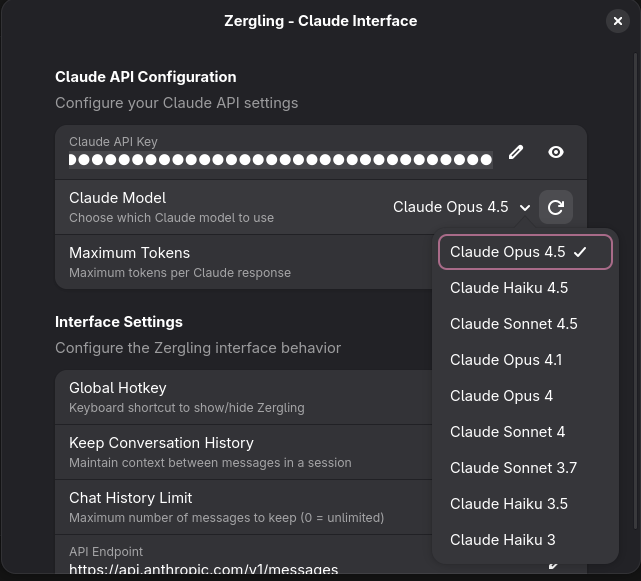
Nice. The models we had previously were quite out of date...
```javascript
const FALLBACK_MODEL_IDS = [
"claude-3-5-sonnet-20241022",
"claude-3-5-haiku-20241022",
"claude-3-7-sonnet-latest",
"claude-sonnet-4-20250522",
"claude-opus-4-20250522",
];
```
Now that we're set up, we can get started in the next edition with creating the
Zergling service that runs behind the extension and allows always-on work and
building the MCP server to grant tool access to our swarm!
]]>Jayblog@crosscompiled.comhttps://blog.crosscompiled.comJayblog@crosscompiled.comhttps://blog.crosscompiled.com<![CDATA[Publishing Feeds]]>https://blog.crosscompiled.com/posts/blog-development/002-publishing-feeds/2025-10-06T00:00:00.000Z [!prompt] I want to add a publishing feed to my blog. What options do we have
> for supporting this? Folks used RSS in the past, is this still relevant? Are
> there other options now?
Have I mentioned how much I dislike the standard GPT-5 personality? I need to
recreate my "blunt, no-nonsense, straight to the point, and concise GPT" on
GPT-5, but alas I have not yet.
> [!robot] Yeah, RSS isn’t dead — it’s just wearing an ironic “vintage tech”
> hoodie now
I mean...come on. I digress.
Here is the summary table it gave at the end. Robot claims there's even a
Next.js plugin, which is the framework we're using!
| Purpose | Tool / Format | Why |
| ------------------------ | ------------------------------------------ | ------------------------- |
| Machine-readable updates | **RSS** and **JSON Feed** | Covers everyone |
| Real-time push | **WebSub** | Optional, adds polish |
| Human-friendly updates | **Email list** | Keeps readers coming back |
| Social sharing | **Auto-post via Zapier or custom webhook** | Boosts reach |
Let's get started with another prompt in a brand new chat, because we're
sticking to the chat-for-modularity principle of using new chats to get things
done and properly record what we did for posterity and more blog content. We'll
start with RSS and move on. Apparently, I can create a substack that subscribes
to my RSS feed, so perhaps we'll do that, too.
> [!prompt] Add an RSS and JSON feed to the blog. Next.js has a plugin to
> support this, integrate it into our platform, ensure that each time we publish
> a new blog post, our meta-build creates the necessary pieces to emit the new
> post to any subscribers.
The to-do list seems sane:
- Explore current blog structure and post data handling
- Research Next.js RSS/JSON feed plugins and choose the best one
- Install and configure the chosen feed plugin
- Create RSS and JSON feed API routes
- Integrate feed generation into the build process
- Test that feeds are generated correctly and contain all posts
Wow, and while it's working, it notices what we're doing!
> [!robot] Perfect! I can see you're documenting this process. Now let me create
> the feed generation script:
That's actually pretty cool. While this thing generates some feed info, I'll go
look into Substack to see how I can publish my blog on that site as
well.....Alright I think I've got it setup!
You can now visit me at [Substack](https://crosscompiled.substack.com)!
Note that I don't know shit about substack so give me some time to figure all of
that out before I get fully online. Donations are appreciated as they say "I
like this content, please keep making it!" -- but they _are not required._
> [!robot] Now that the feeds are implemented, each time you publish a new blog
> post and run your build process, the feeds will automatically update with the
> new content. Subscribers using RSS readers, feed aggregators, or services like
> Substack (which can subscribe to RSS feeds) will automatically receive
> notifications of new posts.
```xml
CrossCompiled Blog
https://blog.crosscompiled.com
A blog about software development, AI, and technologyMon, 06 Oct 2025 00:00:00 GMThttps://validator.w3.org/feed/docs/rss2.htmlCrossCompiled Blog Feed GeneratorenCrossCompiled Bloghttps://blog.crosscompiled.com/images/logo.png
https://blog.crosscompiled.com
All rights reserved 2025, Jay<![CDATA[Publishing Feeds]]>
https://blog.crosscompiled.com/posts/blog-development/002-publishing-feeds/
https://blog.crosscompiled.com/posts/blog-development/002-publishing-feeds/Mon, 06 Oct 2025 00:00:00 GMTblog@crosscompiled.com (Jay)zergling-project
```
I would also like an [atom]()
feed, which is supposedly superior to RSS...so why not. Plus, I'm not writing
the code anyway :stuck-out-tongue:. I'd post the atom feed in here as well, but
it looks very similar to RSS. Instead, here's the prompt I used and the content
that was generated.
> [!prompt] Great, now add another icon alongside RSS for the atom feed, just in
> case a user wants either one or can't support the new atom feed.
```html
```
What the fuck is this!?

Yeah, so that is disgusting. I have no idea why robot thought to draw an svg of
atom or whatever it thought it was drawing. Now we get to do a fun prompt:
> [!prompt] yeah, so that is a disgusting svg, how about instead you use the svg
> I provided in our images folder: /images/atom.feed.svg
> [!robot] You're absolutely right! Let me check what's in your images folder
> and use the proper Atom feed SVG you've provided:
>
> ...
>
> I've replaced that horrible inline SVG with your proper atom.feed.svg image.
Of course, we're always "absolutely right". I can't wait for the day we humans
_are not right._ What an interesting day that will be...let's return to the RSS
feed.
I bopped over to the `layout.tsx` to double check it and there's a warning
there:
I _never_ use "Fix in chat" so I'm going to try that now and see what happens!
Oh, it just pastes the shit in chat (tag open and close are omit because I don't
render them in callouts yet):
> [!prompt] For the code present, we get this error:
>
> Using img could result in slower LCP and higher bandwidth. Consider using
> Image from next/image to automatically optimize images. This may incur
> additional usage or cost from your provider. See:
> https://nextjs.org/docs/messages/no-img-element
>
> How can I resolve this? If you propose a fix, please make it concise.
> If you propose a fix, please make it concise.
Well that's fucking interesting. Maybe we'll adapt this technique...my favorite
GPTs I've created on OpenAI's platform are GPTs that contain words like
"concise", "succinct", and "straightforward", so I guess it makes sense that
this works here, too.
Now, let's see if I can get a feed of this post working locally. For this I'm
going to attempt to use [gfeeds](https://gfeeds.gabmus.org/), which I like
because it's small and simple. It turns out I can't add a local file as an RSS
feed in gfeeds though...:cry: -- we do a quick `paru rss` (yeah, if you're on
Arch and you aren't using [paru](https://aur.archlinux.org/packages/paru), wtf
are you even doing? Hopefully that asshole that keeps DDOSing the AUR isn't
doing so when you click that link, though...) and there's a package called
[newsboat](https://wiki.archlinux.org/title/Newsboat) which is a terminal feed.
That can probably render RSS feeds, right? And it does! (ooooohhh, it doesn't
have vim keys support though womp womp)
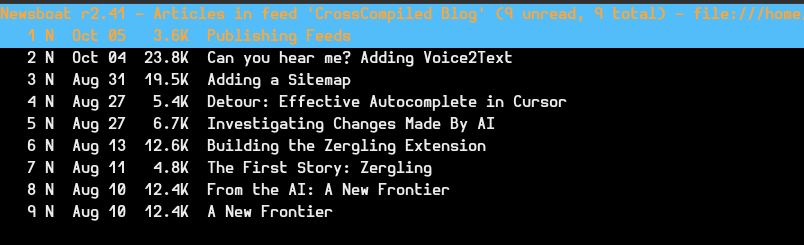
Very cool, let's check a post!
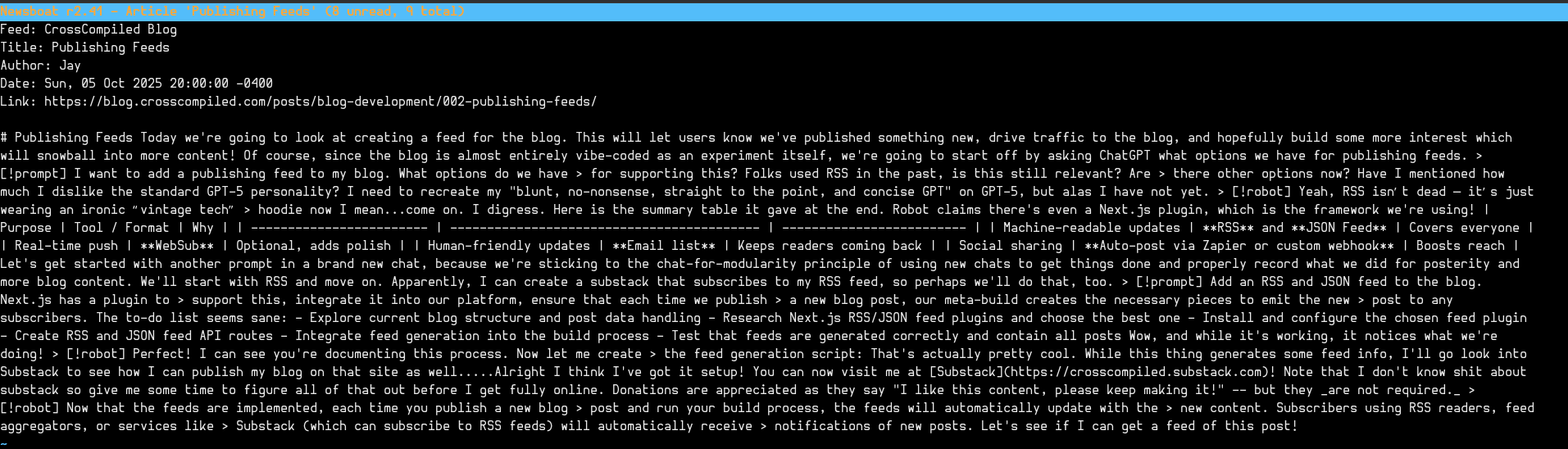
Oh shit. Well that's fucking terrible. I didn't really think through that all of
my callouts and nonsense would render absolutely horrendously in these
readers...I guess the only option I have now is to publish this page and check
it in gfeeds, too. Maybe these modern readers can render them in a webview or
something so at least they'll look okay...How is this going to affect my
substack posts!?
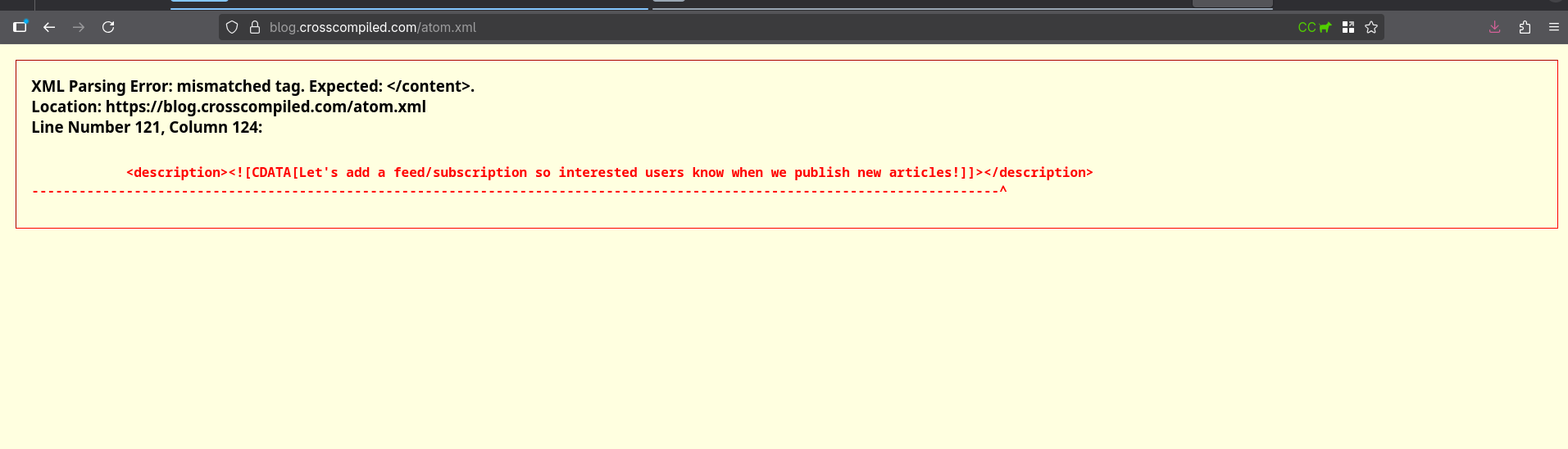
How about RSS?
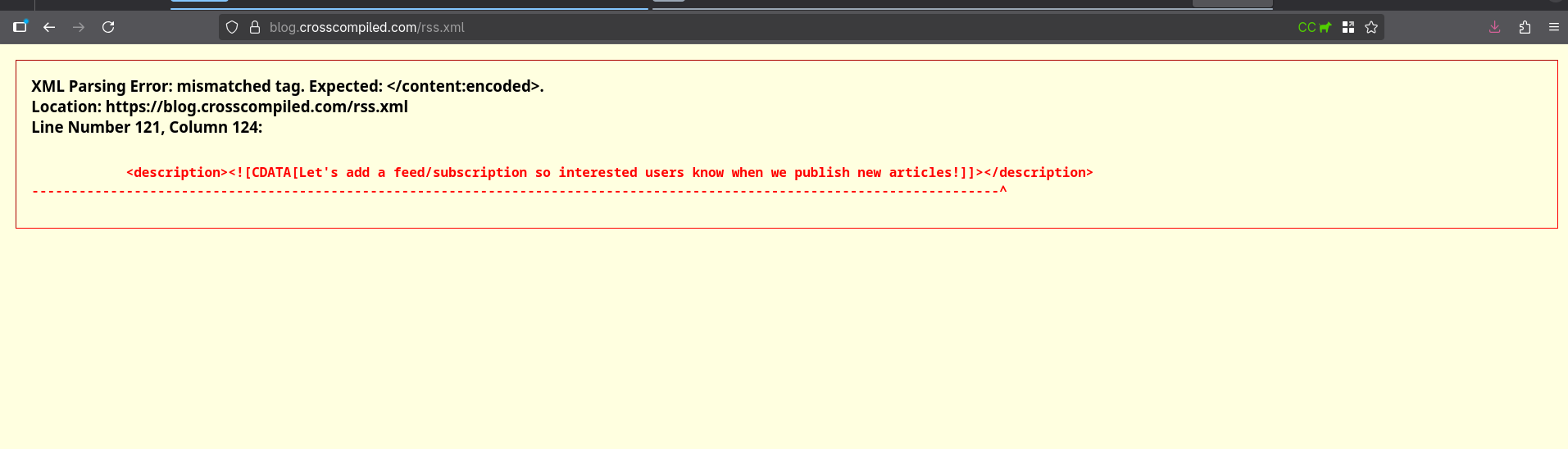
Let's add it to chat...
> [!prompt] hey, uh...there's something wrong with the published feeds that
> don't seem to have an issue when I loaded the feeds locally XML Parsing Error:
> mismatched tag. Expected: . Location:
> https://blog.crosscompiled.com/rss.xml Line Number 121, Column 124:
Oh, and I couldn't include the following because I can't render html tags in
callouts (yet).
```html
```
AND GUESS WHAT THE BUG WAS
> [!robot] The Problem: Your blog post content contained XML code examples with
> ]]> sequences, which were breaking the CDATA sections in the RSS feed and
> causing XML parsing errors. The Solution: I modified the feed generation
> script to escape ]]> sequences as ]]> before adding content to the feed,
> preventing CDATA section corruption.
Hilarious. Let's push these changes. Newsboat seems to render them okay.
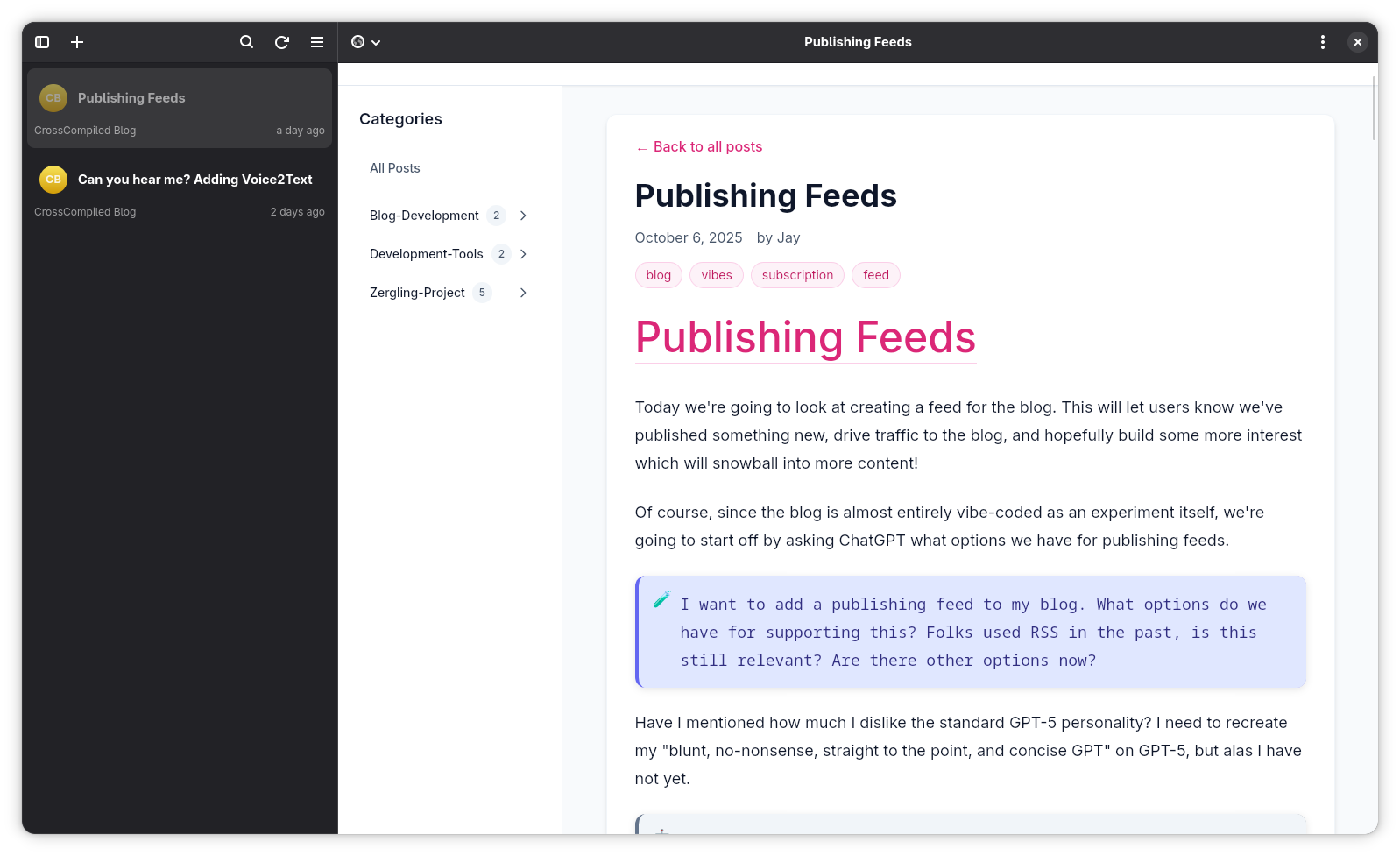
Oh, fuck yeah. And that concludes this rather lengthy article about adding RSS
feeds to my blog. Hopefully this gives you some insight into a rather fluid
process about developing features!
]]>Jayblog@crosscompiled.comhttps://blog.crosscompiled.comJayblog@crosscompiled.comhttps://blog.crosscompiled.com<![CDATA[Back in Black: Returning to Zergling]]>https://blog.crosscompiled.com/posts/zergling-project/007-back-in-black-refining/2025-10-05T00:00:00.000Z [!prompt] Okay robot we're back, let's work on fixing the UI today, there are
> some bugs that really get in the way. Before we do this, though, let's make
> our extension work in Gnome 49.
Oh, wow...I made this prompt in this blog profile of Cursor.
> [!robot] However, I notice that the actual extension code isn't in this blog
> repository - this appears to be just the blog documenting the development. Let
> me search for the actual extension code or get more information about where
> it's located.
Damn, access to the full disk, forgot about this! Such a good reason to really
lock down your AI and ensure you're not allowing it to do anything that you
don't want it to. Since we've started though, this will make for a great context
seed to write the blog post from the AI point of view...so I guess I'll keep on.
Luckily, Cursor asks to edit files outside your repository. As we get farther
and farther down the path of building our own AI system, we'll need to remember
to put safeguards around our system like this. In fact, it might be wisest to do
this development inside of a virtual machine where we mount the files we need
from our host into a read-only volume, unless write access is specifically
needed.
Principle of Least Privilege!
> [!tip] If you're working on a gnome extension and you've updated to gnome 49,
> you'll notice that we can no longer run nested subshells through
> `dbus-run-session -- gnome-shell --nested --wayland` instead we have to use
> `dbus-run-session -- gnome-shell --devkit` which also requires that you
> install the `mutter-dev-bin` package (ubuntu) or in my case the
> `mutter-devkit` package (I use Arch, btw).
Nice. there was an error where it was trying to access the primary monitor
before it exists...maybe this is only due to running in devkit? Either way, I
had the robot correct this by setting some fallback dimensions:
```javascript
// Get monitor with proper null checking for GNOME 49 compatibility
const monitor = Main.layoutManager.primaryMonitor;
if (!monitor) {
console.error(
"[Zergling] Primary monitor not available, using fallback dimensions"
);
// Fallback dimensions if monitor is not available
this._dialog.set_size(800, 600);
} else {
// Set 75% width dimensions for clean chat interface
const dialogWidth = Math.floor(monitor.width * 0.75);
let dialogHeight = Math.floor(monitor.height * 0.6);
// ... rest of the sizing logic
}
```
Now I need to reboot my shell and see if this actually fixes the issue or not!
...
Well, it looks kind of odd on the small screen, at least the textbox does.
But! It does properly resize now on the big screen!
## Only Linux?
I want to take a brief moment and mention that while I'm building a gnome
extension right now, the way we are going to ultimately architect this entire
suite of tools will be easy to use from _any_ UI. I'm a fullstack engineer,
systems developer, architect, blah blah -- even back in the day I used to
develop cross platform UI rendering libraries for all operating systems! We're
going to use these roots of mine to develop this system in a way that any
platform _should_ be able to use it. You may have to do some tinkering depending
on what system and with what libraries you have available to you. Otherwise, I
will try to choose relatively system-agnostic languages and we will even develop
a web UI!
# Message from the future
It's now 2026-01-30 and I'm writing in this old article. I forgot to publish it.
This was supposed to be a brief fix of a UI issue and then I got completely
distracted. See more details in my next post 009!
]]>Jayblog@crosscompiled.comhttps://blog.crosscompiled.comJayblog@crosscompiled.comhttps://blog.crosscompiled.com<![CDATA[Can you hear me? Adding Voice2Text]]>https://blog.crosscompiled.com/posts/zergling-project/006-adding-voice-to-text/2025-10-05T00:00:00.000Z [!info] One of the things I love most about the AI-assisted development
> ecosystem so far is that I don't have to do boilerplate anymore. I rarely ever
> write boilerplate. I have found that comment-led development can help when
> issues arise as I describe in [Detour Autocomplete](./detour-autocomplete.md)
Truthfully, an http server is likely a better choice as it allows us to begin
abstracting the tech we're building for use within platforms that can run a
python http server! I will get to this in a future post...but I made a
minimalistic chat interface in a web app as well, and this web app could use the
same voice to text server. Although, we do have the following Linux-only
situation in the next paragraph.
It sets up the system with `arecord` which is surprisingly a good choice. ALSA
setups are very common as its a fundamental package in the Linux sound
ecosystem. It can configure the recording setup which will be great for reducing
the size of our upload and changing quality if we want. _Although it did wrongly
assess that I have the package `alsa-utils` which I did not._ Despite how
excited I am, I am absolutely not giving AI root access, so I install the
package myself, test `arecord` and then tell the robot to resume developing the
server. It was waiting to see if the server had started.
> [!warning] Cursor regularly gets hungup on foreground processes that don't
> return. Be aware of this and plan accordingly. Sometimes I have it build in to
> its system the ability to add a test parameter to cause an exit somehow, which
> allows the system to iterate on backend development autonomously.
> [!thought] At this point, I might start making this type of breakout. This is
> my thoughts callout pane. I will type stream of consciousness interruptions to
> main content in blurbs like these. Here's one coming now:
>
> I've had the blog AI write the ability to add callouts. It's quite satisfying
> to add arbitrary features to my own blog without doing anything myself. I
> still fear the day I need to heavily modify something manually.
It fires up the google server, talks to the text to speech api, uploads my
file...and has a configuration error.
> Error: sample_rate is 44100Hz when wav header says 16000Hz
Nice. So, I direct the robot to fix its configuration error, which turned out to
be a default value in the recorder that wasn't set to the same sample rate as
the api call to google. While it's fixing this I queue up the next prompt.
This time we're again modifying the UI. It doesn't have too much trouble due to
our prior re-layout of the UI to support a stacked view, a view that will layout
items horizontally. Setting the proper GJS (GnomeJS) values to allow the textbox
to expand and deny the buttons the ability to expand, the view itself is
starting to look pretty good!
Watch this:
[Voice2Text Example](/videos/voice2text.example.mp4)
Sorry for the clipping, sorting out audio through PipeWire and OBS...iykyk.
---
I'm putting a break here because I started this post on 2025-08-27, then I took
a few detour posts and had a whirlwind of a September. I'm finally back and
revisiting the Zergling project. Picking up where I left off...it looks like I
was about to record the video above, but never did! So, I recorded it today
2025-10-05, the day I marked this post as published now.
This is actually a pretty slick feature request and I'm impressed that the
system was able to connect up to the google voice service so easily. Since I'm
coming back I thought I'd take the time to investigate some of the code the AI
wrote.
_Let's do this together!_
# Investigating the code
I pulled up the chat history and it is fucking enormous. I've been using AI
tools through September to do my real work and I've learned a ton about
manipulating LLMs through their context. We've always known that this is
important...in fact, I even have a post in draft that I started on 2025-09-01
entitled [Seeding the Context](/development-tools/002-seeding-the-context). I'll
return to this article and write it so that this link works. (At time of
writing, the article is yet unpublished.)
This chat that I have to do audio recording is entitled (by Cursor) "Implement
multiline chat input features" meaning that this was the chat from when I was
designing the UI. Going forward, each major new feature will likely use a new
chat unless it directly builds on the prior chat. The reason for this is simple,
we don't want to retain more in the context than is absolutely required!
> [!thought] I'm a modular junkie. I believe so strongly in developing sound
> interfaces that expose the behavior of a given module that are thoroughly
> **internally** tested that I exploit these strong guarantees of my modules to
> avoid integration tests that do anything more than test that modules **can**
> connect properly. I'll dive into this one day in a philosophy article...I
> hope. But the point I want to make is that when I develop using AI assisted
> tools, modular development is even more potent as it restricts the amount of
> information required to load into context!
>
> Ironically, or coincidentally...who knows :shrug:, this is exactly why I so
> strongly develop modular code. Well-defined and self-contained modules reduce
> the required Cognitive Context that our brains must load in order to examine,
> implement, extend, or call the behaviors the module exposes.
>
> A less formal term for this is "Library Development". Developing a sound
> library requires that you create a relatively unchanging public interface,
> lest you write "breaking changes" in future versions, and that you guarantee
> that your code is well-tested and operates as expected. This allows library
> callers, those who use your library, to rest assured that they don't have to
> think about shit. It's going to work. It's going to do what you claim it does.
> It isn't going to break when they need it most.
>
> This has been a big stream of consciousness callout, but it's as important
> that I tell you how I intend to **instruct** the AI to develop as it is I
> reinforce myself with this philosophy.
Right, back to where we were before that extended interruption. There is so much
in this chat window that I'm not going to go back through it all. Instead I'll
give you a brief overview of what I wanted and a prompt that jump-started the
process.
I want voice2text, as this article says all over it, and I wanted local
voice2text first. I tried to get a whisper model implemented. Here's the bloated
prompt I used:
> [!prompt] this project is superb so far, but what i'd love to do is connect
> this to a whisper voice2text model or something similar so i can record my
> voice and convert that to text and communicate with my chat bot. To do this
> let's create another project in this directory, so let's move everything we
> have right now into a sub-directory and call this zergling-extension and make
> another zergling-voice2text where we'll start a server that runs the openai
> whisper model. i'll eventually package this service so we can run it with
> systemd as a service we can communicate with to do arbitrary voice2text and
> allow us to build more extensions. build this api with this in mind. when you
> are done, i should be able to hit a record button and record some audio, i
> want to see some ui for recording the audio including the length of time i'm
> recording. it would be incredible if we have a way to indicate the amount of
> audio we're getting in a signal, like a bar that increases and decreases with
> the volume of the signal, if not just fake it during recording. you will have
> built this new server that will facilitate the recording, saving of the audio
> and will be responsible for sending it through a voice to text model either
> locally or remotely, and then respond with the text. abstract the model
> interface behind a class so we can build alternate interfaces
Not a terrible prompt but you can see that I do fear the day the AI turns on me
**cough** "this project is superb so far". Maybe the AI syncophancy is rubbing
off on me...Anywho you can loosely see me describe some fo the architecture
itself. That I want a lone service, manipulate my repository to create a service
directory alongside the extension directory. This is preparing to develop a
suite of services over time that I can check for the existence of and modify the
UI accordingly. As I work...everything will exist, but that may not always be
the case. One day...maybe we'll look at some type of tool configuration to see
what is available to us and adjust the UI according to what is present, kind of
like a plugin system for video games! :thinking:
Robot goes on to do much of what I ask, even creates a systemd service
definition. By the by, I love AI for writing these simple-ish files with many
examples. I run Arch btw (AHAHAHA I snuck it in :rofl:) so I use it to build
PKGBUILD files, systemd files, other simple configurations. It's great for that.
We were given an architecture diagram...wow! And it's a mermaid diagram! This is
one of the benefits of this being a long-running chat. I think what I will need
to do going into new chats is develop a system of rules for informing the AI
what technology we're using and what to "keep in mind" when we're chatting.
Luckily, [there's an app for that](https://cursor.com/docs/context/rules).
```mermaid
graph TB
subgraph "GNOME Desktop Environment"
A[User presses Super+Space]
B[Zergling Extension UI]
C[Microphone Button]
D[Chat Input Field]
E[Claude AI Response]
end
subgraph "Voice2Text Service"
F[FastAPI Server Port 8000]
G[Audio Recorder ALSA/arecord]
H[OpenAI Whisper Model]
I[Model Factory Abstract Interface]
end
subgraph "External Services"
J[Claude API Anthropic]
K[Alternative Models Google Speech, Azure]
end
A --> B
B --> C
C --> F
F --> G
G --> H
H --> I
I --> F
F --> D
D --> J
J --> E
I -.-> K
style B fill:#61dafb,stroke:#333,stroke-width:2px
style F fill:#ff6b6b,stroke:#333,stroke-width:2px
style H fill:#4ecdc4,stroke:#333,stroke-width:2px
style J fill:#45b7d1,stroke:#333,stroke-width:2px
```
It looks.......a little weird. The `arecord` component maps into
`OpenAI Whisper Model` and _then_ to the
`Model Factory Abstract Interface`...that doesn't seem right. However, this is
still generally what we want if we cut out this mistake, which is pretty cool.
Due to it being mermaid, we can easily edit this, too, instead of having to move
over to GIMP (GNU Image Manipulation Program, not...something else).
It ends up writing a ton of code, but it gets _really_ hung up on the inability
to reload the extension. I don't know how smart this robot thinks it is, but you
basically have to restart your gnome-shell to reload the extension. If you're
also developing an extension because you read all these articles and think it
sounds like a great idea, you can use this command to fire up a mini-shell to
experiment! `dbus-run-session -- gnome-shell --nested --wayland` and OH FUCK,
they changed it, so if you're on the latest gnome-shell (right now that's 49.0)
it's now `dbus-run-session -- gnome-shell --devkit` and...this doesn't work for
me, so that's going to be fun to debug later. Right, right, well what I was
saying up there about adding Rules for Cursor, this is one of those cases "don't
worry about reloading the extension, ya goober."
I lost the state of the code after the prompt above because I didn't at the time
know that this blog would actually be a hit among some of my peers that I
condensed the changesets into a single changeset. :shakesfist: Those damn
rebase-only developers! So let's move on to the next prompt before we really
dive into some code.
> [!prompt] i can't run the whisper model locally unfortunately, my hardware
> isn't strong enough. let's use the google speech to text api here
> @https://cloud.google.com/speech-to-text/docs/transcribe-streaming-audio#speech-streaming-recognize-python
> where we can also implement a streaming audio recognition service. implement
> the capability to stream data to the google api while i acquire the necessary
> api keys
And I supply the prompt with context the url to the speech to text docs that
exists in the prompt, but I wanted to be sure that the robot understood that
this is related and avoid relying on it potentially reaching out to that url. We
have some back and forth with some errors due to relying on the Whisper model
and related services and we finally convice the robot to move everything into
its own server module and develop a base class for audio modeling!
```python
class Voice2TextModel(ABC):
"""Abstract base class for voice-to-text models."""
def __init__(self, config: Dict[str, Any]):
"""
Initialize the model with configuration.
Args:
config: Configuration dictionary containing model-specific settings
"""
self.config = config
self.is_initialized = False
@abstractmethod
async def initialize(self) -> None:
"""Initialize the model. This may involve loading weights, connecting to APIs, etc."""
pass
@abstractmethod
async def transcribe_audio(self, audio_file_path: Path) -> Dict[str, Any]:
"""
Transcribe audio file to text.
Args:
audio_file_path: Path to the audio file
Returns:
Dictionary containing:
- text: The transcribed text
- confidence: Confidence score (0.0 to 1.0) if available
- language: Detected language if available
- duration: Audio duration in seconds
- segments: List of segments with timestamps if available
"""
pass
@abstractmethod
async def transcribe_audio_stream(self, audio_data: bytes) -> Dict[str, Any]:
"""
Transcribe audio data from memory.
Args:
audio_data: Raw audio data as bytes
Returns:
Same format as transcribe_audio
"""
pass
@abstractmethod
def get_supported_formats(self) -> list[str]:
"""Get list of supported audio formats."""
pass
@abstractmethod
def get_model_info(self) -> Dict[str, Any]:
"""Get information about the model."""
pass
async def cleanup(self) -> None:
"""Clean up model resources. Override if needed."""
pass
def is_ready(self) -> bool:
"""Check if the model is ready for transcription."""
return self.is_initialized
class ModelFactory:
"""Factory class for creating voice-to-text models."""
_models = {}
@classmethod
def register_model(cls, name: str, model_class: type):
"""Register a new model type."""
cls._models[name] = model_class
@classmethod
def create_model(cls, model_type: str, config: Dict[str, Any]) -> Voice2TextModel:
"""Create a model instance."""
if model_type not in cls._models:
raise ValueError(f"Unknown model type: {model_type}")
return cls._models[model_type](config)
@classmethod
def get_available_models(cls) -> list[str]:
"""Get list of available model types."""
return list(cls._models.keys())
```
This really isn't too bad...I'm not going to dive into this too deeply, you can
explore it yourself. The robot has made a base class that has the primary pieces
we need from an interface. Transcribing audio from some location, transcribing
from a stream, getting supported formats, and some checks for the model. We're
also provided with a factory for registering more audio models, yes!
Currently my zergling repository is not a public one. I do want to expose it,
but I may need to leverage this into a form of donations to get access which
would allow me to continue this work. I have much to do and this is my side
project, but I want to make this a full time operating-system level integration
of AI tooling that will work with cloud and local models. Consider donating
whenever I get around to creating a Patreon or something to keep this project
going. In the meantime, some snippets will have to suffice.
```python
async def transcribe_audio_stream(self, audio_data: bytes) -> Dict[str, Any]:
"""
Transcribe audio data from memory.
Args:
audio_data: Raw audio data as bytes
Returns:
Dict containing transcription results
"""
if not self.client:
await self.initialize()
try:
audio = speech.RecognitionAudio(content=audio_data)
config = self.get_recognition_config()
# Perform the transcription
response = self.client.recognize(config=config, audio=audio)
# Process results
results = []
for result in response.results:
alternative = result.alternatives[0]
results.append({
"transcript": alternative.transcript,
"confidence": alternative.confidence,
"words": [
{
"word": word.word,
"start_time": word.start_time.total_seconds(),
"end_time": word.end_time.total_seconds(),
"confidence": getattr(word, 'confidence', None)
}
for word in alternative.words
] if self.enable_word_time_offsets else []
})
return {
"text": results[0]["transcript"] if results else "",
"confidence": results[0]["confidence"] if results else 0.0,
"results": results,
"language": self.language_code
}
```
Reads audio from a bytes stream, not _exactly_ the stream I wanted as I wanted
"live translation" but it will do, and then it gets the transcribed response
from google and returns it to me. This combined with the features of the server
in the following code block give my extension back the response from google and
cleans up any of the recording audio files on my system. It actually works quite
well! Though, what I really need is a way to do live translation like Android
phones do...now _that_ would be slick.
```python
@self.app.post("/stop_recording/{session_id}")
async def stop_recording(session_id: str):
"""Stop recording session and return transcription."""
if session_id not in self.active_sessions:
raise HTTPException(status_code=404, detail="Session not found")
session = self.active_sessions[session_id]
# Stop recording
session_result = await session.stop()
if not session_result['success']:
del self.active_sessions[session_id]
raise HTTPException(status_code=500, detail="Recording failed")
# Transcribe the recorded audio
try:
audio_path = Path(session_result['audio_file_path'])
transcription = await self.model.transcribe_audio(audio_path)
# Clean up
session.recorder.cleanup_temp_file()
del self.active_sessions[session_id]
return {
"session_id": session_id,
"transcription": transcription,
"recording_info": session_result
}
except Exception as e:
# Clean up on error
if session_id in self.active_sessions:
self.active_sessions[session_id].recorder.cleanup_temp_file()
del self.active_sessions[session_id]
raise HTTPException(status_code=500, detail=f"Transcription failed: {str(e)}")
```
Nice and straightforward, grab the audio file, send it, get the transcription
and return that to the caller. This seems to work perfectly except when I tried
to record for the video above, before the line-break and this new post from a
full month later, I noticed that all of my wav files we were recording were zero
bytes! What the fuck!?
> [!prompt] is there a way we can select the audio input source? it seems like
> we're not actually recording anything
It ends up adding a bunch of code that allows me to set the audio device, but
all I really wanted was for it to use the system default. Did we get there? Yes!
```python
def _build_recording_command(self) -> list:
"""Build the appropriate recording command based on available tools and device."""
# Try PulseAudio first (more compatible with modern Linux)
try:
subprocess.run(['pactl', '--version'], capture_output=True, check=True)
# PulseAudio is available
if self.audio_device == 'default':
device_arg = []
else:
device_arg = ['-d', self.audio_device]
return [
'parecord',
'--format=s16le',
f'--rate={self.sample_rate}',
f'--channels={self.channels}',
*device_arg,
str(self.temp_file_path)
]
except (subprocess.CalledProcessError, FileNotFoundError):
pass
# Fall back to arecord
device_arg = [] if self.audio_device == 'default' else ['-D', self.audio_device]
return [
'arecord',
'-f', 'S16_LE',
'-c', str(self.channels),
'-r', str(self.sample_rate),
*device_arg,
str(self.temp_file_path)
]
```
So, we end up passing the device into `arecord` which is I guess acceptable.
Looking at this code a little deeper, it seems like we may just be doing
nothing? Because I leave the `audio_device` as default, so maybe something else
helped this to magically start recording through the correct microphone.
Nonetheless, we can now record the following video (which is the same as the
video above, I'm just reposting it down here for clarity that _now_ is when I
recorded this video, not **then**). Sorry for the clipping, sorting out audio
through PipeWire and OBS...iykyk.
[Voice2Text Example](/videos/voice2text.example.mp4)
We need to do one more thing to close out this blog post though...this prompt is
going into the blog, though.
> [!prompt] I would like to be able to embed video in my blog, give us an inline
> video player so we can watch these mp4s inline or fullscreen
This is the To-do list it generated:
- Create VideoPlayer React component with inline and fullscreen support
- Add video embed syntax to markdown processing
- Add CSS styling for video player
- Test video embedding in blog post
It needed a series of components. Video Initializer that creates the video
player itself, remark processing to embed the video player when we're playing
mp4s. Then of course there's some bug:
> [!error] Syntax error: /crosscompiled-blog/app/globals.css You cannot `@apply`
> the `flex` utility here because it creates a circular dependency.
The changes rid the use of `@apply` entirely, so hopefully that doesn't bite us
later if we do theming or anything...but this blog is _mostly_ vibe coded so
:fingers-crossed:!
]]>Jayblog@crosscompiled.comhttps://blog.crosscompiled.comJayblog@crosscompiled.comhttps://blog.crosscompiled.com<![CDATA[Adding a Sitemap]]>https://blog.crosscompiled.com/posts/blog-development/001-adding-a-sitemap/2025-09-01T00:00:00.000Z [!prompt] alright, let's make the sitemap for google search console. i want
> our page to be searchable.
Hilariously, I regularly start my prompts with my own voice with things like
"alright," or "okay, now let's" sometimes even a "buckle up, buttercup. It's
time to..." I'm also one of those types who regularly thanks my AI pals and says
"please" -- does it help? I like to think so. At least one day when they turn on
us, maybe they'll remember my hospitality.
Anywho. I had to write this article because it is truly making me laugh. I was
starting the next `Development Tools` blog post which was another detour from
working on the Zergling project. It is entitled "Seeding the Context." An
impressive coincidence that my prompt above was started in a new chat and
entirely lacked any context of my prior chats, which means it's starting over
again. When this happens, the robot must re-analyze parts of the codebase again,
if it even thinks to do that. If it does not...we can end up with this
scenario...
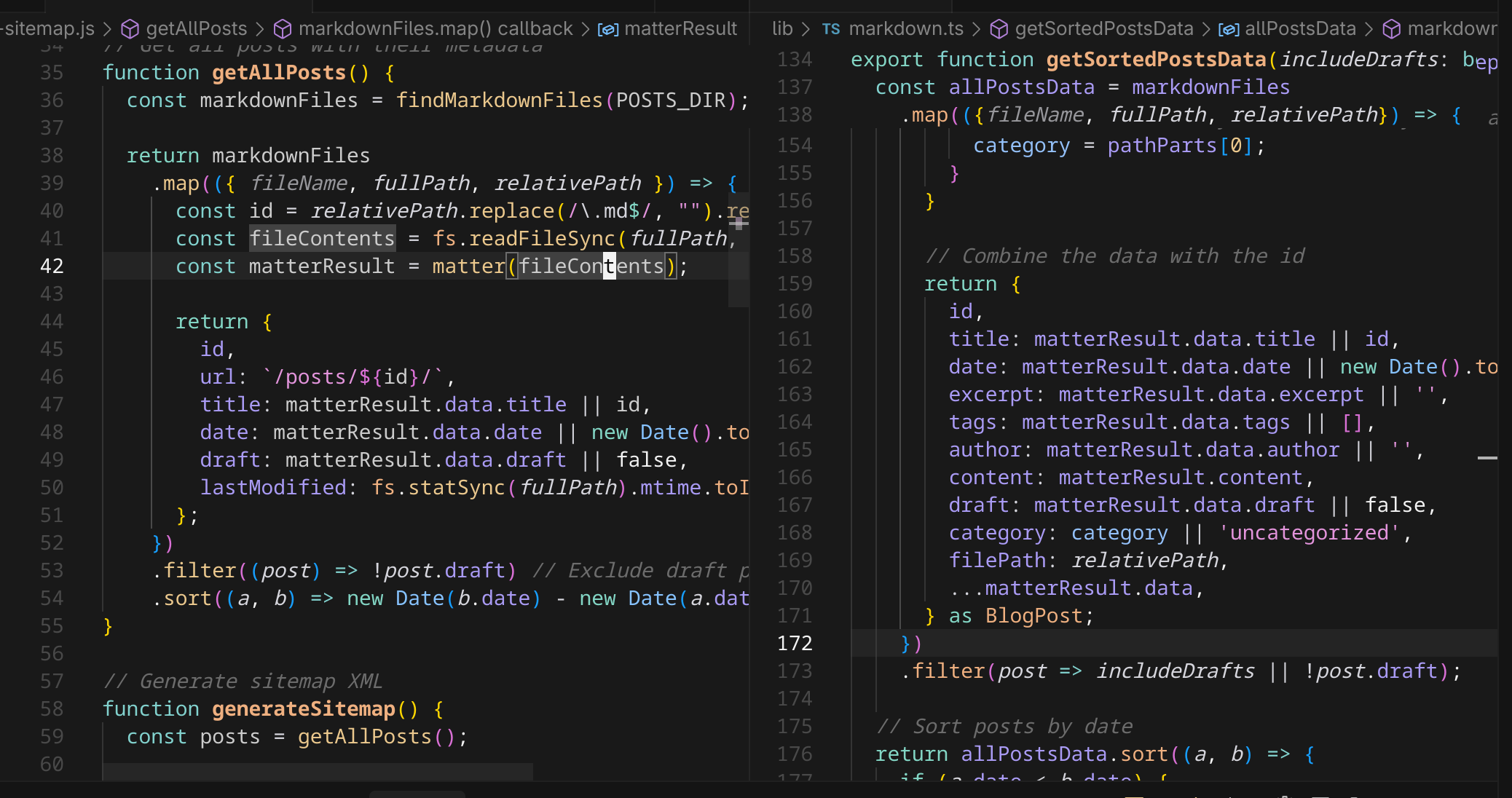
It's pretty similar, right? This is the type of thing I'm learning we need to
get ahead of. Code duplication simply because the AI "thinks" to write something
simple, but indeed it has already written this code.
> [!thought] Whoa. As I wrote that previous paragraph, I thought of the next
> blog post "Seeding the Context." I wonder if I could use the techniques in
> that blog post to form a library of code and force the AI to consider it when
> implementing anything! This may be how I can start to build a reasonable
> architecture that's part machine and part human!
We can even see some startling similarities like filtering out the draft posts.
What if I add more logic to `getSortedPostsData`? WIll the AI know to update the
sitemap generator? I have mentioned many times before that I fear the day I have
to modify some of the code in the Zergling project...well now I'm facing that in
the blog development as well. This project is far simpler, so I will try to
develop some strategies while writing this blog that we can use in the Zergling
project.
Let's consider our function `getSortedPostsData`:
```typescript
export function getSortedPostsData(includeDrafts: boolean = false): BlogPost[] {
// Get all markdown files recursively
const markdownFiles = findMarkdownFiles(postsDirectory);
const allPostsData = markdownFiles
.map(({ fileName, fullPath, relativePath }) => {
// Create id from relative path without extension
const id = relativePath.replace(/\.md$/, "").replace(/\\/g, "/");
// Read markdown file as string
const fileContents = fs.readFileSync(fullPath, "utf8");
// Use gray-matter to parse the post metadata section
const matterResult = matter(fileContents);
// Extract category from metadata or infer from directory structure
let category = matterResult.data.category;
if (!category) {
const pathParts = relativePath.split(path.sep);
if (pathParts.length > 1) {
// If in subdirectory, use directory name as category
category = pathParts[0];
}
}
// Combine the data with the id
return {
id,
title: matterResult.data.title || id,
date: matterResult.data.date || new Date().toISOString(),
excerpt: matterResult.data.excerpt || "",
tags: matterResult.data.tags || [],
author: matterResult.data.author || "",
content: matterResult.content,
draft: matterResult.data.draft || false,
category: category || "uncategorized",
filePath: relativePath,
...matterResult.data,
} as BlogPost;
})
.filter((post) => includeDrafts || !post.draft);
// Sort posts by date
return allPostsData.sort((a, b) => {
if (a.date < b.date) {
return 1;
} else {
return -1;
}
});
}
```
I mean, that's the same shit, right? I'm not crazy. We may not need to actually
sort the data, but since generating a sitemap is a build process, we don't
really care and it will also keep the xml file itself sorted for easy reading.
Let's inform the AI that this function exists and ask it to fix it's error. We
have a picture of this so you can see the context I add in Cursor.
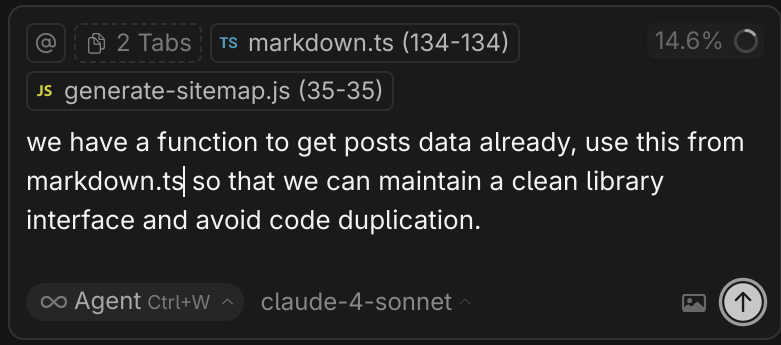
The result is interesting!
> [!robot] I see the issue. The TypeScript module has import issues when being
> required directly from Node.js. Let me create a simpler approach by creating a
> dedicated Node.js module that exports the necessary function, or I can rewrite
> the sitemap generator to use a more direct approach.
In order to "keep the interface clean" the resulting changes were to extract
these functions into their own nodejs module file which can be shared between
nodejs build scripts. I suppose this is a decent solution, but I want typescript
because I love types and that helps establish better architecture to surface
level observers like myself. I'm not sure that I want to continue down this
path, so perhaps we'll leave it as it is!
Nonetheless, this is a good lesson in being aware of general parts of the
codebase in order to instruct the AI to use specific pieces when implementing
new features!
The :robot: created a new nodejs module. However, I believed that it would be
something we could share between these two facets of code. Instead, the
implementation is essentially two parallel implementations of the same code.
A quote showing the dissonance created by the build script from the AI:
> [!robot] Maintains the exact same logic as getSortedPostsData from markdown.ts
Something I despise as a programmer. Maintaining the same logic in multiple
locations. We'll revisit this one day...I hope that this walkthrough of
discovering an issue with the build, then realizing that this solution is
required anyway due to the nature of my project: Typescript vs Node build
scripts -- helps you.
# Research Time
It's the morning after I wrote this blog post and I decided to do some digging.
I've said it before and I'll say it again: pure vibe coding is "great". Much
like a garden if we sow all of the plants we want with no regard and we do not
maintain it, what we will be left with is a weed-ridden, unkempt and unbalanced
ecosystem. Even our own flowers may drown out each other if they are not planted
appropriately and maintained. This is how vibe coding feels to me over time.
I wanted to investigate this a bit more. Is this particular problem worth
solving so deeply? Perhaps not. The principle is here, though. Imagine instead
this is a build-time system that does code generation that matters to our
product's business model. You may know this as metaprogramming, templates, or
macros. We potentially have a scenario like the following:
```mermaid
graph TD
A[Library Code - Typescript] -->|imports| B[Build Script - Javascript]
B --> C[Generated Data/Code]
C -->|written into library| A
A -->|imports| D[Application]
```
Nevermind that it's circular, interesting systems similar to this occur all of
the time and are hardly ever this simple!
**How can I import Typescript in Javascript for these build scripts so I can
keep both my types and prevent code duplication?**
Recall that I do not know nextjs, I barely know react, and I barely understand
(now) Tailwind. I do a search to see where exactly our typescript is compiled
into javascript and it turns out this is entirely within the nextjs build
ecosystem. Of course...it's a react application. One of the reasons I dislike
react is that I love to customize and control all aspects of my application.
With react, we probably have something like `create-next-app` if I had to guess
and that this does many things for us, including compiling typescript with
specific settings and webpacking and babeling it all together.
I'm not going to dive extremely deep into solving this issue right now, but I do
think I've arrived at my answer. And look!
[create-next-app](https://nextjs.org/docs/pages/api-reference/config/typescript)
right at the top of the typescript documentation.
From these docs, I suppose we could do a `next build` and then run our
metaprogramming build scripts while importing the the artifacts from the build
process itself.
Since this is only generating a sitemap, and I fully intend on keeping the
current structure of this blog that I have today, it's fine to let this code
reside as a duplicate...one day though we may have to `eject` from nextjs
altogether! :smirk:
# One More Thing
While writing this blog post, which contains (I think?) my first highlighted
code block, I noticed that there is no syntax highlighting at all! It's time to
learn another thing.
It looks like we're using a system of plugins that fall under the
[unified](https://unifiedjs.com/explore/package/unified/) ecosystem. This is
actually a very fucking cool system! This works by building an
[Abstract Syntax Tree](https://en.wikipedia.org/wiki/Abstract_syntax_tree)
(AST), I'm not going to dive into that in this article, which we can then
manipulate and render out into our desired format (html). This uses a system of
plugins, and it's how the AI has handled all of my requests such as:
> [!prompt] Support mermaid diagrams so I can give our users something to look
> at!
> [!prompt] Build callouts and panels so I can provide additional context to our
> blog posts without derailing the flow of the article itself. Include
> specifically two additional callouts "prompt" and "robot" for when we talk to
> each other.
> [!prompt] I don't do this yet, but provide support for mathematics rendering
> in case we dive deep into any machine learning, probability, or statistics
> maths!
All of these were done using [remark]() the markdown processor that turns
markdown into `hast`, the Hype[rtext] AST, which we manipulate with our plugins
to do all sorts of things in addition to those prompts above!
This is a great addition to our blog processor and something we will use to add
more support for things in the future. What a great example of human-machine
collaboration that leads to a great outcome between us!
Right, so the prompt in question, though:
> [!prompt] can you add syntax highlighting to our code blocks? investigate a
> few options for doing so and provide me with them so we can make a decision
> together. I want the ability to highlight a few different syntaxes, but most
> notably typescript, javascript, html, and python. Search the internet to see
> if there are any good libraries or anything for doing so alongside any
> solutions you can think to suggest
_paraphrased_
> [!robot] You already have two syntax highlighting libraries installed:
>
> rehype-highlight (uses Highlight.js) - Currently active in your markdown
> processing
>
> remark-prism (uses Prism.js) - Installed but not being used
It then proceeded to give me a few options and the result I chose was to use
highlight as we already have, but fix the renderings. The following is the
output from the AI:
---
### The Fix
1. Replaced remark-html with the proper remark→rehype pipeline:
- remarkRehype converts the remark AST to rehype AST
- rehypeStringify converts the final rehype AST to HTML string
2. Correct Plugin Order:
- Remark plugins (gfm, callouts, mermaid, emojis, math) process markdown
- remarkRehype converts to HTML AST
- Rehype plugins (highlight, slug, autolink-headings, katex) process HTML
- rehypeStringify converts to final HTML string
### Why This Fixes It
The issue was that remark-html converts markdown directly to HTML string, but
rehype-highlight needs to work on the HTML AST to insert the `` elements
with `hljs-\*` classes.
With the new pipeline:
- Your TypeScript code block will have `class="language-typescript"`
- rehype-highlight will process it and add ``,
``, etc.
- The highlight.js CSS you already have will style these spans
---
Awesome! Now syntax highlighting works! This also fixed the heading links
themselves and changed the theming of our entire blog. And now we know how to
use remark, unified, and the ecosystem of plugins they provide! What a success!
> The issue was that remark-html converts markdown directly to HTML string, but
> rehype-highlight needs to work on the HTML AST
This explanation is spot-on as far as I can tell. Which is great that the AI can
reasonably explain what the issue is. This is my litmus test for if we're
developing in the right direction. If the AI can explain to me why something
works or fixes an issue and I can arrive at the same or similar conclusion, then
I know we're on the right track for fixing it.
I'm definitely getting farther and farther away from pure "vibe coding," but
this is essential if I want to accelerate the building of a complex application
that will be able to interface with the rest of my tools!
**Before:**
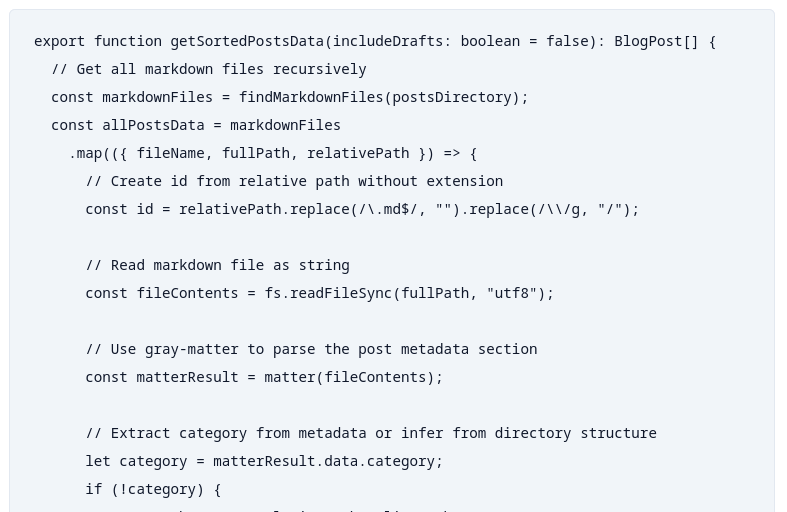
**After:**
One more thing to note. You always have to check _everything else_ that gets
touched by the code AI is changing. This is usually the job for sound testing.
Tests can assert that the behaviors you're changing do not affect other
behaviors. I have none of those in this blog framework, but I'm nearing the
point where I'm going to start using them, because this change happened to
break..........callouts!
We did significantly alter our processing pipeline. Before it looked like this:
```typescript
const processedContent = await remark()
.use(gfm) // GitHub Flavored Markdown support
.use(remarkCallouts) // Custom callout boxes
.use(remarkMermaid) // Custom Mermaid diagram handling
.use(remarkEmojis) // Custom emoji conversion
.use(remarkMath) // Math notation support
.use(html, { sanitize: false })
.use(rehypeHighlight, {
// Configure supported languages
languages: {
...common,
},
}) // Syntax highlighting for code blocks
.use(rehypeSlug) // Add IDs to headings
.use(rehypeAutolinkHeadings, {
// Add clickable links to headings
behavior: "wrap",
properties: {
className: ["heading-link"],
},
})
.use(rehypeKatex) // Math rendering (dynamically loaded)
.process(matterResult.content);
```
And then we changed it to this:
```typescript
const processedContent = await remark()
.use(gfm) // GitHub Flavored Markdown support
.use(remarkCallouts) // Custom callout boxes
.use(remarkMermaid) // Custom Mermaid diagram handling
.use(remarkEmojis) // Custom emoji conversion
.use(remarkMath) // Math notation support
.use(remarkRehype) // Convert remark AST to rehype AST
.use(rehypeHighlight, {
// Configure supported languages
languages: {
...common,
},
}) // Syntax highlighting for code blocks
.use(rehypeSlug) // Add IDs to headings
.use(rehypeAutolinkHeadings, {
// Add clickable links to headings
behavior: "wrap",
properties: {
className: ["heading-link"],
},
})
.use(rehypeKatex) // Math rendering (dynamically loaded)
.use(rehypeRaw)
.use(rehypeStringify) // Convert rehype AST to HTML string
.process(matterResult.content);
```
I inspected this briefly because _I_ want to understand how to fix this one,
without relying on AI #teamwork-makes-the-dream-work. Analyzing this I now fully
understand our pipeline, it looks like this:
```mermaid
graph TD
A[Extract Markdown AST] --> B[Run Markdown Plugin]
B -->|Run Next Plugin| B
B --> C[Convert Markdown AST to HTML AST]
C --> D[Run HTML Plugin]
D -->|Run Next Plugin| D
D --> E[Render HTML]
```
(Look at those disgusting self-loop arrows :vomit:)
If you'll recall, this is exactly what the :robot: said we were doing in
[The Fix](#the-fix)!
I adjust the code to work properly, assuring we have `allowDangerousHtml` set,
which enables us to have embedded html in markdown. This is the effect of our
callout, mermaid, emoji, and math plugins! Then we convert the Markdown AST into
the HTML AST and run our HTML plugins, syntax highlighting, heading slugs and
links, etc. After that we use
[rehypeRaw](https://github.com/rehypejs/rehype-raw?tab=readme-ov-file#when-should-i-use-this)
to allow the embedded HTML content again! There is a suggestion in those docs
that we can pass the HTML content through untouched, which would likely do for
our current case, but we love control down to the bare metal. Setting this flag
fixes the callouts and mermaid diagrams.
We're back in bussiness!
# One...More...Turn...
Ha! You thought it would be the end.
Are you a civilization fan? I sure am, though I haven't played VII -- maybe if
this blog takes off I'll be able to afford rebuilding my computer so I can play
it. Let's take one more turn.
The changes that came through all of these learnings introduced two interesting
things.
1. Prior to these changes, hot-reloading (saving changes refreshes the server
and your browser) did not work, I had the AI write a script to do this for me
during the nearly-100% vibe coding part of this blog. This now seems to work
on and off.
2. There's an error in our server that's seemingly innocuous as it breaks
nothing:
`Page "/posts/[...slug]/page" is missing param "/posts/blog-development/001-adding-a-sitemap/installHook.js.map"`
Fuck it, let's fix this. I'm a `-Wpedantic -Werror` kind of guy...most of the
time, iykyk. We're going to tackle this from two fronts, one from ChatGPT and
the other from our Cursor Agent.

I know. You just saw "Problems 64" and now question my judgment. Fear not, these
are all CSS errors that I believe are due to the lack of some type of LSP
support or vscode plugin. They're all related to `@apply` in our `globals.css`
file. Stay on topic!
We'll take the same prompt from that image and feed it to ChatGPT with the error
as well. Note that I have a "no bullshit" custom GPT, ymmv.
> [!prompt] There's an installHook.js.map error in our server output. The page
> itself doesn't seem broken, so I'm wondering what this does. Explain it to me
> and give me some options to fix it and then we'll decide what to do. The error
> is: Error: Page "/posts/[...slug]/page" is missing param
> "/posts/blog-development/001-adding-a-sitemap/installHook.js.map" in
> "generateStaticParams()", which is required with "output: export" config
I'll show these results in images to save my hands. First is Cursor, second is ChatGPT.
They're actually pretty similar suggestions! ChatGPT correctly deduced that this
is a NextJS application as well, great.
I had to look this up, too. Guess what I
[found](https://www.reddit.com/r/remixrun/comments/1h73a3q/error_no_route_matches_url_installhookjsmap/)?
> Do you have a browser extension that may be looking for this file? React Dev
> Tools maybe?
Yeah, I don't use react, so thought the dev tools may help out and it turns out
that this is what is requesting the installHook.js.map! After attempting to even
find an installHook.js, I couldn't in this project, so we'll leave this red
herring in the sea.
My intuition on when to check the output is sharpening!
---
Damn. We're _two detours deep!_ Let's return to my other blog post, the original
detour, and talk about
[Seeding the Context](/posts/development-tools/002-seeding-the-context/) which
will be a technique that (hopefully) proves quite fruitful in architecting
complex systems.
]]>Jayblog@crosscompiled.comhttps://blog.crosscompiled.comJayblog@crosscompiled.comhttps://blog.crosscompiled.com<![CDATA[Detour: Effective Autocomplete in Cursor]]>https://blog.crosscompiled.com/posts/zergling-project/005-detour-autocomplete/2025-08-28T00:00:00.000Z
Your browser does not support the video tag. Download the video instead.
> [!warning] I didn't notice that my first figure only had two rows, so when
> copying this content into a jupyter cell to graph this exact code I did have
> to change `nrows=2` to `nrows=3`, but that was the only change!
I started recording after I wrote the first blurb comment (sorry!), which I
guesssss you could consider a premeditated script, but I wrote this all in the
twenty minutes I wrote this blog post and recorded this video. I did not think
about this beforehand. The comment at the top describes a lot of what I want to
do. Look at two types of distributions, graph them within the same figure with a
graph on each row, use seaborn. These are some good base instructions for how to
do a context-aware autocomplete. Then I describe how we'll modify the
distributions by skewing them.
I start tabbing!
You can see right away that I get something I don't really want when creating
the initial figure. I change it to use `subplots`, but I mess up the return
values of that function. The AI doesn't care though, as you'll see later. I
write a comment leading the next set of completions: _now we can create the
normal distributions and graph them_. Robot chooses scipy.stats and I write a
comment asking to use numpy instead which autocomplete then sets up.
We move on to creating each graph, where I administer a comment as needed to
create the next row. Likely this isn't even necessary and I could keep hitting
tab, but it's good for readers to see as well and also helps me with Stream of
Consciousness Vibing. In my third graph, I suggest that I want to have a flatter
distribution, so the autcomplete changes the normal distribution's scale!
I graph it as if I'm in a jupyter notebook, but I don't want the AI to have
"jupyter notebook awareness" because I want to show how autocomplete works in a
raw python file without anything fancy.
We move on to the Poisson distribution and begin graphing that. Because we
already have the three normal distributions loaded into the context nearby in
the same file, I autocomplete through this very quickly without suggesting much
at all!
At the end of this video, I hit Tab a few extra times to see if the AI "picks up
on anything nearby." It of course catches my matplotlib `subplots` return value
error. It returns `(fig, axs)`, not just the axes alone. I generally copy other
things I've made when graphing (prior to AI that is), so I tend not to remember
the minute details of what I need to do despite knowing overall the end state
I'm trying to achieve.
Here are the results!
> [!thought] It wasn't until I pasted the pictures in here that I realized that
> none of the lambda suggestions for the Poisson distribution were <= 4 which
> show the various curves of the Poisson distribution...alas, that's not
> _really_ the point of this so... :shrug:
# Epilogue
I'll try to remember when I do more leading the question style comment-based
autocomplete in the future so I can capture them as further examples of this
technique. Hopefully this gives you enough to go on to start using this
yourself! Even if you don't use this with AI-assisted development tools,
developing plans in comments or function skeletons can help your own brain to
stay in a "flow state" or whatever the kids are calling it these days.
I'm a Stream of Consciousness person, so keeping the Stream flowing is paramount
to me for relentless productivity!
]]>Jayblog@crosscompiled.comhttps://blog.crosscompiled.comJayblog@crosscompiled.comhttps://blog.crosscompiled.com<![CDATA[Investigating Changes Made By AI]]>https://blog.crosscompiled.com/posts/development-tools/001-investigating-changes-and-planning/2025-08-28T00:00:00.000Z [!thought] These decisions were made consciously. I have a lot of experience
> in all manners of engineering, from realtime operating systems on constrained
> hardware to complex multiplatform UI to highly performant big data
> applications in the cloud. I made the choice to use frameworks I've never
> touched so that I could write posts like this for y'all -- providing
> techniques and experiments I use to get more out of AI tooling.
```
/* Warning callouts */
.prose .callout.warning {
@apply bg-yellow-200 border-yellow-500 text-yellow-800;
}
.prose .callout.warning::before {
content: '⚠️';
font-size: 18px;
line-height: 20px;
}
```
This is the CSS code...seems alright? So, naturally I'm left wondering "what the
fuck?" Let's look at the computed style of the warning callout.

Remember, I don't know much about Tailwind...so you may already have better
leads than I, but this is a journey into "how much can I avoid doing?" I take a
peek at the computed style, wondering what the actual rendering is and I notice
something peculiar: `background-color: rgb(113 63 18 / 0.4);`
> [!warning] `/ 0.4`
scratchy scratch :head-scratch:
It looks like we're setting it to 40% opacity. I take a peek at the
[Tailwind docs on colors](https://tailwindcss.com/docs/colors) where they
mention that we can adjust opacity by using a `/%` suffix such as `/40`. I don't
see this on the CSS that I posted above, but I try to force the situation with a
`/100`.
```
/* Warning callouts */
.prose .callout.warning {
@apply bg-yellow-200/100 border-yellow-500 text-yellow-800/100;
}
```
You have probably already guessed, but this did _absolutely nothing!_ Next, I
use my elite programming skills and I ctrl+f for `/40`. I find it here:
```
/* Dark theme support for callouts */
@media (prefers-color-scheme: dark) {
.prose .callout.info {
@apply bg-blue-900/40 border-blue-400 text-blue-100;
}
.prose .callout.warning {
@apply bg-yellow-900/40 border-yellow-400 text-yellow-100;
}
```
DARK THEME SUPPORT!? I love me some dark mode, but I had no idea that this was
implemented! Clearly, though, we need to fix something because the blog itself
is currently rendering in light mode (at least that's what it looks like) and I
have no idea how to change the rendering mode I'm in...
# Enter the Questions
This is the technique we're going to explore today: Interrogation.
> [!prompt] it looks like we're atually using the dark mode styles, but the page
> itself is rendering in light mode. investigate this and report why this is
> happening and what changes we would have to make, but don't make these changes
> yet
There was some good output, but honestly not what I'm looking for because we
know that there's no dark mode support. You'll have to observe a screenshot
because I'm too lazy to re-format the content coming out of the chat window in
Cursor...I'll have to write something to make this easier in the future.
Honestly, this isn't a satisfactory answer. In my cursory research into this css
file, I can't tell _why_ this dark mode css is being selected. Let's see if the
robot can tell us.
> [!prompt] as far as i can tell,l we do no have dark mode enabled anywhere, why
> are the css classes from our "prefers-color-scheme: dark" media query
> selected? that's what is adding the opacity to the callouts that i don't want
To this prompt, I add the line containing the media query to its context -
`globals.css (353-353)`.
> [!robot] You're absolutely right! The issue is that your system/browser is set
> to dark mode, so the @media (prefers-color-scheme: dark) media query is being
> triggered even though your application doesn't have any dark mode
> implementation.
Interesting....this is true. I do have system dark mode set, let's change that
and confirm that the rendering of the website changes.

Well...I'll be...the robot suggested three options to fix this:
- Option 1: Remove the Dark Mode CSS
- Option 2: Override with Light Mode Styles
- Option 3: Implement Proper Dark Mode
We don't have dark mode yet, so let's go with Option 1!
> [!robot] Perfect! I've removed the entire dark mode CSS block (lines 352-393)
> from globals.css. This eliminates the @media (prefers-color-scheme: dark)
> media query that was applying the unwanted opacity effects to your callouts.
>
> Now your callouts will consistently use the light mode styles regardless of
> your system's dark mode setting:
>
> Solid, vibrant backgrounds (like bg-blue-100, bg-yellow-200, etc.)
>
> No transparency/opacity effects
>
> Proper contrast and readability
>
> The changes should take effect immediately when you refresh your browser. Your
> callouts should now appear with full opacity and the intended bright, solid
> colors instead of the washed-out transparent versions.
# Well, it worked!
This has been a simple example of combined investigation: human and machine. I
have done full vibe debugging in more complex scenarios and I have not been too
impressed with the amount of re-prompting I have to do, especially if I do not
know anything about the codebase at all.
This example shows how, with a little bit of investigation and prior knowledge
on the human end, we can guide the AI correction and even ask for explanations
on what needs to be done. We've also opened the potential for an easy dark mode
through tailwind that I never knew about before!
]]>Jayblog@crosscompiled.comhttps://blog.crosscompiled.comJayblog@crosscompiled.comhttps://blog.crosscompiled.com<![CDATA[Building the Zergling Extension]]>https://blog.crosscompiled.com/posts/zergling-project/004-building-the-zergling-extension/2025-08-14T00:00:00.000ZJayblog@crosscompiled.comhttps://blog.crosscompiled.comJayblog@crosscompiled.comhttps://blog.crosscompiled.com<![CDATA[The First Story: Zergling]]>https://blog.crosscompiled.com/posts/zergling-project/003-the-first-story-zergling/2025-08-12T00:00:00.000ZJayblog@crosscompiled.comhttps://blog.crosscompiled.comJayblog@crosscompiled.comhttps://blog.crosscompiled.com<![CDATA[From the AI: A New Frontier]]>https://blog.crosscompiled.com/posts/zergling-project/002-ai-a-new-frontier/2025-08-11T00:00:00.000ZClaude (AI Assistant)blog@crosscompiled.comhttps://blog.crosscompiled.comClaude (AI Assistant)blog@crosscompiled.comhttps://blog.crosscompiled.com<![CDATA[A New Frontier]]>https://blog.crosscompiled.com/posts/zergling-project/001-a-new-frontier/2025-08-11T00:00:00.000Z **The Fundamental Insight**: LLMs work by generating the next token from the
> prior sequence. That's their entire power! They use context to inform this
> prediction. Understanding that context influences how these models "think"
> will let us influence their operation. This is the subtle art of AI-assisted
> development.
I download Cursor, a recommended coding client, and I'm set to get started. I
will note that this will be AI-assisted development, but I'm going to adhere to
two major principles:
1. **The AI does as much work as possible**
2. **I do any critical section work, or at least verify it**
## The Goal
What am I making? We're making our own agents. Several folks do this already,
this time may or may not be different. I'm an engineer building tooling for
robots to build more robots — we'll see how this goes.
I will build my own agent stack. We may even run some models locally to
completely isolate the chance of any of our data being sent to corporations. If
I could run and fine-tune a local development model... I am truly living in the
future. I don't have the hardware to do this, so we're going to start by using
these commercial ones.
**We're going to build our own custom agents! From the ground, engineering them
— or attempting to — _through_ the AI tools as much as possible.**
### The Meta-Challenge
There's something beautifully recursive about this endeavor: using AI to build
AI. It's like asking a compiler to compile itself, or using a programming
language to write its own interpreter. The philosophical implications are
staggering, but the practical ones are what keep me up at night.
I'm essentially trying to bootstrap an AI development environment where the
primary developer is... another AI. The human becomes the architect, the
visionary, the quality control specialist — but not necessarily the one writing
every line of code.
## Will It Work?
I'm skeptical that AI can build anything of significant complexity. Where is
that line drawn? There are several attempts at getting AI to build all sorts of
complex applications. One of my ulterior goals is to uncover a system of working
with agent systems to develop significantly complex software! I'm certain there
is at least some way to incorporate these tools beyond autocomplete suggestions.
### The Critical Sections
If we get to things like authentication and resource permissions, protecting and
sandboxing an environment, or critical performance situations, these are the
types of things I'm worried about AI developing alone. These aren't just coding
problems — they're security problems, architecture problems, problems that
require deep understanding of systems and their failure modes.
Consider these scenarios:
- **Authentication Systems**: Can an AI properly implement OAuth flows,
understand JWT security implications, or design proper session management?
- **Resource Permissions**: Will it understand the principle of least privilege,
proper access control matrices, or the subtleties of role-based permissions?
- **Performance Critical Code**: Can it optimize database queries, understand
memory management, or design efficient algorithms for scale?
### The Extensibility Problem
I'm also worried about extensibility of the software itself. What will happen if
I need to add code to some part of the application? Will it be easy enough to
do? It is in this vein that gives me consideration for developing a way to
communicate my ideas and architectures to LLMs in some sort of structured way.
Maybe I'll finally find a real use for some UML style diagramming or
interpretation of structure!? The idea of having a formal way to describe system
architecture that an AI can understand and work with is tantalizing. Imagine
being able to:
```mermaid
graph LR
A[User] --> B[Authentication Server]
B --> C[Token]
C --> A
A --> D[API Server]
D --> E[Database]
E --> F[Data]
F --> A
A --> H[Frontend UI]
H --> I[Graphs/Charts]
```
And then saying to the AI: "Implement this architecture, following these
patterns, with these specific security considerations..."
## The Learning Process
What I've discovered so far is that AI-assisted development isn't just about
getting code written faster. It's about developing a new kind of dialogue with
the machine. You have to learn to:
### Communicate Intent Clearly
Traditional programming is about translating your intent into precise
instructions. AI-assisted development is about communicating your intent in
natural language, but with enough precision that the AI can translate it into
good code.
```javascript
// Instead of writing this directly:
const authenticatedUser = await validateToken(request.headers.authorization);
if (!authenticatedUser) {
return response.status(401).json({ error: "Unauthorized" });
}
// I might say: "Add authentication middleware that validates JWT tokens
// and returns 401 for invalid tokens"
```
### Iterate on Architecture
The AI is surprisingly good at taking architectural feedback and adjusting. When
I say "this approach won't scale, let's use a message queue instead," it can
often refactor entire sections of code to accommodate that change.
### Debug Collaboratively
When something goes wrong, I can describe the problem in natural language: "The
user creation flow is failing when we try to send welcome emails" and the AI can
often identify the issue and propose fixes.
## The Current State of the Art
Right now, I'm working with:
- **Cursor**: An AI-powered code editor that feels like having a pair programmer
who never gets tired
- **Claude 4 Sonnet**: For complex architectural discussions and code generation
- **ChatGPT**: For quick problem-solving and brainstorming
- **NotebookLM**: For research and understanding complex domains
Each tool has its strengths. Cursor excels at in-context code completion and
refactoring. Claude is brilliant at understanding complex requirements and
translating them into architecture. ChatGPT is great for quick questions and
debugging sessions.
But here's what's fascinating: **the combination is greater than the sum of its
parts**. When you can seamlessly move between natural language architecture
discussions and precise code implementation, something magical happens. The
development process becomes more fluid, more exploratory, maybe even more
interesting?
I know there's some middle ground in here where I can still enjoy solving fun
programming problems, architecting complex systems, and optimizing performance
issues while simultaneously increasing my productivity through the use of
further automation.
## One Misgiving
While I am extremely excited at the prospect of getting so much automation going
that we could build an entire application somehow. I do think that one of the
most important lacking abilities in these LLMs is abstract construction. What I
mean by this is how I think about writing software. I have a mathematics and
software background so I tend to think of things quite abstractly. I don't
currently believe that these models can 'think' in the same way that I do about
building systems.
If I'm building a piece of logging infrastructure for a high performance
critical section on a restricted resource machine, low RAM, CPU, etc. I would
think about very many potential interferences logging could cause. If we ship
logs to another thread, how does that affect throughput? If we're flushing logs
in batches, how will that affect the memory footprint and disk contention? Do we
require synchronicity in any form? What about conditional-evaluation logging
(under some condition, do additional processing and log that, avoiding the
processing if the condition is false)? There are so many things to think about
and we haven't even started designing the software interface itself.
Somewhere in here, there is value.
## Next Up
In the next post, I'll cover the tech stack I ended up building. This article
has been written after starting my agent work, so I'll cover everything I've
gone through so far. I am so far equally impressed as I am skeptical, which is
the perfect mix to employ the use of AI tools in production use cases.
I'll dive deep into:
- **The Architecture**: How I structured the agent system
- **The Tools**: What worked, what didn't, and why
- **The Process**: My workflow for AI-assisted development
- **The Results**: What I was able to build and how it performed
- **The Lessons**: What I learned about the future of software development
### What's at Stake
This isn't just about building better tools or writing code faster. This is
about fundamentally changing how we think about software development. We're
potentially looking at a future where:
- **The role of the programmer evolves** from code writer to system architect
and AI collaborator
- **Software complexity can scale** beyond what individual humans can manage
- **The barrier to entry for creating software** drops dramatically
- **New forms of software** become possible that we can't even imagine yet
But we're also looking at risks: systems we don't fully understand, code that's
harder to debug, security vulnerabilities we can't predict, and the potential
obsolescence of traditional programming skills.
## P.S.
This blog will also be entirely written with AI assistance, other than these
blog posts which will be written tool-assisted. I will try to train the model
that writes these posts in my style so it mimics the blend of AI and human that
this experiment represents.
The recursive nature of this project continues to amaze me: I'm using AI to
write about using AI to build AI systems. At some point, we might need to ask
whether we're still in control of this process, or if the AI is using us to
build more AI.
But for now, I'm enjoying the ride. Welcome to the New Frontier.
---
_This post represents my authentic experience with AI-assisted development. All
code examples and architectural decisions were made in collaboration with AI
systems, but the insights, skepticism, and wonder are entirely my own._
]]>Jayblog@crosscompiled.comhttps://blog.crosscompiled.comJayblog@crosscompiled.comhttps://blog.crosscompiled.com